A training presentation template gives trainers a practical framework for organizing lessons, activities, examples, and assessments into a clear visual experience. Instead of designing every slide from scratch, trainers can focus more attention on the learning objectives, teaching approach, and needs of their audience.
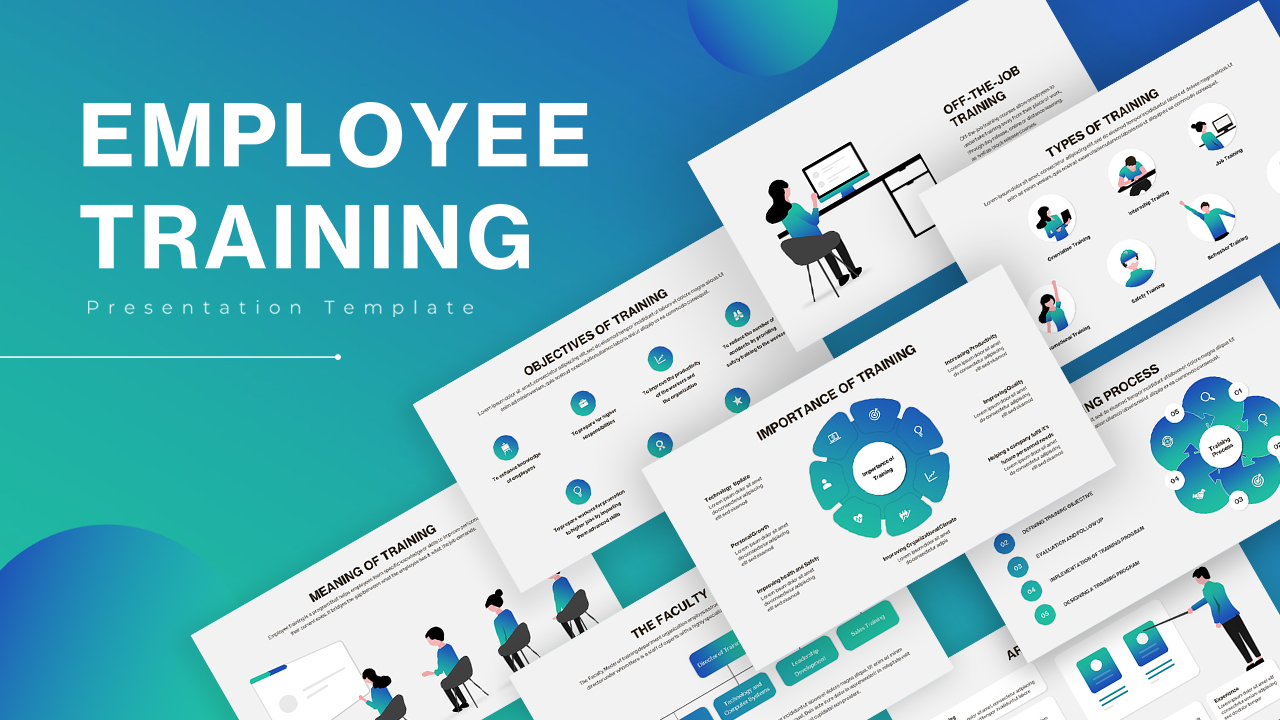
A strong training deck should do more than look professional. It should guide participants through the subject, make complex information easier to understand, encourage interaction, and provide clear takeaways they can apply after the session. The right structure can make a major difference whether the presentation is used for employee onboarding, technical instruction, leadership development, compliance, sales, or customer service.
This guide explains how to choose and customize a training presentation, what sections to include, how to design effective slides, and how to adapt the same framework for different learning situations. It also covers practical examples, common mistakes, presentation platforms, and questions that trainers frequently encounter.
What Is a Training Presentation Template?
A structured framework for learning content
A training presentation template is a pre-designed slide framework created specifically for educational or instructional sessions. It can include layouts for objectives, agendas, explanations, demonstrations, exercises, case studies, quizzes, summaries, and action plans.

The main advantage is consistency. When headings, typography, spacing, icons, diagrams, and visual elements follow a common system, participants can navigate the presentation more easily. The trainer can also concentrate on improving the content instead of repeatedly adjusting formatting.
A useful template should remain flexible. Training subjects vary considerably, so a good framework needs layouts for text, processes, comparisons, timelines, scenarios, images, and interactive exercises.
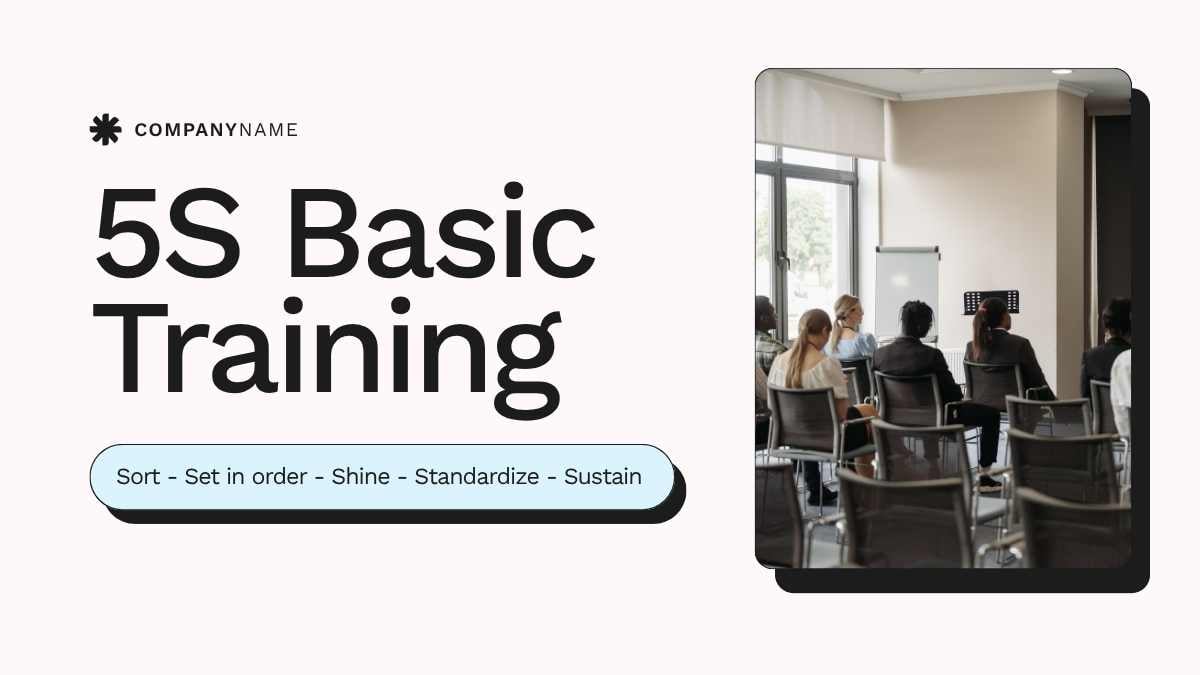
Why Structure Matters in Training Presentations
Build every slide around a learning outcome
One common mistake is putting everything the trainer knows into the presentation. This often creates crowded slides that force participants to read large amounts of information while trying to listen at the same time.

A better approach begins with the desired outcome. Ask what participants should know, understand, or be able to do after the session. That answer should influence the content, examples, activities, and assessment.
For example, instead of setting a vague goal such as “learn the CRM system,” define a practical outcome: participants should be able to enter customer information, update prospect status, and produce a basic report.
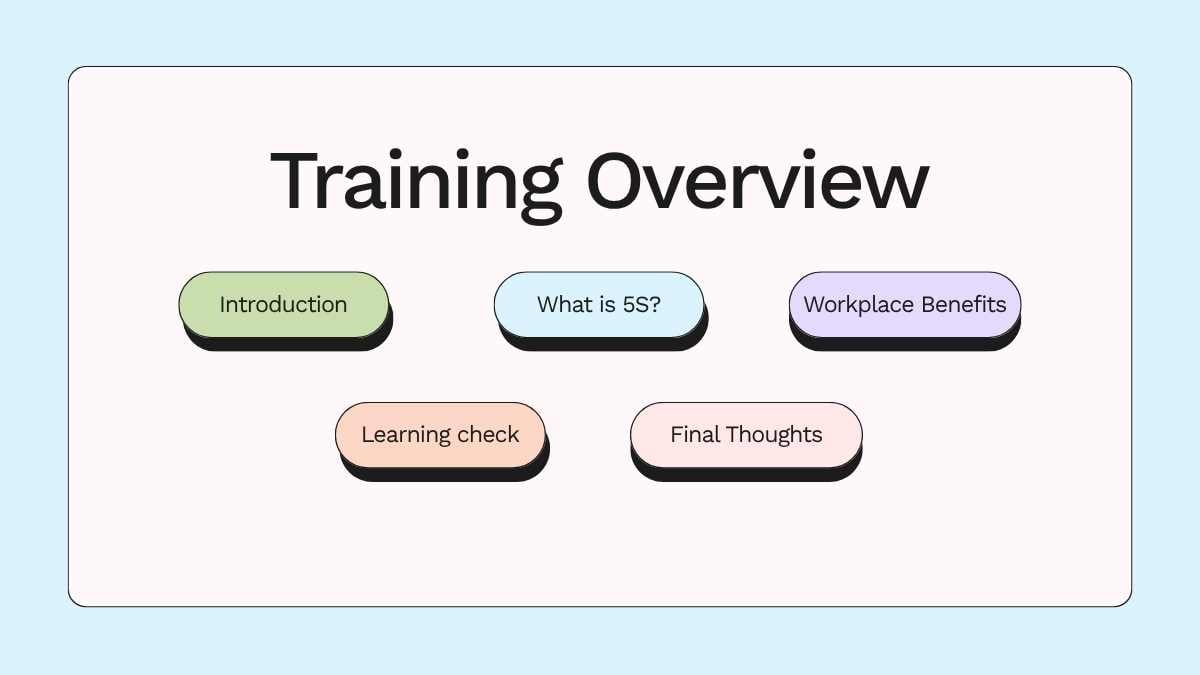
With this approach, every slide has a purpose. Concept slides explain knowledge, demonstration slides show application, activity slides create practice opportunities, and assessment slides check understanding.
Ideal Structure for a Training Presentation Template
A practical sequence from opening to follow-up
The ideal sequence depends on the subject, audience, and duration of the session. However, the following structure provides a reliable starting point for many training programs.

- Opening slide: Introduce the training topic, trainer, organization, and session information.
- Agenda: Show participants what they will cover and when activities will take place.
- Learning objectives: Explain the capabilities participants should develop.
- Knowledge check: Identify what participants already know about the subject.
- Core material: Present concepts, procedures, and important information in manageable sections.
- Demonstration: Show how the concept works in a realistic situation.
- Practice activity: Give participants an opportunity to apply what they have learned.
- Assessment: Check comprehension through questions, exercises, quizzes, or scenarios.
- Summary: Reinforce the most important ideas.
- Action plan: Explain what participants should do next.
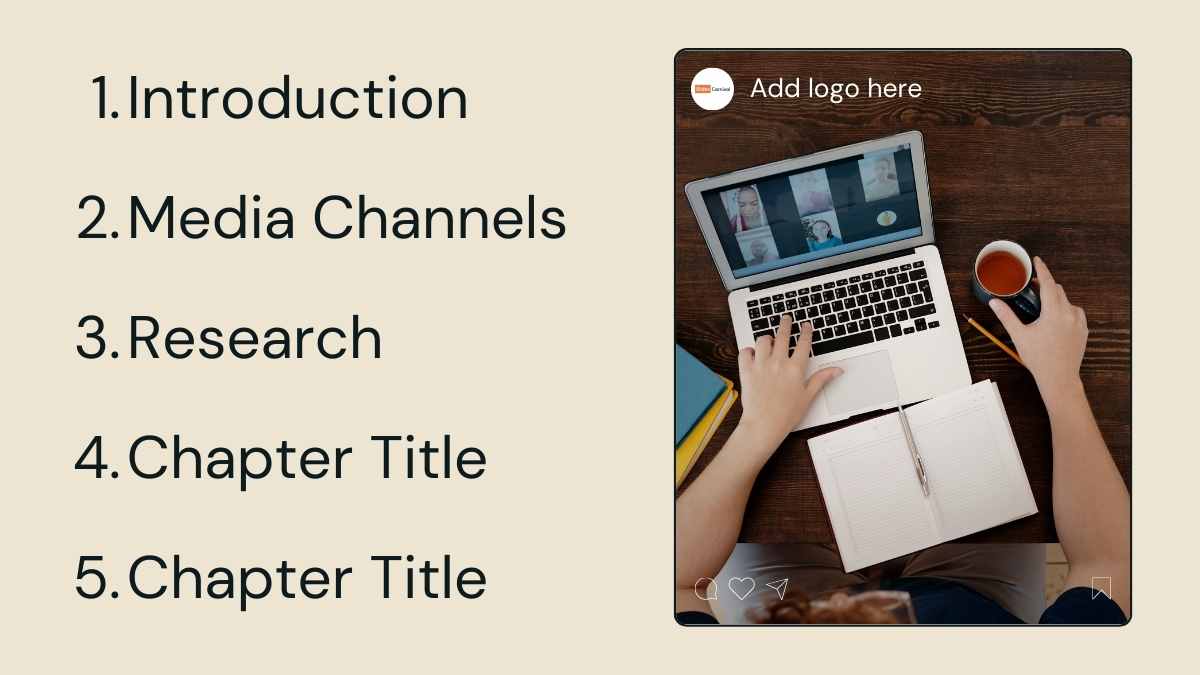
This structure should not be treated as a rigid formula. A technical workshop may require several demonstrations, while a leadership session may need more discussion and role-playing.
Training Presentation Template PowerPoint for Different Training Needs
When PowerPoint works well
PowerPoint remains a practical choice for organizations that already use Microsoft Office. Trainers can customize master layouts, insert organizational branding, create diagrams, add charts, and prepare presenter notes.
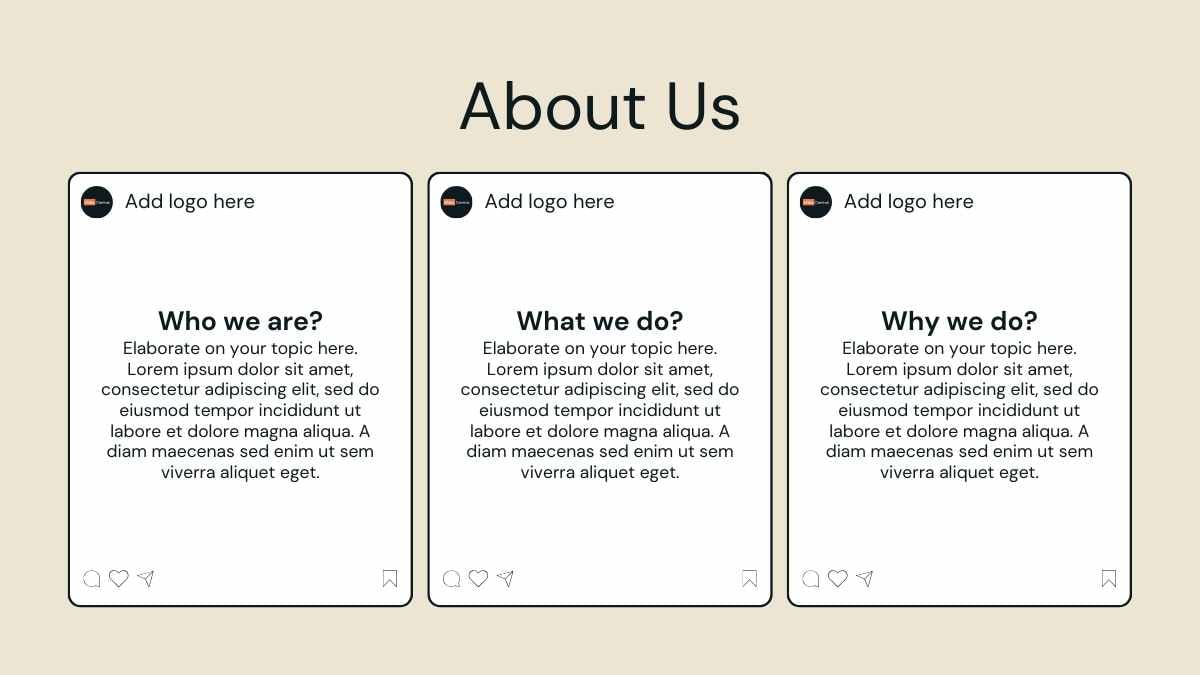
A training presentation template powerpoint should therefore provide more than an attractive cover slide. It should include layouts that can handle instructional content, diagrams, exercises, scenarios, and summaries.
Compatibility also matters. If multiple trainers will use the same presentation, choose fonts and visual elements that are easy to maintain across different computers. A well-organized master layout can significantly reduce inconsistencies between training sessions.
Training Presentation Template PPT: Keep It Flexible
Use modular slide layouts
The phrase training presentation template ppt commonly refers to a PowerPoint-based framework for instructional presentations. Its usefulness depends heavily on how easily the layouts can be adapted to different training modules.
A modular presentation makes it easy to add or remove sections without damaging the overall visual structure. A 30-minute briefing might require only an introduction, three learning modules, an activity, and a final recap. A full-day workshop may require several modules, breaks, group exercises, and multiple assessments.
Avoid shrinking text simply to fit more information onto a slide. If a concept needs more room, divide it across several slides. Participants usually benefit more from several focused slides than one overloaded page.

Training Presentation Template Google Slides for Collaboration
A convenient option for shared development
A training presentation template google slides can be especially useful when HR teams, trainers, managers, and subject matter experts need to collaborate on the same presentation.

Cloud-based collaboration makes it easier to maintain one working version of a training deck. Team members can review content, suggest changes, and update modules without creating a confusing collection of separate files.
However, collaboration works best when the team establishes visual rules. Define the preferred fonts, heading hierarchy, color palette, icon style, image treatment, and naming conventions before several people begin editing the deck.

Training Presentation Template for Employees
Useful for onboarding and professional development
A training presentation template for employees should connect learning material with real workplace situations. Employees are more likely to engage when examples reflect the systems, decisions, tasks, and challenges they actually encounter.
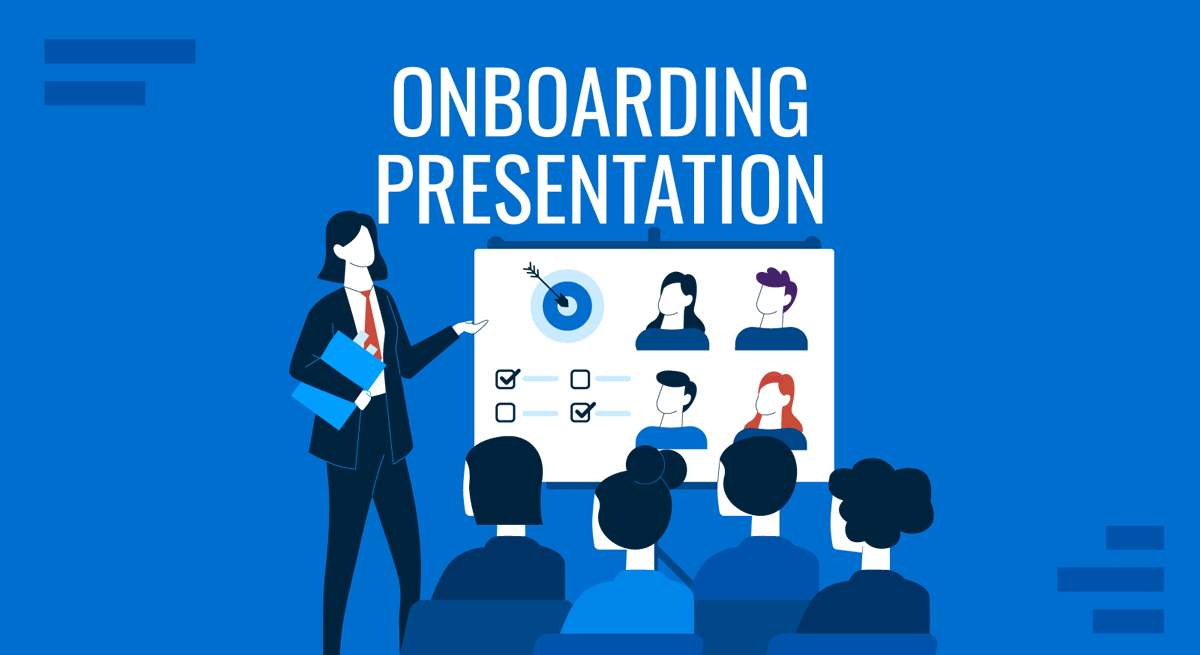
For onboarding, a logical structure might cover the organization, workplace culture, role expectations, internal systems, communication practices, essential policies, and practical exercises.
For skills development, organize the material around observable abilities. A customer service program, for example, might cover communication principles, sample conversations, challenging customer scenarios, response techniques, and role-playing exercises.

Employee training should also explain what happens after the session. Participants need to understand how they can apply the new skill, where they can find additional guidance, and how their progress will be evaluated.
Examples of Training PowerPoint Presentations
Onboarding presentation example
One useful example is an employee onboarding deck organized around welcome information, objectives, organizational culture, role expectations, systems, workplace procedures, practice activities, comprehension checks, and next steps.

The presentation should avoid turning company policies into dense blocks of text. Instead, important rules can be grouped into short explanations supported by examples and scenarios that show how employees should respond.
Sales training example
A sales training presentation can follow the customer journey. It might introduce prospecting, discovery questions, needs analysis, presentation techniques, objection handling, negotiation, and follow-up.
Role-playing can make this type of training more practical. Participants can work in pairs, with one person acting as the salesperson and the other representing a customer with a specific challenge.
Customer service training example
A customer service deck can present a difficult customer situation, show several possible responses, explain why one approach is more appropriate, and then ask participants to create their own response.
Safety training example
Safety training benefits from diagrams, process illustrations, warning indicators, and scenario-based questions. Important procedures should be presented in a direct sequence so participants can understand what action should occur first, next, and last.
Cybersecurity training example
A cybersecurity session can use visual examples of suspicious messages, authentication practices, device security, and safe remote-working behavior. Short scenarios can help participants recognize risks instead of simply memorizing definitions.
How to Design an Effective Training Presentation
Prioritize clarity over decoration
Professional design does not require excessive decoration. The strongest training slides use visual elements to explain relationships, sequences, comparisons, or examples.
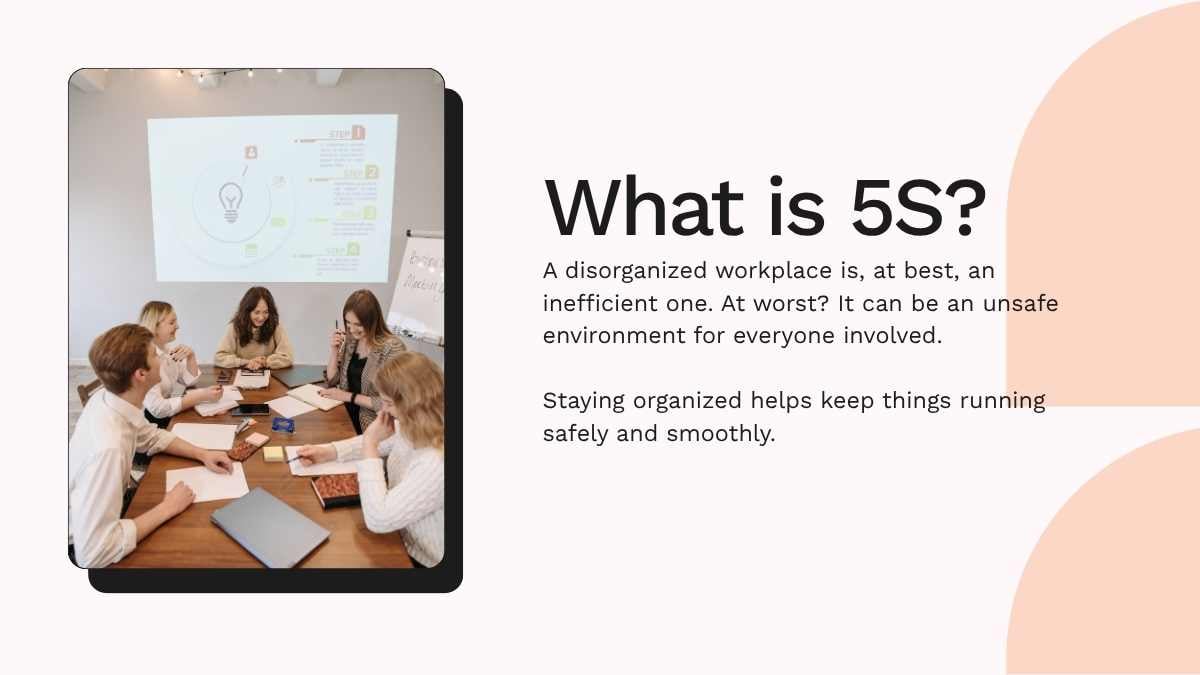
- Give each slide one primary message.
- Use typography that remains readable from a distance.
- Maintain strong contrast between text and background.
- Leave enough empty space around important elements.
- Use consistent icons and illustrations.
- Select images that support the learning objective.
- Use diagrams when relationships are easier to understand visually.
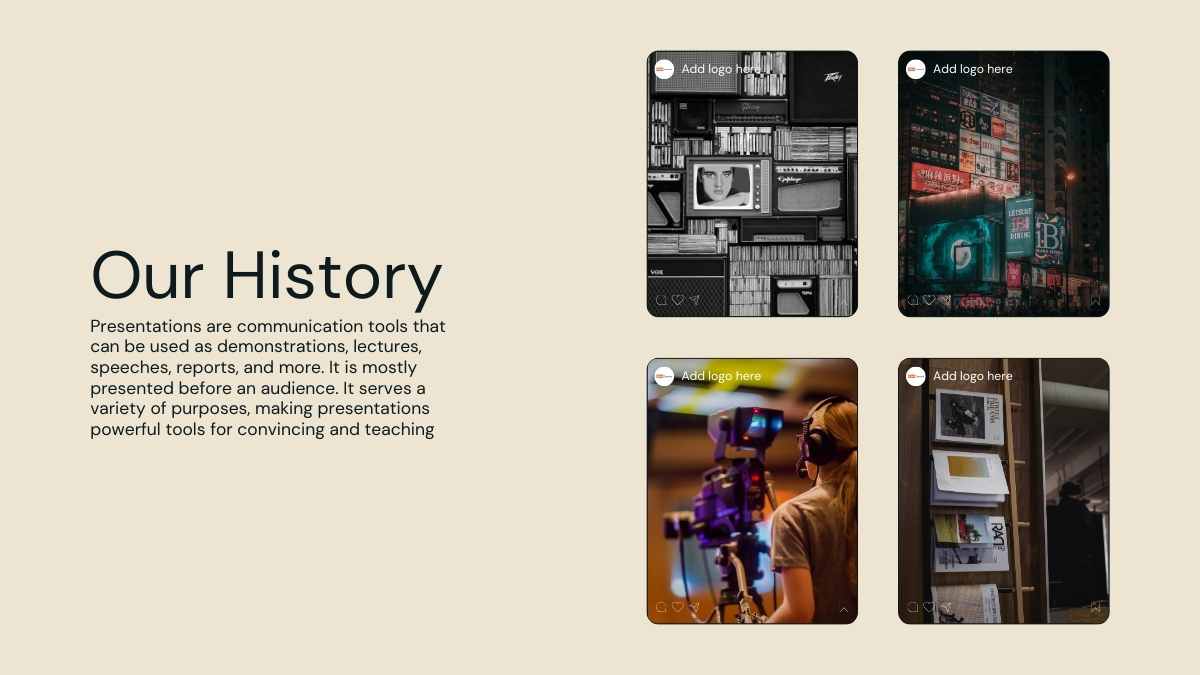
Avoid using the slide as a complete script. Participants should be able to identify the main idea quickly while listening to the trainer. Detailed explanations can be delivered verbally or placed in presenter notes.
Training Presentation Template Word for Supporting Materials
Separate presentation content from reference documents
A training presentation template word can be useful for supporting materials such as worksheets, reference guides, practice instructions, checklists, and participant notes.
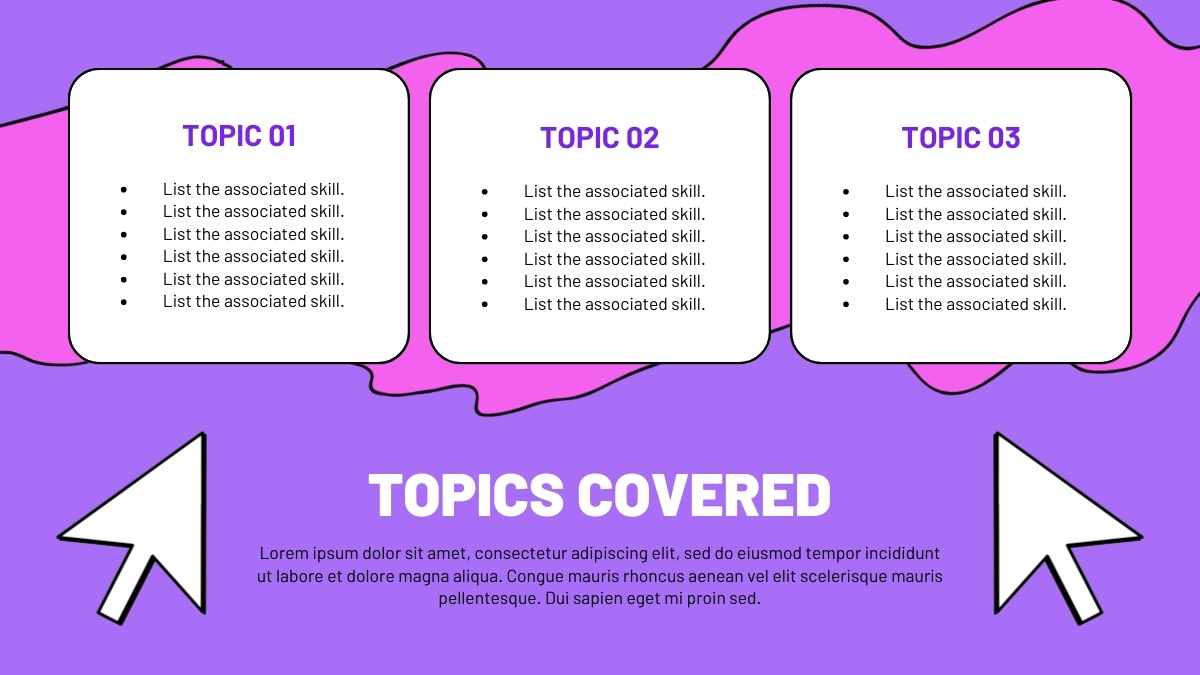
Slides and documents serve different purposes. The presentation supports live instruction, while a document can provide more detailed information that participants can consult afterward.
For example, a trainer can show a simplified process on the screen and provide a detailed worksheet that participants use during practice. This keeps the presentation visually clean while preserving useful reference information.
How to Choose the Right Training Presentation Template
Evaluate the framework before choosing its visual style
The most attractive template is not automatically the most effective. Before selecting one, consider the audience, subject, delivery platform, training duration, level of interaction, and type of content.
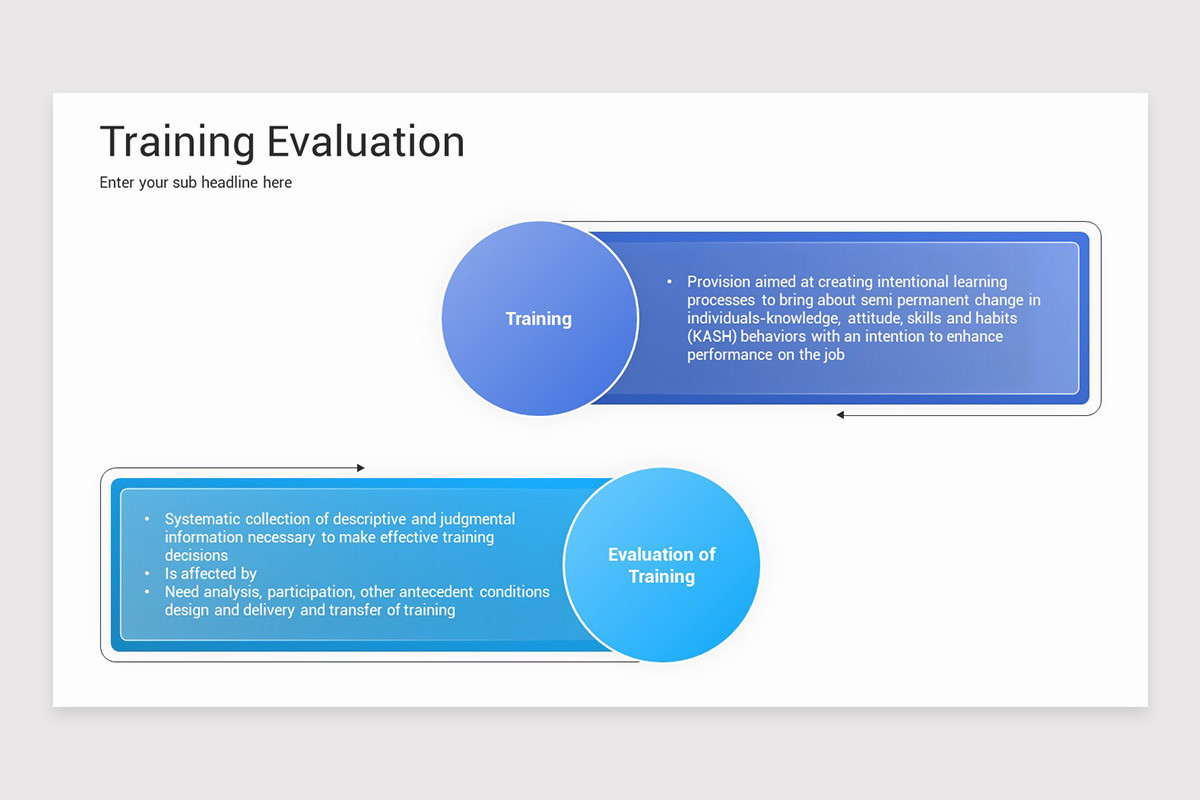
- Audience: Consider whether the participants are new employees, managers, technical specialists, sales teams, or another group.
- Subject: Make sure the framework supports processes, diagrams, scenarios, comparisons, and other relevant content.
- Duration: Short sessions need a concise structure, while workshops require more room for activities.
- Platform: Select a format that works with the presentation software used by the training team.
- Branding: Check whether logos, colors, typography, and other organizational elements can be incorporated easily.
- Accessibility: Review font size, contrast, spacing, and visual clarity before presenting.
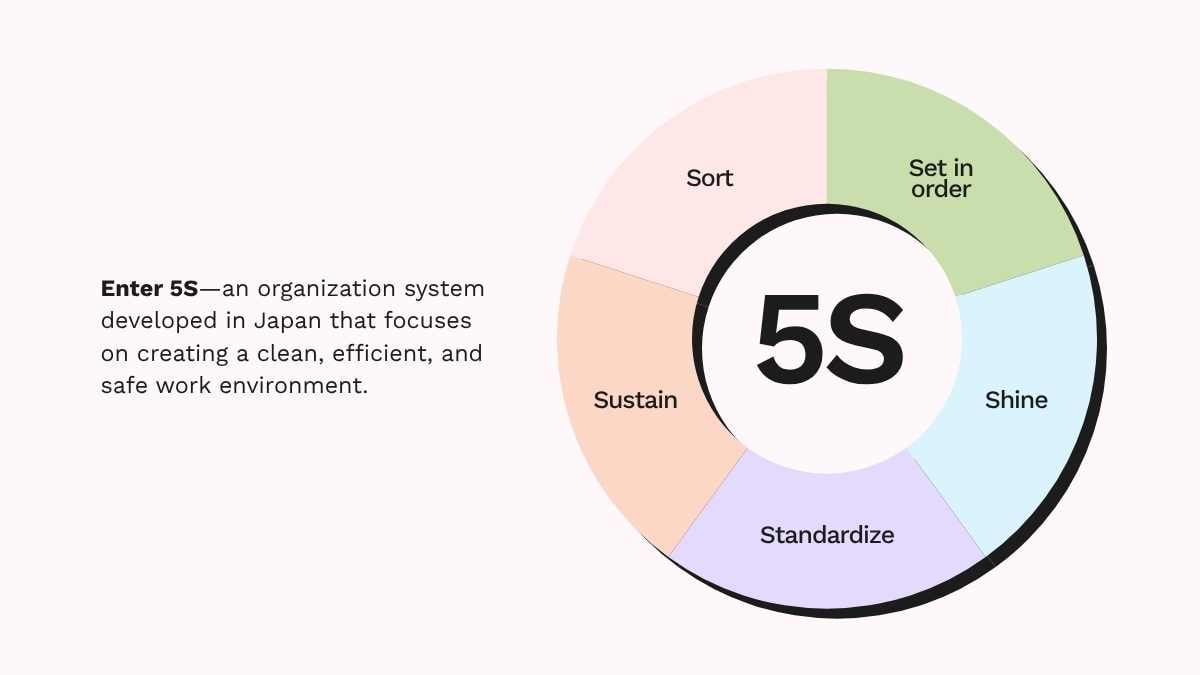
Common Training Presentation Mistakes
Avoid information overload
One of the most common problems is excessive content. Trainers sometimes attempt to place every detail into the slide deck, creating pages that are difficult to read and difficult to present.
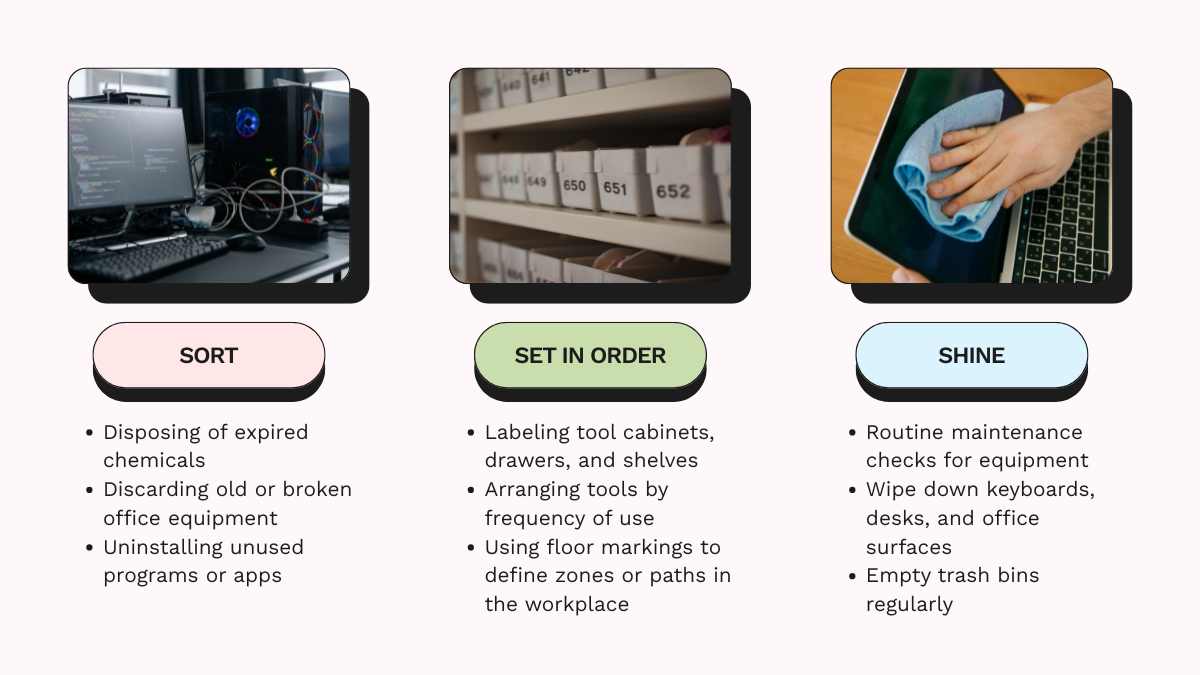
Another problem is excessive decoration. Too many animations, colors, shapes, or unrelated illustrations can compete with the learning message.
Training decks can also become less effective when there is no space for participation. Include questions, exercises, reflection prompts, discussions, or scenarios whenever the subject benefits from active learning.

Ways to Make Training Presentations More Interactive
Turn participants into active contributors
Interaction can be introduced without complicated technology. Present a workplace scenario and ask participants what they would do. After collecting responses, explain the reasoning behind the recommended approach.
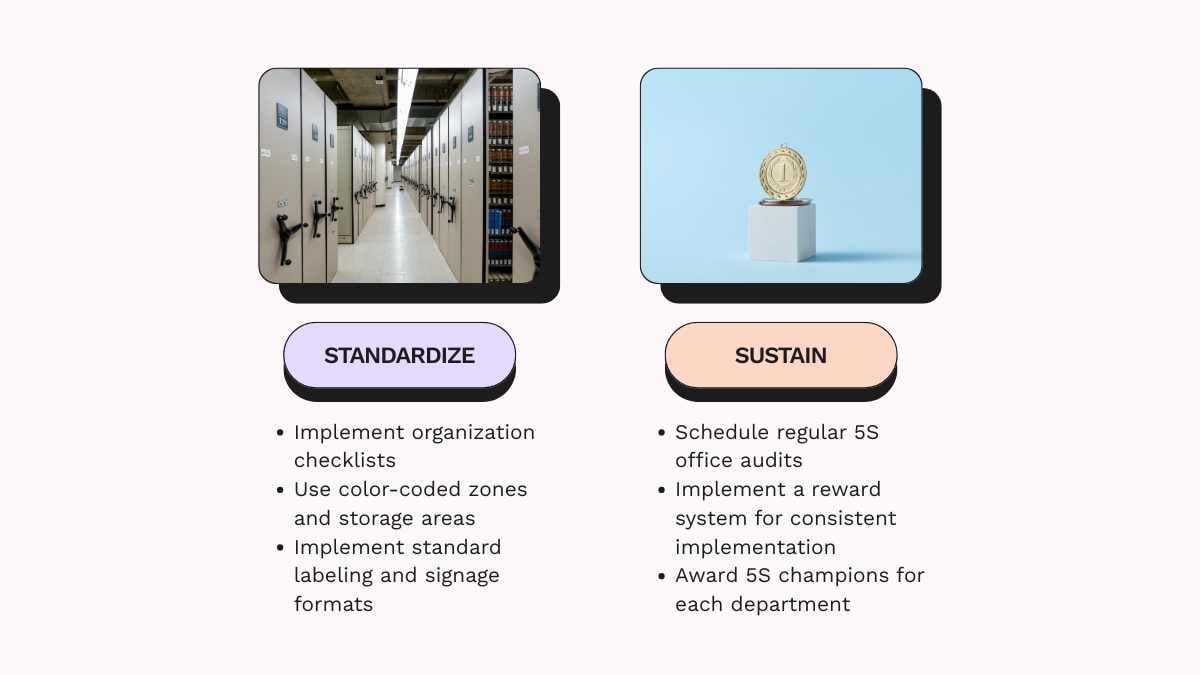
Short questions between modules can also reset attention. Participants can discuss an issue with a partner, write down a response, rank possible actions, or explain their reasoning to the group.
For skill-based training, increase the difficulty gradually. Start with a simple example, introduce a more complicated scenario, and finish with a realistic simulation that closely resembles the workplace situation.

How to Evaluate Training Presentation Effectiveness
Measure more than participant satisfaction
A useful evaluation process should determine whether participants understood the material and can apply it. Satisfaction surveys alone cannot answer those questions.
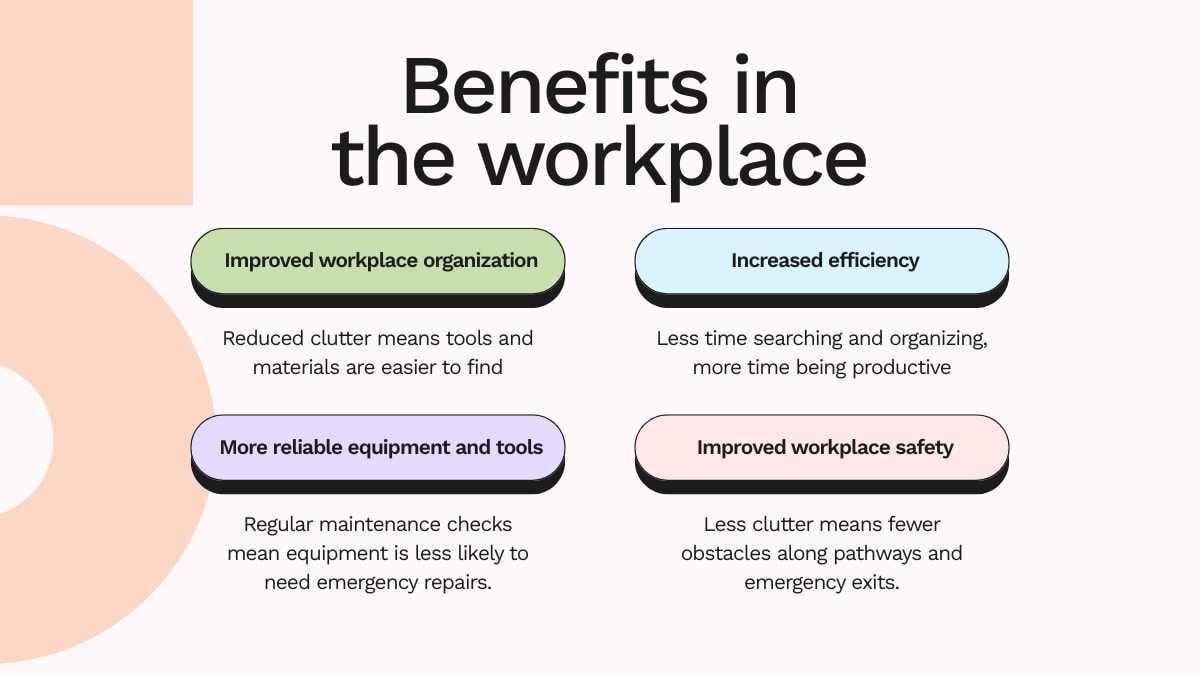
Trainers can use pre-session and post-session questions, practical exercises, quizzes, case studies, demonstrations, or observation. Longer programs can also include follow-up activities that examine whether participants are applying the skills in their normal work.
The results should influence future revisions. If participants consistently struggle with one module, the problem may be the explanation, example, sequence, activity, or amount of practice provided.
Advanced Tips for Building Better Training Slides
Design the experience, not just the presentation
Experienced trainers should think beyond individual slides and consider the complete learning journey. Every module should answer three questions: what will participants learn, how will they practice it, and how will they demonstrate understanding?

Another useful strategy is progressive disclosure. Introduce information in stages rather than revealing every detail at once. This can make complex procedures easier to follow and gives the trainer opportunities to check comprehension between steps.
Consistency should also extend beyond visual design. Use recurring patterns for explanations, examples, exercises, and summaries. Participants will become familiar with the structure and spend less mental effort figuring out how each section works.
FAQ About Training Presentation Template
How many slides should a training presentation have?
There is no universal number. The appropriate length depends on the session duration, subject complexity, number of activities, and learning objectives. Focus on meaningful learning moments rather than a target slide count.
Can one template work for different training topics?
Yes. A flexible framework can support multiple subjects, provided it contains adaptable layouts for explanations, processes, examples, activities, assessments, and summaries.
What should a training objective look like?
A strong objective describes something participants should be able to demonstrate after the session. Whenever possible, use observable actions rather than vague terms such as “understand” or “know.”
When should a training slide use an infographic?
Use an infographic when several related ideas, stages, categories, or relationships can be understood more quickly through visual organization than through paragraphs of text.
How can a training presentation look more professional?
Use consistent typography, restrained colors, clear spacing, strong hierarchy, relevant visuals, and focused messaging. Professional design comes from intentional organization rather than the number of decorative elements.
Conclusion
Create slides that support the learning experience
A strong training presentation template should help trainers organize information, demonstrate practical applications, encourage participation, and reinforce learning outcomes. The most effective approach begins with clear objectives and then builds a logical sequence around explanation, demonstration, practice, feedback, and evaluation.

Whether you use PowerPoint, Google Slides, or Word as part of the training workflow, choose a framework based on the needs of your audience and the way your organization delivers learning. A clean visual system combined with relevant examples and purposeful activities can turn a basic slide deck into a practical learning tool that participants can understand, remember, and apply.