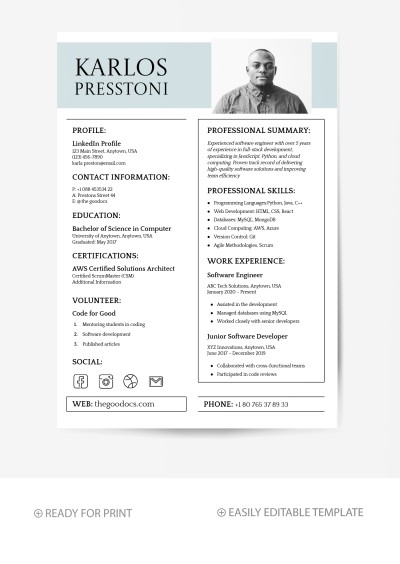
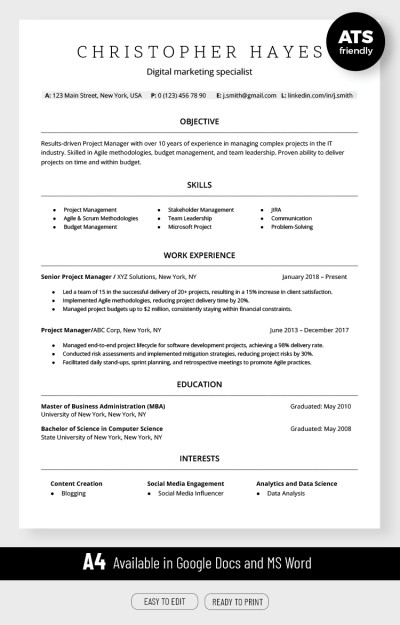
An IT Specialist ATS Resume Template can help you build a clear and professional resume. Today, many companies use an Applicant Tracking System, or ATS, to screen job applications. The system looks for important words, skills, job titles, and qualifications. Therefore, your resume should be simple and easy to read. A clean format also helps recruiters find your strongest information faster. This is especially useful when many candidates apply for one position. With the right template, you can present your IT experience in a clear way. You can also highlight your technical skills without using complicated design elements.
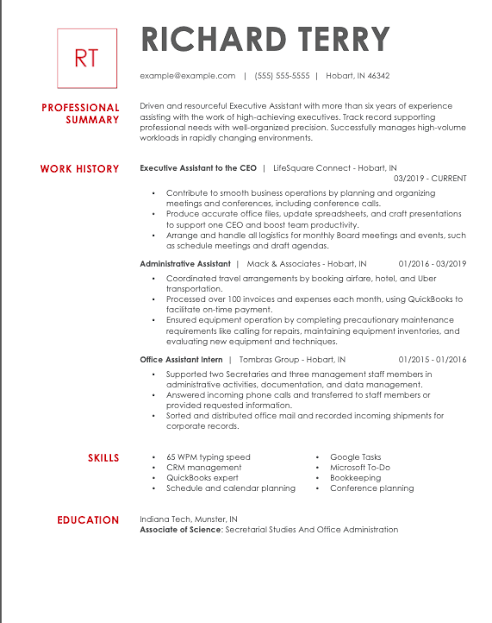
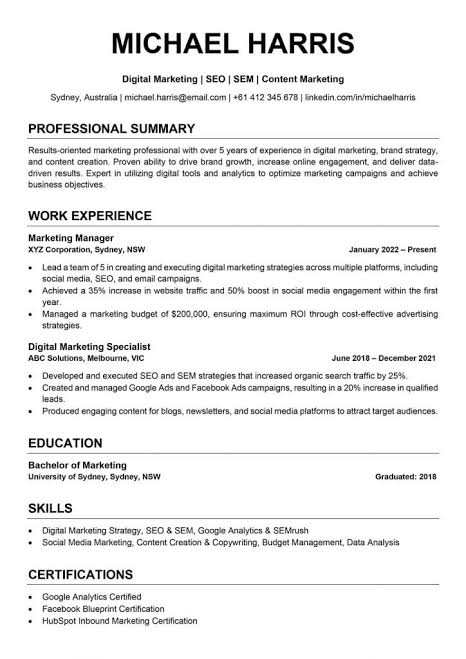
A good ATS resume does not need to look boring. Instead, it needs to be organized and focused. Your name and contact details should appear at the top. Next, add a short professional summary. Then, show your technical skills, work experience, education, certifications, and relevant projects. Each section should have a clear heading. Also, use simple bullet points for important details. This structure makes your resume easier for both ATS software and recruiters to scan. In addition, it gives you a professional appearance. As a result, hiring teams can quickly understand your background and decide whether your experience matches the position.
Your resume should also match the IT job you want. For example, a network specialist may need networking, firewall, VPN, and Cisco skills. On the other hand, a cybersecurity specialist may need security monitoring, threat detection, and incident response skills. Therefore, do not send the exact same resume to every employer. Read the job description first. Then, identify the most important skills and requirements. After that, add the relevant information to your resume. Only include skills that you actually have. This simple approach can make your resume more relevant while keeping your content natural and easy to understand.
What Makes an IT Specialist ATS Resume Effective?
Use a Simple and Clear Resume Format
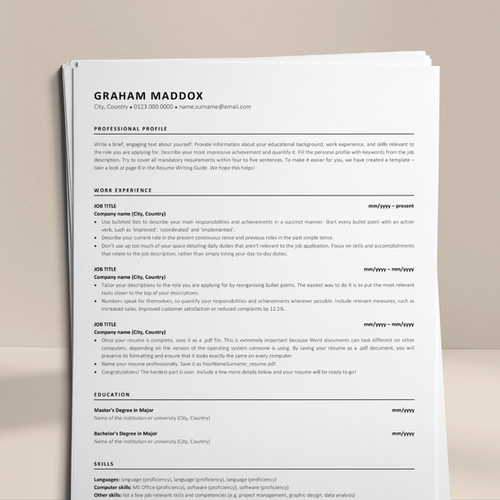
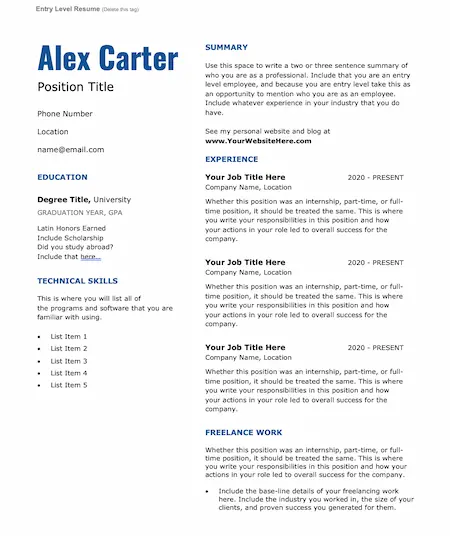
A simple resume format is one of the best choices for an ATS application. First, use common section names such as Professional Summary, Technical Skills, Work Experience, Education, and Certifications. These headings help software understand your resume. Next, use a readable font and consistent spacing. Avoid large graphics, charts, icons, and complex tables. Some ATS platforms may not read these elements correctly. Therefore, a simple layout is often safer. At the same time, it can look modern and professional. Use bold text for headings and job titles when appropriate. Keep the overall design clean so your qualifications remain the main focus.
Your professional summary should also be short and useful. In most cases, three or four sentences are enough. Start by explaining your IT experience and area of expertise. Next, mention your strongest technical skills. Then, describe the type of value you can bring to an employer. For example, an IT specialist may highlight experience with system administration, network support, cloud platforms, and user troubleshooting. However, avoid making unsupported claims. Your summary should reflect your real experience. Furthermore, include important keywords from the target job when they naturally fit. This approach makes your opening section more relevant and easier for recruiters to understand.
The technical skills section should provide specific information. Avoid general phrases such as “computer skills” or “technology knowledge.” Instead, list tools and technologies that you know. For example, you might include Windows Server, Linux, Microsoft Azure, Active Directory, SQL, Cisco, VMware, or cybersecurity tools. However, only include technologies that match your actual experience. You can also group skills into categories. For instance, use categories such as Networking, Cloud Computing, Operating Systems, Security, Databases, and Technical Support. This method keeps the section organized. It also allows recruiters to find important skills quickly while making the resume easier for ATS software to scan.
How to Improve Your IT Specialist Resume
Focus on Achievements and Relevant Experience
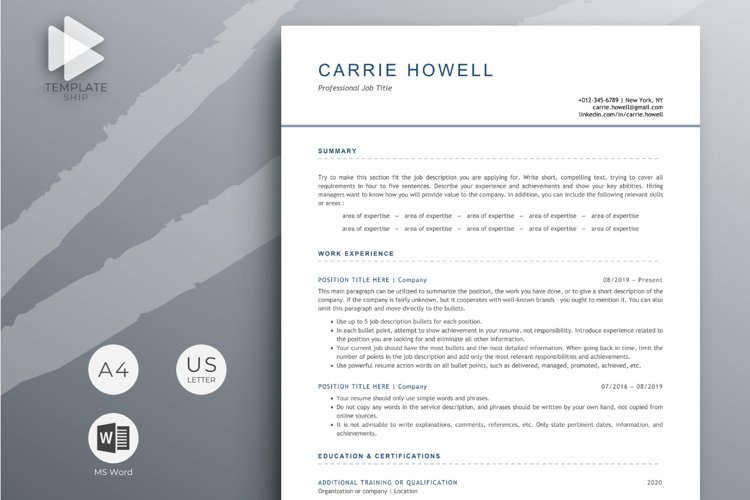
Your work experience should show more than your daily duties. Instead, focus on what you achieved in each position. Start each bullet point with a strong action verb. For example, you can use managed, configured, supported, improved, maintained, implemented, or resolved. Then, explain the result when possible. For example, “Reduced average support response time by 20%” is stronger than “Handled technical support requests.” Numbers can make your achievements easier to understand. However, use accurate figures only. If you cannot provide a number, explain the result clearly. This approach helps employers see how your IT skills contributed to previous organizations.
Keywords also play an important role in an ATS resume. First, read the job advertisement carefully. Look for repeated terms related to skills, tools, certifications, and responsibilities. Next, compare those terms with your own experience. If they match, use them naturally in your resume. For example, a job may request experience with cloud infrastructure and Microsoft Azure. If you have that experience, mention it in your skills section and work history. However, do not add keywords simply to improve ATS results. Recruiters can quickly notice irrelevant information. Instead, use accurate keywords that support your qualifications and match the position.
Certifications can provide additional value for an IT specialist. Depending on your career path, you may have certifications from CompTIA, Cisco, Microsoft, AWS, Google Cloud, or other recognized providers. Place relevant certifications in a separate section. Include the certification name and, when useful, the issuing organization. You can also include relevant training and professional projects. For new IT professionals, projects can be especially helpful. A home lab, cloud project, network setup, or cybersecurity project can demonstrate practical knowledge. Therefore, do not overlook projects if you have limited professional experience. They can show employers how you apply your technical skills in real situations.
How to Customize an IT Specialist ATS Resume
Match Your Resume to Each Job
Customizing your resume can improve its relevance. Start by studying the job description. Then, identify the main responsibilities and required skills. Compare those requirements with your experience. After that, move your most relevant skills and achievements into stronger positions on the resume. For example, if the employer wants a systems administrator, highlight your server management, user support, backup, and security experience. If the role focuses on networking, give more attention to routers, switches, VPNs, firewalls, and network monitoring. This simple adjustment can make your application more targeted. It also helps recruiters see the connection between your experience and their current hiring needs.
Before submitting your resume, check the document carefully. Look for spelling mistakes, grammar problems, inconsistent dates, and missing information. Also, make sure every job title and company name is correct. Keep your formatting consistent from beginning to end. Next, review the file name. A professional file name can include your name and target position. For example, use a format such as “John-Smith-IT-Specialist-Resume.” Also, follow the employer’s instructions for the file format. If the company asks for a PDF, use a PDF. If it requests a Word document, follow that instruction instead. These small details can make your application look more professional.
Finally, remember that an ATS resume should still be written for people. Software may scan your document first, but recruiters will read it later. Therefore, your content should sound natural and professional. Avoid keyword stuffing, excessive abbreviations, and long blocks of technical terms. Keep your sentences direct and your achievements easy to understand. A strong IT Specialist ATS Resume Template gives you the structure you need. However, your experience and achievements give the resume its real value. Update your template whenever you gain new skills, complete a certification, finish a project, or take on a new responsibility. This keeps your resume ready for future opportunities.
Conclusion
An IT Specialist ATS Resume Template can make resume writing easier and more organized. It gives you a clear structure for presenting your professional summary, technical skills, work experience, education, certifications, and projects. More importantly, it helps you focus on information that matters to employers. Use simple formatting, clear headings, relevant keywords, and measurable achievements. Also, customize the resume for each position. These steps can help your resume become easier to read for both ATS software and hiring managers.
A strong IT resume should always represent your real experience. Do not add skills that you cannot demonstrate. Instead, focus on the tools, technologies, projects, and achievements that show your abilities. Keep your language simple and direct. In addition, review your resume before every application. A few minutes of editing can remove errors and improve clarity. Over time, your resume can become a useful career document that grows with your experience and supports your next IT job search.
Are you preparing an IT Specialist resume for your next job application? Use this ATS-friendly structure as a starting point, then adjust it to match your target position. You can also share your favorite resume tips, formatting ideas, or successful ATS strategies with other job seekers. A clear resume can help you present your technical skills with confidence. With the right content and a simple structure, you can create an application that is professional, readable, and ready for modern recruitment systems.