Choosing the right Email White Paper Template can make a complex report easier to organize, read, and present. A strong template gives writers a practical framework for combining research, analysis, visuals, recommendations, and branding without making the document feel like an ordinary sales brochure. For marketers, consultants, researchers, technology companies, educators, and business teams, the right structure can also make important information easier for readers to understand.

This guide explains how to select and customize a template for white paper projects, what sections belong in a professional document, how to approach writing, and how to build a polished visual hierarchy. You will also see practical examples, Word formatting guidance, design considerations, and common mistakes to avoid when preparing a white paper for email distribution or online publication.
What Is an Email White Paper Template?
An Email White Paper Template is a structured document framework intended to help you create an authoritative report that can be distributed through email campaigns, newsletters, sales outreach, or other digital channels. Unlike a short promotional email, a white paper provides substantial information about a specific problem, explains relevant evidence, and presents a reasoned solution or set of recommendations.
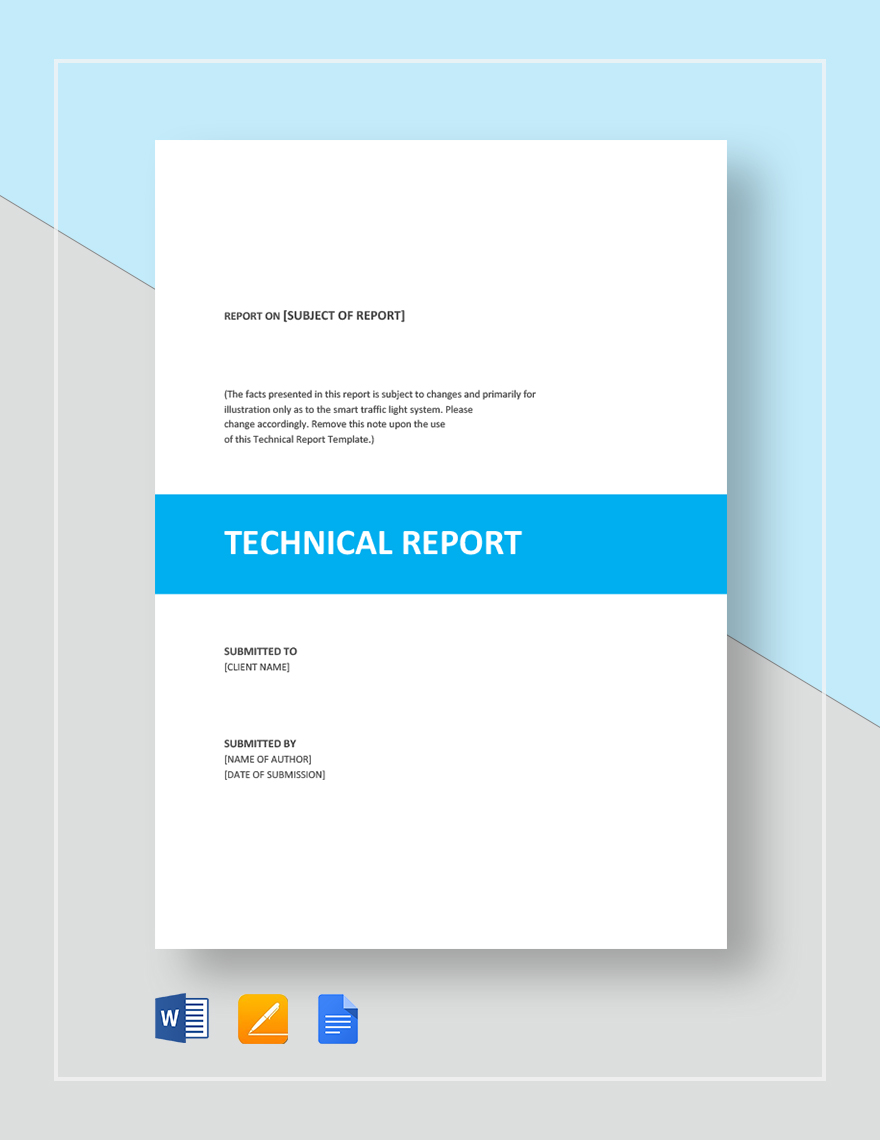
The template normally establishes the hierarchy before the writing begins. It may define the cover page, executive summary, introduction, problem statement, research methodology, analysis, recommendations, conclusion, and references. This structure helps prevent important information from being scattered across pages and gives readers a predictable path through the subject.
A well-planned document also separates evidence from promotional claims. Readers should be able to identify what was researched, what was observed, what was concluded, and what action is being recommended. That distinction is especially important when the white paper is sent to prospective customers who want useful information rather than aggressive advertising.
Why Use a Structured White Paper Format?
Organization Makes Complex Information Easier to Follow
White papers often cover subjects that require context. A reader may need to understand a problem before evaluating the proposed solution. A structured format creates a logical progression from background information to evidence and recommendations. Instead of confronting readers with several pages of uninterrupted text, the document guides them through clearly defined stages.
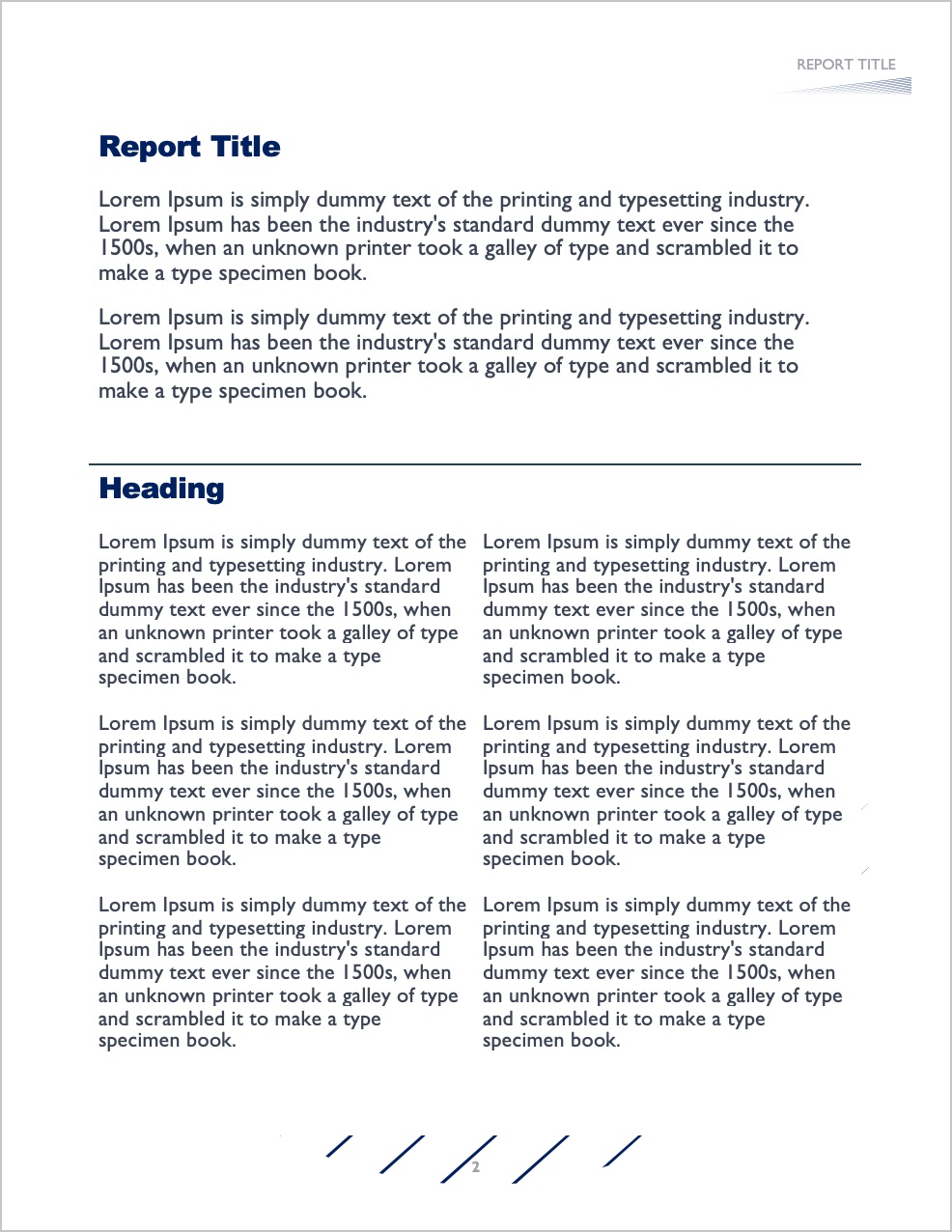
A strong structure also makes revision easier. When each section has a defined purpose, writers can quickly identify missing evidence, repeated ideas, weak transitions, or sections that contain too much information. Editors can review the document section by section rather than treating the entire report as one large block of content.
Consistency Strengthens Professional Presentation
Consistent typography, spacing, headings, margins, page numbering, and visual elements create a more credible presentation. The goal is not to make every page visually dramatic. Instead, the design should help readers recognize important information quickly while keeping attention on the argument.

Consistency is particularly useful when a white paper becomes part of a broader content marketing system. A company can maintain recognizable branding across reports while changing the subject, research, charts, and recommendations for each publication.
Essential Sections in a White Paper Template
1. Cover Page
The cover page should immediately identify the subject of the report. Include a clear title, subtitle when necessary, organization name, author or department, publication date, and a restrained visual element. Avoid filling the cover with excessive text because its primary purpose is identification and visual orientation.
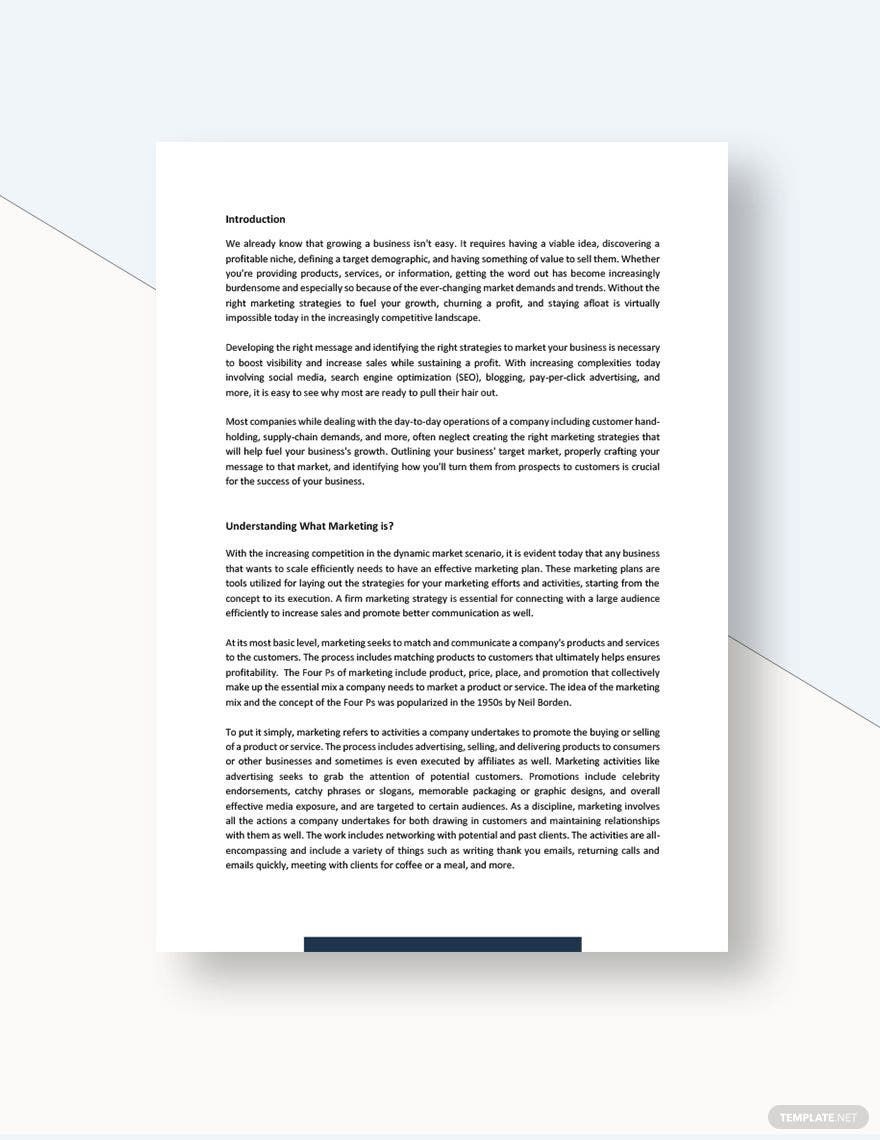
A strong cover can use a simple color system, generous white space, and one relevant visual. For an email campaign, the cover should also look good when displayed as a preview image or opening page in a document viewer.
2. Executive Summary
The executive summary gives busy readers a concise overview of the problem, major findings, proposed direction, and practical implications. It should stand on its own because some decision-makers may read only this section before deciding whether to continue.
Write the summary after the main content is substantially complete. Doing so allows the summary to reflect the actual findings rather than becoming an introduction that promises information the final report does not provide.
3. Problem Statement and Background
The problem statement explains what issue the white paper addresses and why the issue deserves attention. Background information then provides enough context for readers to understand the situation without requiring extensive prior knowledge.

A useful problem statement should be specific. Instead of describing a broad industry challenge, identify the particular process, audience, technology, policy, or business situation being examined. Specificity makes the later recommendations much more meaningful.
4. Research and Methodology
The methodology section explains how information was collected or evaluated. Depending on the project, this may involve literature research, interviews, surveys, technical testing, document analysis, observational research, or analysis of existing datasets.
Readers do not necessarily need every technical detail, but they should understand where the evidence came from and what limitations may affect the conclusions. Transparent methodology increases confidence in the document without requiring exaggerated claims.
5. Analysis and Findings
This section contains the central intellectual value of the report. Present the important findings in a logical sequence, explain what they mean, and connect each observation to the broader problem. Charts, diagrams, callout boxes, and carefully selected illustrations can make dense information easier to interpret.

Do not add visual elements merely for decoration. Every chart should answer a question, every diagram should clarify a relationship, and every illustration should help readers understand the subject. Visuals should support the written argument rather than compete with it.
6. Recommendations and Conclusion
Recommendations translate the findings into practical direction. Depending on the purpose of the white paper, recommendations might address implementation priorities, process changes, technology adoption, policy adjustments, risk reduction, or future research.

The conclusion should then reinforce the central insight without simply repeating every previous section. A strong ending reminds readers what the evidence suggests and what decision or next step deserves consideration.
How to Choose a Good White Paper Template
Match the Layout to the Subject
A technical report may benefit from restrained typography, diagrams, specifications, and structured data. A marketing-oriented report may use stronger imagery and larger visual callouts. An academic document may require more emphasis on references, citations, methodology, and formal headings.

The best template is therefore not necessarily the most decorative one. A good white paper template is the one that supports the type of information you need to communicate.
Check Typography and Readability
Choose fonts that remain comfortable to read across desktop screens, tablets, and printed pages. Headings should have enough contrast to establish hierarchy, while body text should remain calm and consistent. Avoid using too many font families because excessive variation makes a professional document look fragmented.
Pay attention to line length, paragraph spacing, margins, and heading sizes. These details have a greater effect on readability than decorative effects. A clean page with strong hierarchy can communicate authority without appearing complicated.
White Paper Template Design Principles
Use Visual Hierarchy Intentionally
Visual hierarchy tells readers where to look first, second, and third. The title should have the strongest presence, major headings should be easy to locate, and supporting information should remain visually subordinate. Consistent placement of page numbers and headers can also improve navigation.

Use one primary brand color and a small supporting palette. Strong contrast can highlight important information, but too many colors can make an evidence-based document feel like advertising material.
Give Data Enough Space
Charts and diagrams should have sufficient surrounding space to remain legible. Never shrink a complex chart simply to make it fit beside a paragraph. If necessary, dedicate a larger portion of the page to the visualization and explain its significance in nearby text.
White space is not wasted space. It separates ideas, reduces visual fatigue, and allows readers to identify important elements quickly. A professional document often feels easier to read because it gives content room to breathe.
Writing a White Paper Template the Right Way
Start With the Reader’s Problem
When writing a white paper, begin by defining the audience and the decision they are trying to make. A report for software executives may require different evidence from a report intended for educators, engineers, policy professionals, or small business owners.

Once the audience is clear, establish one central question. Every major section should help answer that question. This approach prevents the document from becoming a collection of unrelated observations.
Build an Evidence-Based Argument
A persuasive white paper should not rely on strong adjectives or unsupported assertions. Instead, explain the issue, provide relevant evidence, interpret the evidence, and show how the interpretation supports the proposed direction.
When external research is used, identify sources clearly. When limitations exist, acknowledge them. Readers generally gain more confidence from a document that recognizes uncertainty than from one that presents every conclusion as absolute.
White Paper Template Word: Recommended Structure
Set Up the Document Before Writing
A white paper template word workflow can be practical when your team already uses Microsoft Word for drafting, editing, review, and collaboration. Create heading styles first, establish page margins, define body text, and decide how captions and references will appear.

Using styles rather than manually formatting each heading makes later revisions much easier. If the report grows from eight pages to twenty pages, consistent styles allow the visual hierarchy to remain intact.
Use a Consistent White Paper Format Template Word
A practical white paper format template word structure can include a cover page, contents page, executive summary, introduction, problem statement, methodology, findings, recommendations, conclusion, and references. Not every project needs every section, so remove components that do not contribute to the argument.
For email distribution, check the document at its final digital size. Small text, crowded charts, or overly decorative pages may look acceptable on a large monitor but become difficult to read on smaller screens.
White Paper Template Examples for Different Purposes
Marketing White Paper
A marketing white paper generally explores a customer problem, market challenge, strategy, or emerging trend. The strongest examples educate first and promote second. Product mentions should support the argument rather than dominate every page.
A useful example white paper template for marketing might contain an executive summary, market context, problem analysis, research findings, strategic framework, recommendations, and a final section explaining how readers can apply the insights.
Technical White Paper
A technical report needs greater emphasis on specifications, architecture, methodology, implementation details, limitations, and evidence. Diagrams can be especially useful because they explain systems or processes that would otherwise require lengthy descriptions.

A sample white paper template for technology projects might begin with the technical challenge, describe the existing environment, introduce the proposed architecture, explain implementation considerations, evaluate results, and conclude with recommendations.
Research White Paper
A research-focused document places greater emphasis on research questions, methodology, evidence, analysis, limitations, and references. Its visual design can remain simple so that readers focus on the credibility and clarity of the research.

Reviewing several white paper template examples can help writers compare different approaches before choosing a structure. Look for examples that resemble your audience, subject complexity, and intended distribution method.
How to Write a White Paper Template From Scratch
Step 1: Define the Objective
Write one sentence describing what the document should accomplish. It might explain a technical issue, evaluate a strategic option, present research, or help decision-makers understand a developing problem. A precise objective keeps the report focused.
Step 2: Outline the Argument
List the major questions readers need answered. Arrange them from foundational information to deeper analysis and practical recommendations. This becomes the skeleton for how to write a white paper template that feels logical rather than improvised.

Step 3: Gather and Evaluate Evidence
Collect credible sources before making major claims. Separate primary evidence from secondary commentary and record source details while researching. This reduces the risk of losing references during the writing process.

Step 4: Draft Before Polishing
Focus first on clarity and logic. Do not spend excessive time adjusting typography while the argument is still changing. Once the content is stable, refine headings, spacing, charts, captions, page breaks, and visual balance.

Step 5: Review for Reader Experience
Read the completed report from the perspective of someone who knows less about the subject. Identify unexplained terms, abrupt transitions, unsupported conclusions, and sections that could be shortened. A second reviewer can often spot issues the original writer has become accustomed to overlooking.

Choosing Between Different Template Styles
Minimalist Layouts
Minimalist layouts are suitable when the research itself should receive most of the attention. They usually use restrained colors, generous margins, simple typography, and limited decorative elements. This approach works particularly well for technical, academic, and executive documents.
Visual Business Layouts
Visual business layouts can combine photography, charts, highlighted statistics, and strong section markers. They are useful when the document needs to communicate complex ideas to marketing, sales, leadership, or general business audiences.

Editorial Layouts
Editorial designs use typography, columns, pull quotes, and carefully controlled spacing to create a publication-like experience. They can work well for thought leadership reports where narrative flow and visual storytelling are important.

Common Mistakes to Avoid
Turning the White Paper Into a Sales Brochure
A white paper should provide genuine insight. If every section exists primarily to promote a product, readers may question the independence of the analysis. Keep promotional material relevant and let the evidence carry the main argument.
Using Too Much Decorative Design
Design should improve comprehension. Excessive colors, oversized graphics, complicated backgrounds, and inconsistent typography can make serious information harder to absorb.
Ignoring Mobile and Email Readers
Because an email campaign may send readers directly to the document, consider how pages look on smaller screens. Use readable type, clear headings, appropriately sized graphics, and sufficient contrast. Test the final document on more than one device before publication.
Failing to Edit the Final Version
Proofread names, dates, citations, captions, page numbers, headings, and cross-references. Also confirm that charts use the correct labels and that every recommendation is supported by the preceding analysis.
Practical Checklist for an Email White Paper
- Define a specific audience and central problem.
- Choose a structure that matches the subject.
- Write the executive summary around the actual findings.
- Use evidence that readers can evaluate.
- Apply consistent heading and paragraph styles.
- Use charts and diagrams only when they clarify information.
- Keep branding visible but secondary to the research.
- Check readability on desktop and mobile screens.
- Review citations and references carefully.
- Proofread the complete document before distribution.
Frequently Asked Questions
What should an Email White Paper Template contain?
A strong structure usually contains a cover page, executive summary, introduction, problem statement, research or methodology section, findings, recommendations, conclusion, and references. The exact structure should reflect the purpose and complexity of the subject.
Can I create a white paper in Microsoft Word?
Yes. Microsoft Word is suitable for many white paper projects, especially when several people need to review and edit the same document. Use heading styles, consistent margins, page numbering, captions, and reference formatting to maintain a professional result.
What is the difference between a template and a white paper example?
A template provides a reusable framework for creating a document, while a white paper example shows how that framework can be applied to an actual subject. Studying both can help you understand structure, tone, content depth, and visual hierarchy.
Where can I find a download white paper template option?
Look for reputable template libraries that clearly identify supported file formats, editing capabilities, licensing terms, and intended uses. Before selecting a template, make sure its structure can accommodate your research and distribution requirements.
Are there printable options for white paper projects?
Yes. If a document may be printed, choose a layout with suitable page dimensions, margins, readable typography, and sufficient contrast. A well-designed digital document can often be adapted for physical distribution with only minor adjustments.
Final Recommendations
The right Email White Paper Template should do more than make a report look attractive. It should help organize evidence, establish a logical reading experience, support visual communication, and make the final document easier to review. Start with the audience and purpose, select a structure that matches the subject, and then customize typography, branding, imagery, charts, and spacing around the content.
If you are comparing templates, prioritize clarity over decoration and flexibility over novelty. A reliable framework can support marketing research, technical analysis, executive reports, academic work, and strategic documents when its sections are adapted thoughtfully. With a focused argument, credible evidence, consistent formatting, and careful editing, your white paper can become a useful resource that readers are more likely to understand, trust, and remember.