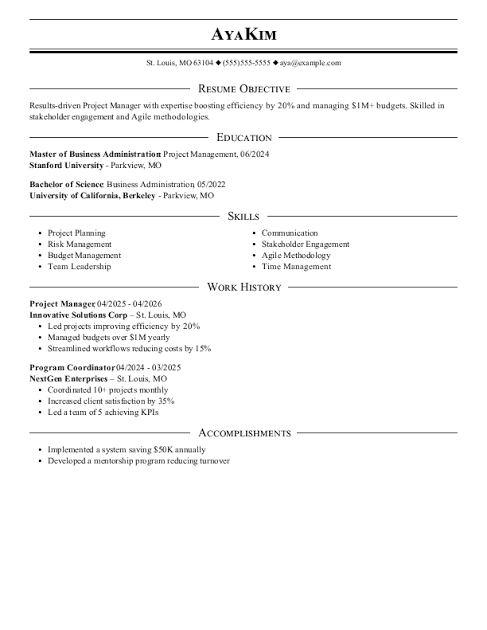
Creating a strong Project Manager resume can feel challenging, especially when you know that many companies use Applicant Tracking Systems (ATS) to screen applications before a recruiter reads them. An ATS-friendly Project Manager ATS resume template helps solve this problem by organizing your experience, skills, achievements, and qualifications in a format that hiring software can understand. Instead of relying on complicated designs, the goal is to present valuable information clearly and naturally. With an AI resume builder, you can also speed up the writing process, improve keyword usage, and create a professional resume that is easier for both ATS software and hiring managers to review.
A good Project Manager resume should quickly communicate your ability to plan projects, manage budgets, coordinate teams, solve problems, and deliver results. Recruiters often spend only a short amount of time reviewing an application, so your most relevant information needs to be easy to find. An ATS-friendly template usually uses standard headings such as Professional Summary, Work Experience, Skills, Education, Certifications, and Projects. This simple structure can make your resume more readable while helping automated systems identify important details. The right template also gives you enough flexibility to highlight measurable achievements rather than simply listing daily responsibilities.
Using an AI resume builder can make the process even more practical. AI tools can help transform rough notes into polished resume statements, suggest relevant project management keywords, and improve the clarity of your professional summary. However, your resume should still reflect your real experience and accomplishments. AI should support your writing rather than replace your judgment. By combining an ATS-friendly Project Manager ATS resume template with thoughtful editing, relevant keywords, and accurate career information, you can create a document that looks professional and communicates your value effectively.
How to Build an ATS-Friendly Project Manager Resume
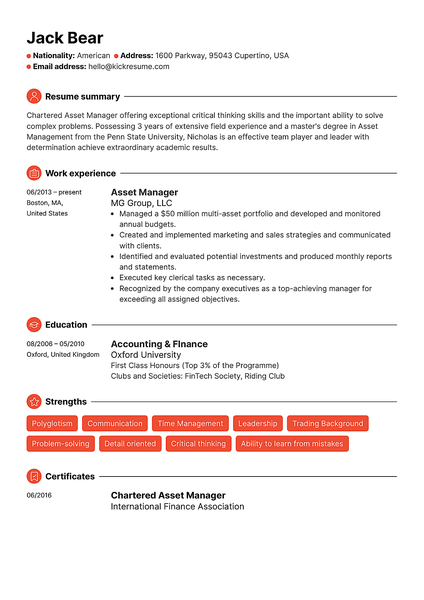
Use a Clear and Simple Resume Structure
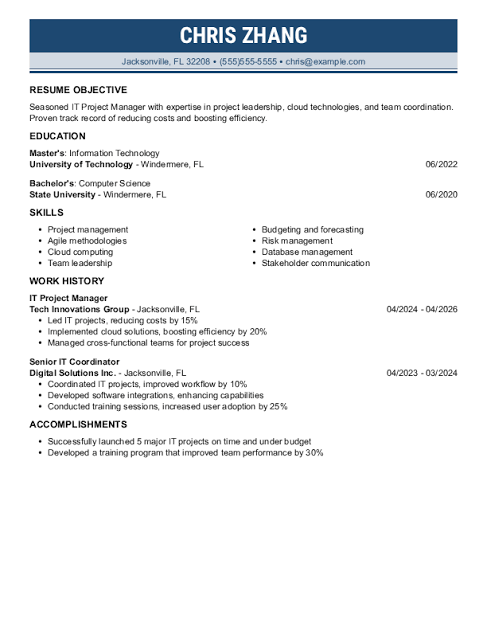
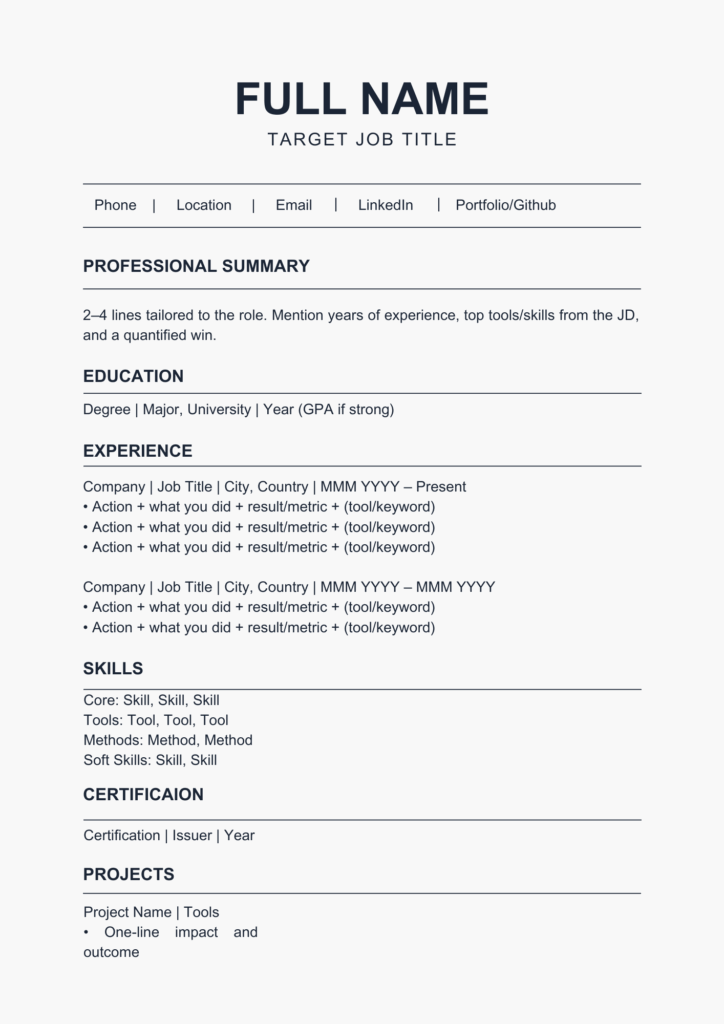
The structure of your Project Manager resume matters because ATS software needs to identify important sections correctly. Start with your name and professional contact information, followed by a concise summary that explains your experience and strengths. Use familiar section titles instead of creative alternatives that could confuse automated systems. Your work experience should appear in reverse chronological order, with your latest position first. Each role should include the company, job title, employment dates, and several achievement-focused bullet points. Keep formatting consistent, avoid excessive graphics, and use readable fonts so that both software and recruiters can process the information comfortably.
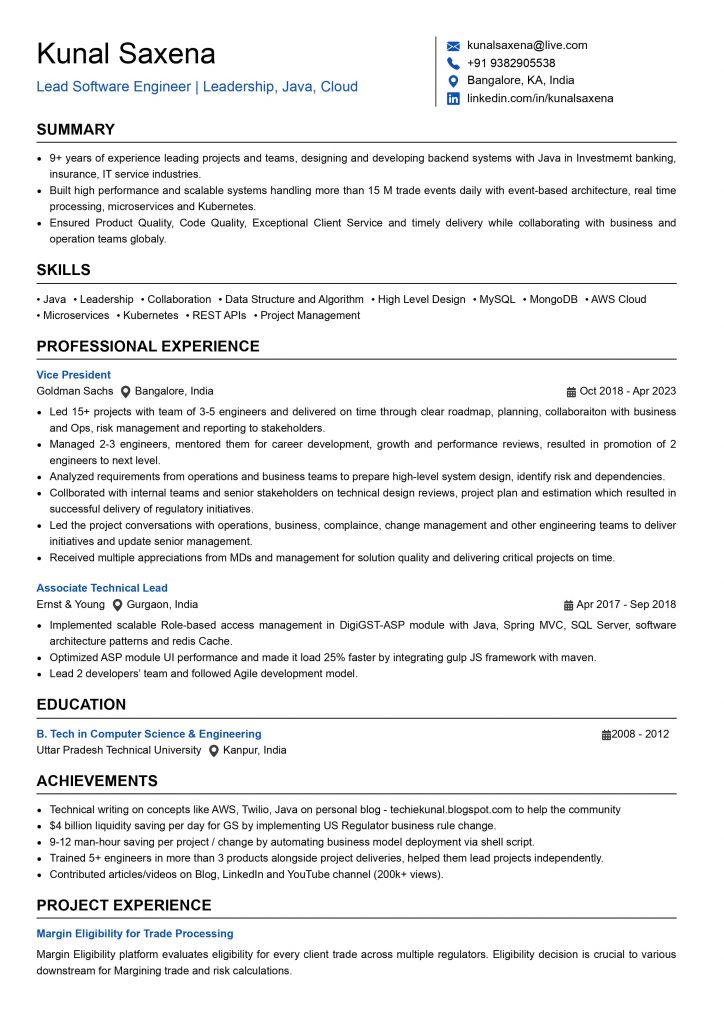
Your work experience section should focus on outcomes instead of responsibilities alone. For example, rather than saying that you “managed project schedules,” explain how you improved delivery times, coordinated stakeholders, controlled project costs, or supported successful launches. Numbers can make accomplishments more convincing when they are accurate. Project Managers can highlight information such as team size, project budgets, completion rates, delivery improvements, cost savings, or customer satisfaction results. This approach gives recruiters a clearer picture of your professional impact. An AI resume builder can help rewrite basic statements into stronger achievement-oriented language while keeping the original meaning of your experience.
Include Relevant Project Management Keywords
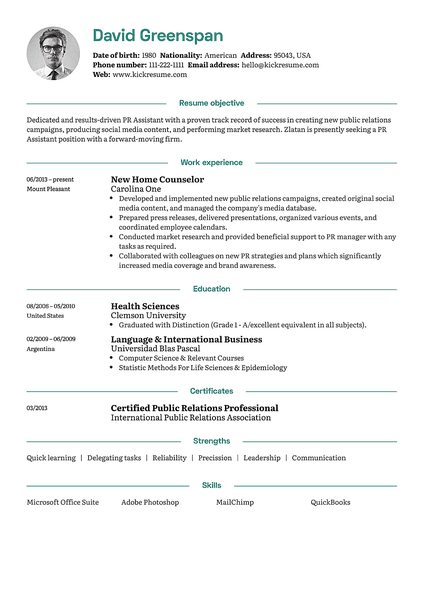
Keywords are another important part of an ATS-friendly resume. Review the job description carefully and identify terms that genuinely match your background. Depending on the position, relevant Project Manager keywords may include project planning, stakeholder management, risk management, Agile, Scrum, budgeting, resource allocation, project scheduling, team leadership, process improvement, and cross-functional collaboration. Do not simply add keywords repeatedly. Instead, place them naturally within your summary, skills section, and work achievements. An AI resume builder can help identify missing terms and suggest where they may fit, but every keyword should accurately represent your knowledge or experience.
It is also useful to tailor your resume for each Project Manager position. A generic resume may contain strong information but still fail to emphasize the qualifications a particular employer wants. Compare the job posting with your experience and move the most relevant achievements toward the top of your resume. If an employer emphasizes Agile project management, for example, make your genuine Agile experience easy to locate. If the position focuses on budgets and operations, highlight accurate examples of financial planning, resource management, or operational improvements. Tailoring your resume can make your application more relevant without making it unnecessarily complicated.
Using an AI Resume Builder for Better Results
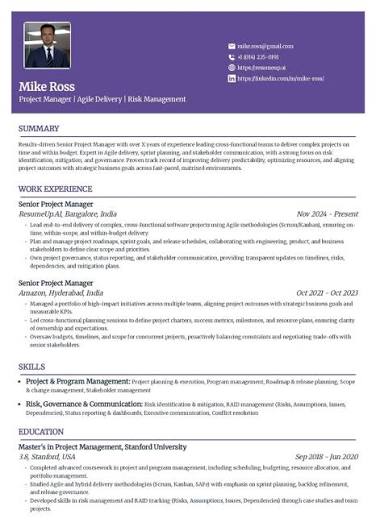
Improve Your Resume Faster With AI
An AI resume builder can be especially useful when you know your career history but struggle to turn it into concise professional language. You can provide information about your previous projects, responsibilities, skills, certifications, and accomplishments, then use AI suggestions to improve sentence structure and clarity. The best results come from providing specific information rather than vague descriptions. For example, include the type of project, your role, the challenge you addressed, the action you took, and the measurable result. This gives the AI enough context to create stronger content while allowing you to verify every statement before submitting the resume.
Before sending your resume, review it carefully for accuracy, relevance, and readability. Make sure your employment dates, project details, certifications, software skills, and contact information are correct. Remove unnecessary graphics, tables, unusual symbols, and excessive formatting if they could interfere with ATS parsing. Save the final document in the file format requested by the employer. A professional resume should feel natural rather than overloaded with keywords. The goal is to make your experience easy to understand while demonstrating that you match the requirements of the Project Manager role.
Make Your Project Manager Resume More Competitive
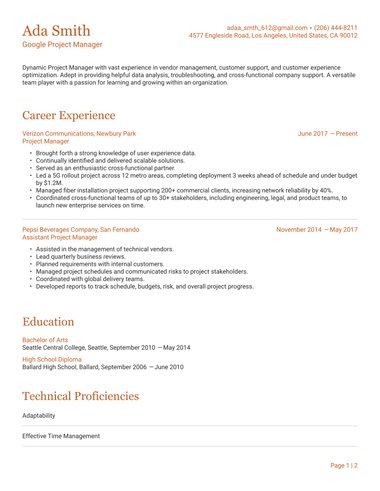
An effective ATS-friendly Project Manager ATS resume template gives you a reliable foundation, while an AI resume builder can make customization faster. Together, they can help you organize your professional story, identify relevant keywords, strengthen achievement statements, and maintain a clean structure. Still, the most important ingredient is authentic career information. Employers want to understand what you have accomplished, how you work with people, and how effectively you deliver projects. Use templates and AI tools as practical assistants, then add your own judgment and experience to create a resume that feels credible and personal.
In conclusion, an ATS-friendly Project Manager resume does not need complicated design to make an impression. A clear structure, relevant keywords, measurable achievements, and accurate information can create a stronger application for modern hiring systems. An AI resume builder can save time by helping you organize and refine your content, especially when you tailor the resume to a specific job description. If you are currently preparing a Project Manager application, try reviewing your resume section by section and improving the areas that need more clarity. What resume strategy has worked best for you? Share your experience or discuss your favorite Project Manager resume tips with other readers.