Keeping names, phone numbers, email addresses, mailing details, birthdays, and notes organized becomes much easier with well-designed address book templates. Instead of collecting contact information across notebooks, phone apps, emails, and scattered documents, a structured template creates one consistent place for important details. The right format can also make updating information, finding a person quickly, and maintaining a reliable contact directory much simpler.
Whether you prefer paper, Microsoft Word, Excel, Google Docs, Google Sheets, or a PDF, there is a format suited to different routines. Some people need a simple blank page for family contacts, while others need a detailed business directory with categories, company names, job titles, and notes. This guide explains how to choose, customize, print, and maintain an address book that fits your actual needs.
What Are Address Book Templates?
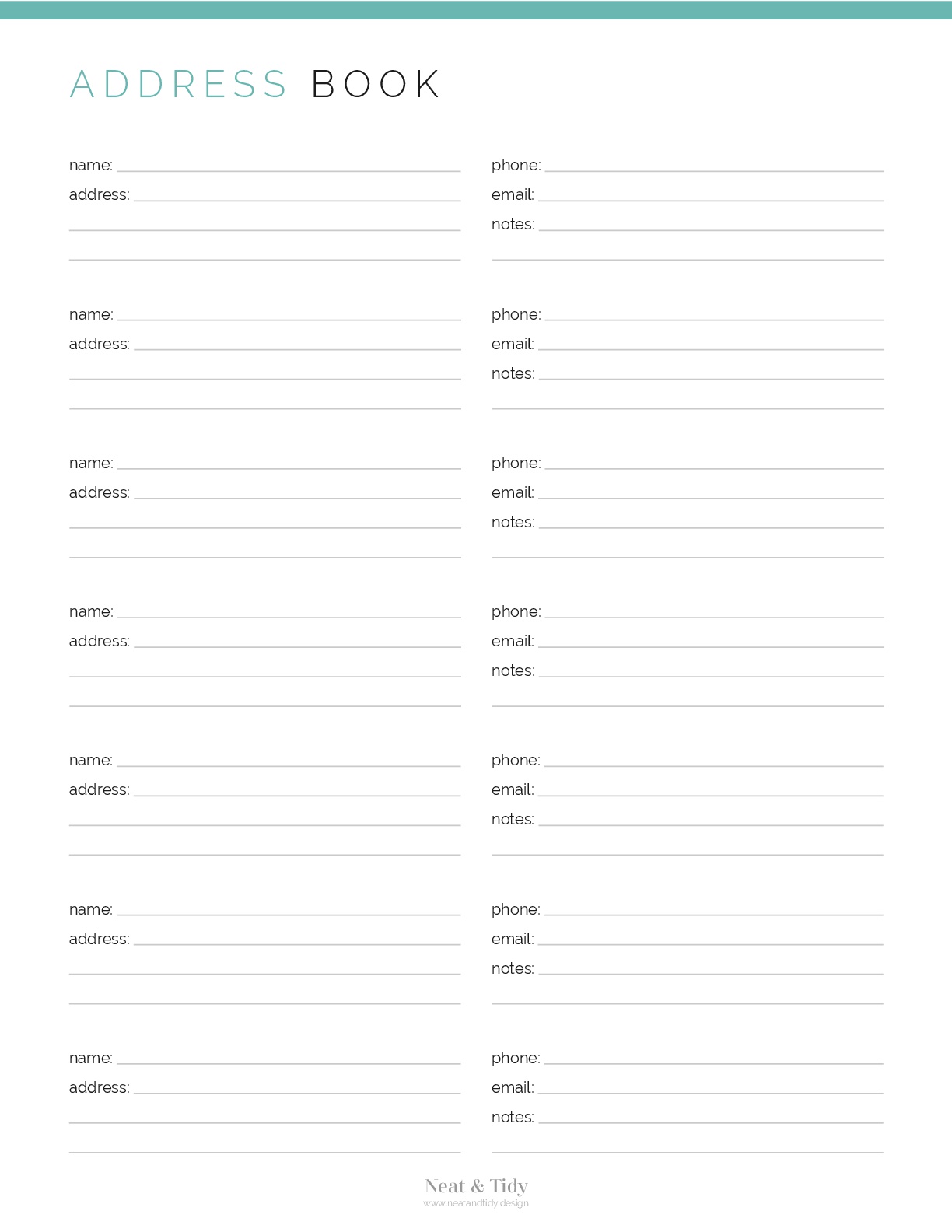
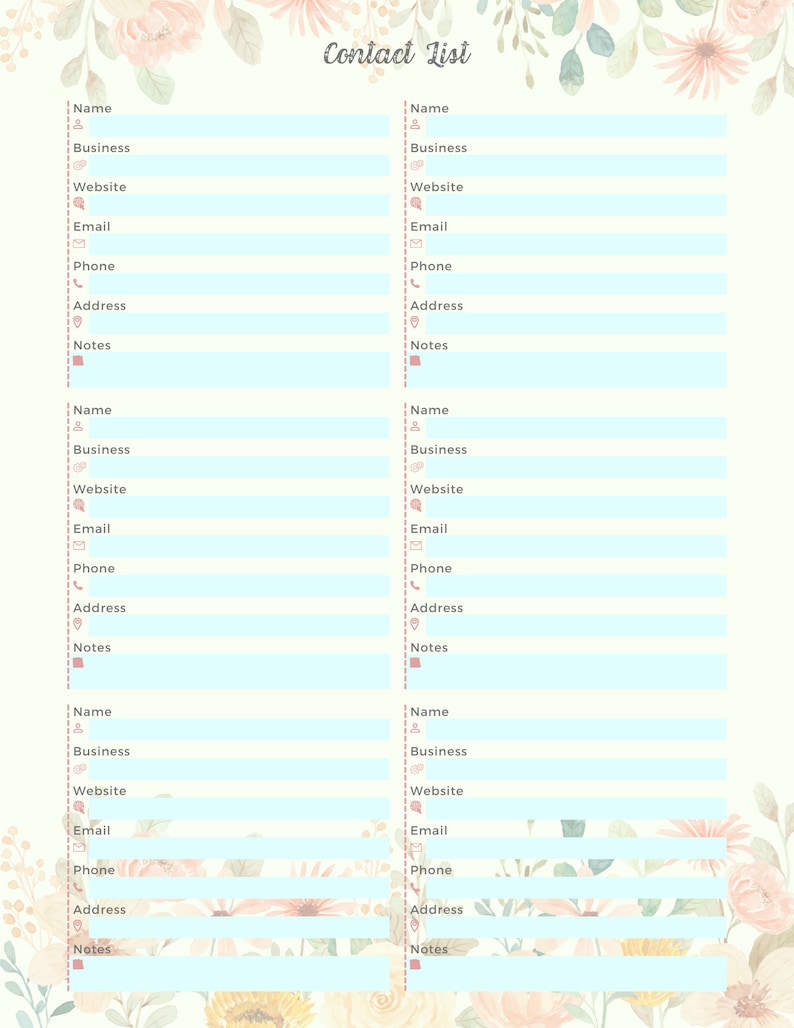
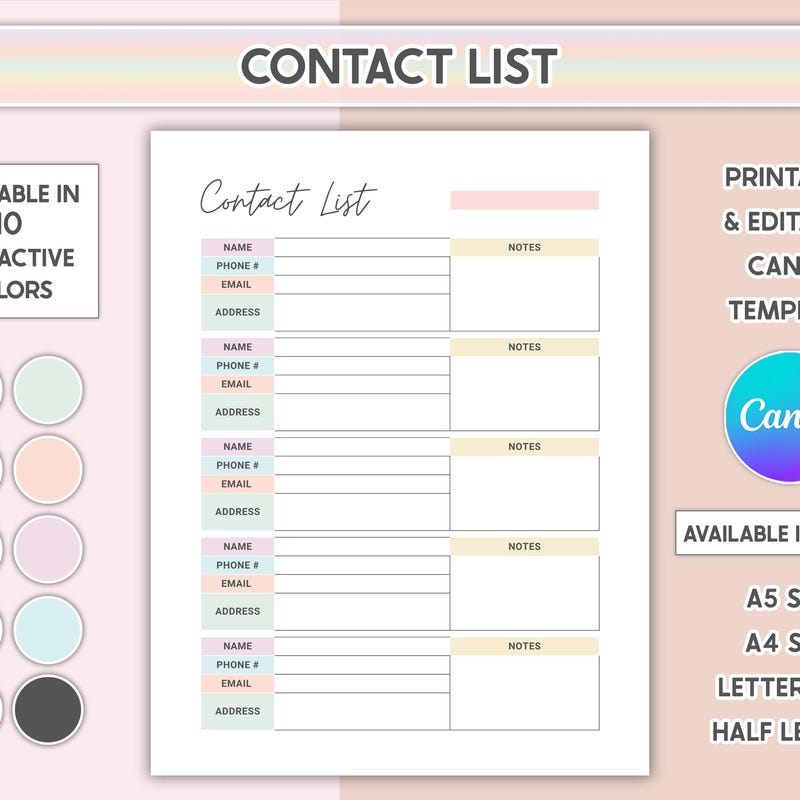
An address book template is a pre-structured document designed to record and organize contact information. Instead of creating every heading and field from scratch, you start with an established layout and enter the details that matter to you. Typical fields include name, address, phone number, email address, birthday, company, website, and notes.
A good template should reduce friction rather than create additional work. The best design makes important information easy to scan while leaving enough room for meaningful details. For personal use, a compact layout may be ideal. For business purposes, a wider format with company, role, location, and communication notes can be much more practical.
Key Elements of a Useful Address Book
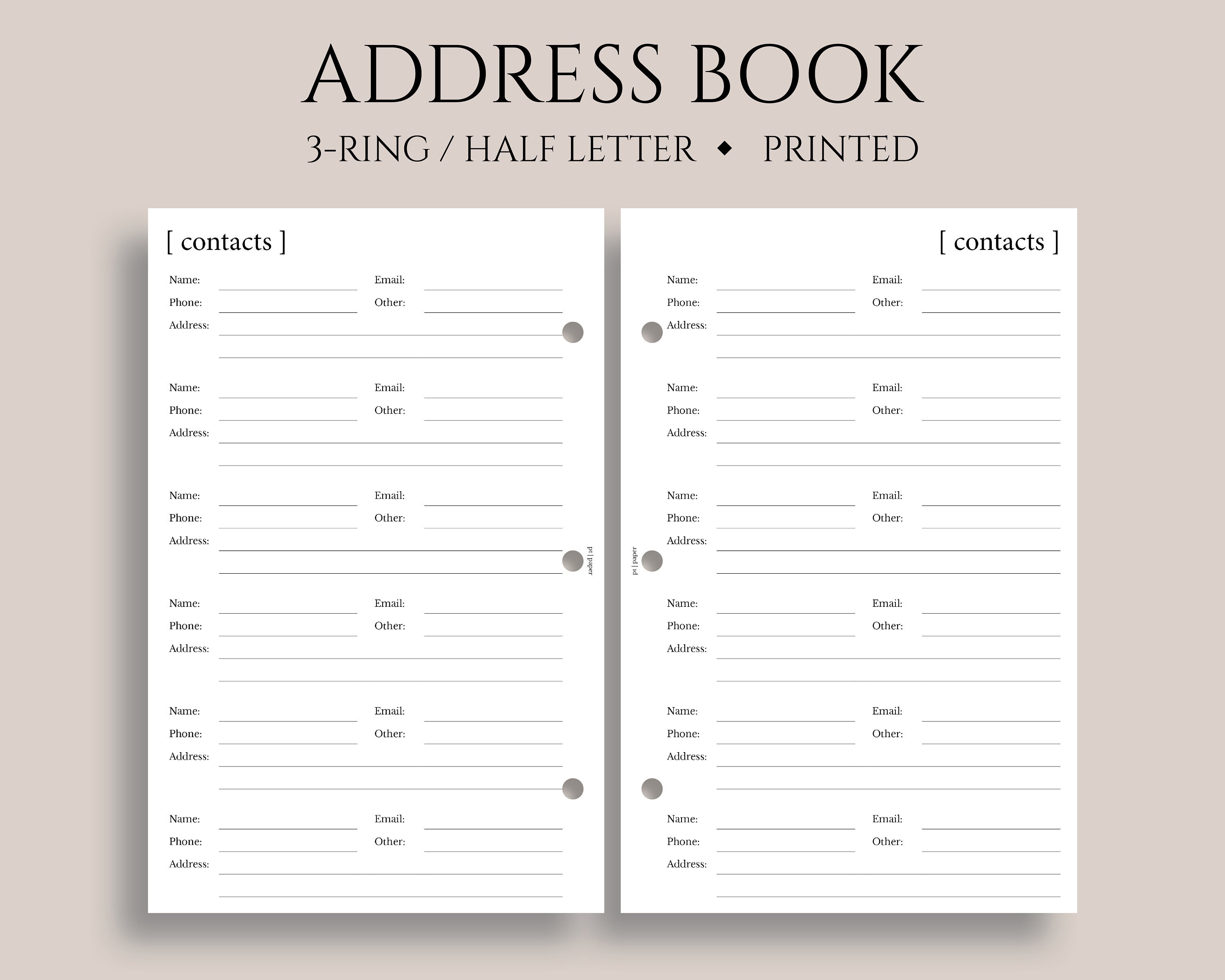
Before choosing a layout, consider which information you regularly need. A practical contact page may contain:
- Full name: Use a consistent naming style so contacts can be located quickly.
- Phone numbers: Separate mobile, home, office, or secondary numbers when necessary.
- Email address: Include personal, work, or alternative email information as appropriate.
- Physical address: Record street, city, region, postal code, and country when relevant.
- Organization and role: Useful for customers, suppliers, colleagues, and professional networks.
- Notes: Add birthdays, preferred communication methods, project details, or other useful reminders.
Choosing the Right Address Book Templates Editable Format
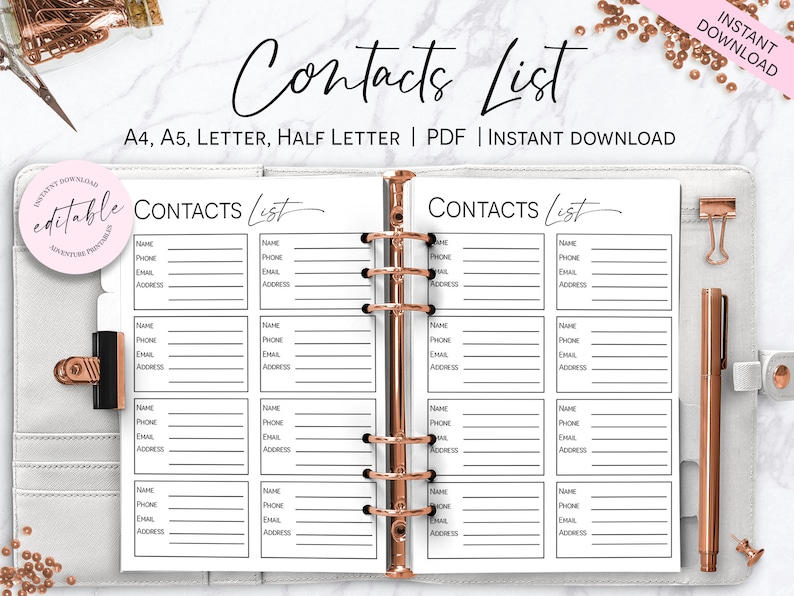
One of the first decisions is whether your address book should be designed primarily for typing, handwriting, or both. Address book templates editable formats are especially useful when information changes regularly. You can update a phone number, correct an address, add a new contact field, or reorganize sections without rebuilding the entire document.
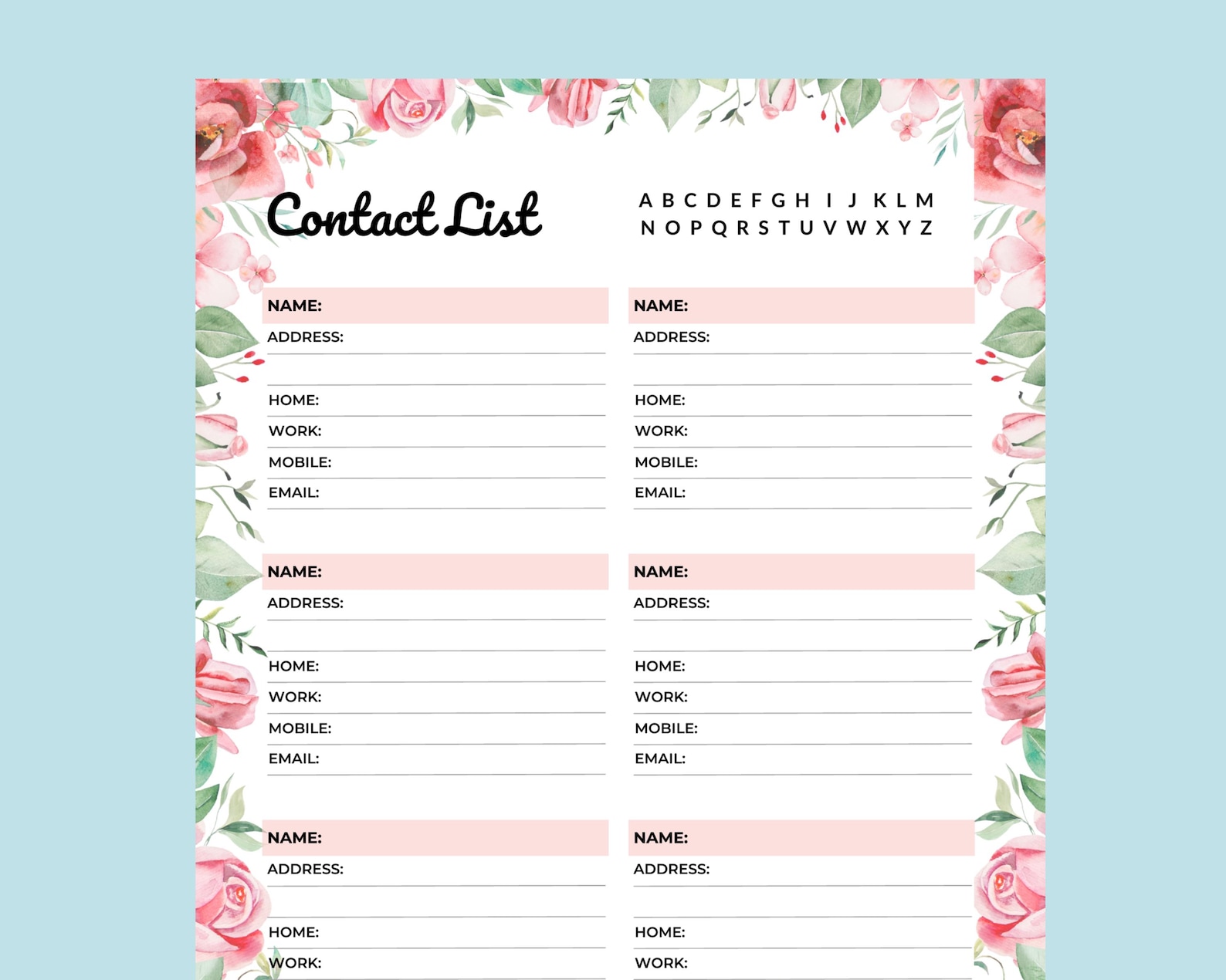
Editable layouts are also valuable when you want a personalized appearance. You may change headings, adjust spacing, add categories, modify fonts, or include a company name. However, editing should always serve usability. Excessive decoration can reduce writing space and make important information harder to locate.
When a Blank Layout Is Better
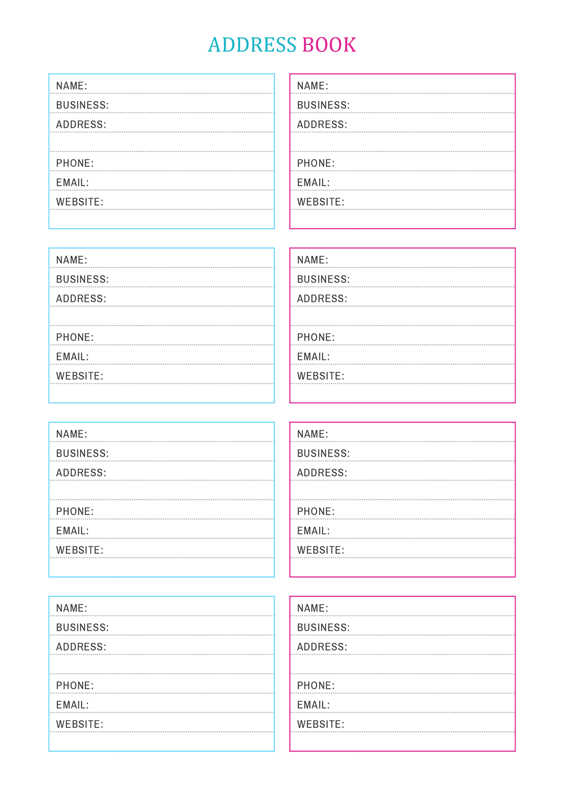
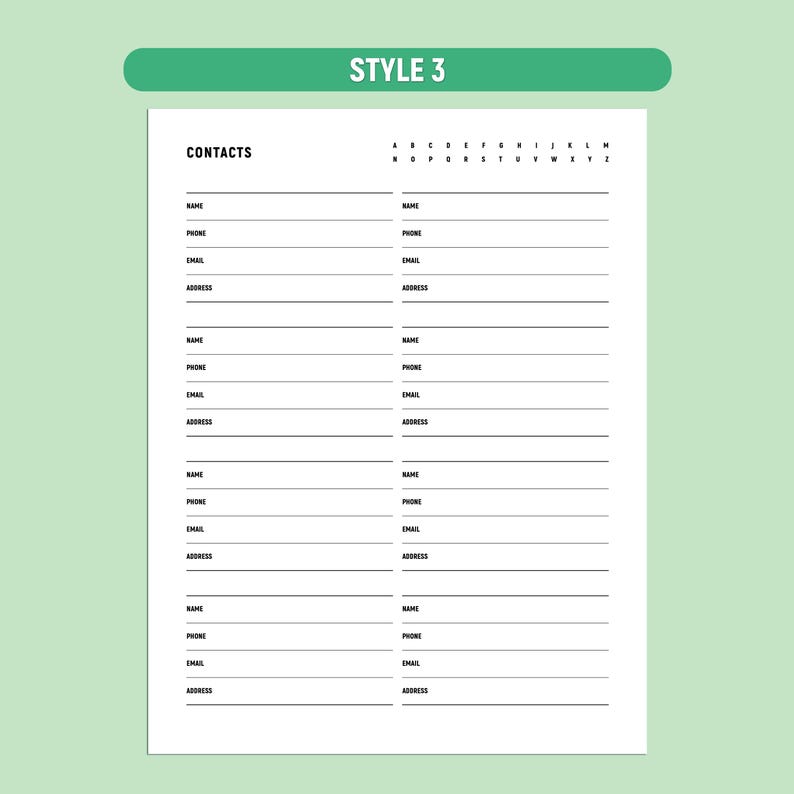
A blank address book template is useful when you already know what information you want to record but do not need a complex structure. Blank sections provide flexibility for family directories, emergency contacts, community groups, classroom networks, or personal networking records.
For a blank design, avoid making every field too small. A page that looks efficient on screen may become frustrating when printed and filled in by hand. Leave sufficient writing space, especially for addresses and notes.
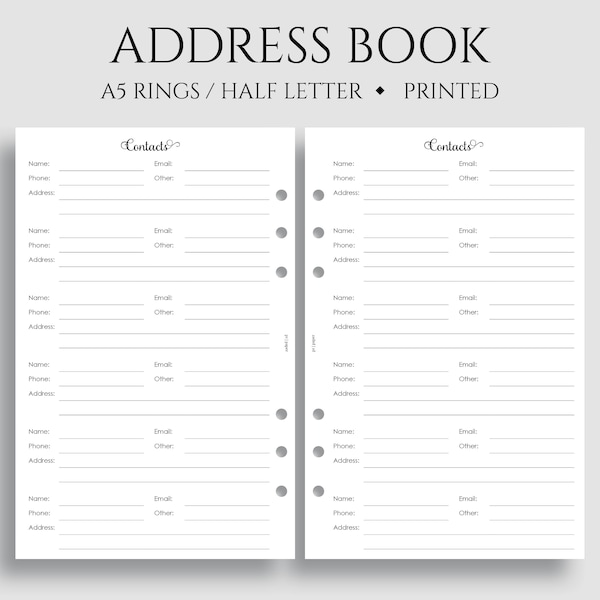
Address Book Templates Word Format for Easy Customization
Address book templates word format is a practical choice for users who want familiar document-editing tools. Word allows you to change text, headings, spacing, page orientation, margins, and typography without requiring spreadsheet knowledge.
Another advantage is that Word works well when your address book is intended to look like a traditional document. You can create one contact per section, divide pages alphabetically, add a cover, or include dedicated pages for important contacts. A carefully designed address book templates for word layout can therefore work for both personal records and professional directories.

Using an Editable Address Book Template Word File
An editable address book template word file works particularly well when you expect to make frequent changes. Start by defining the fields you need, then remove anything that does not support your purpose. For example, a family address book may need birthdays and household members, while a client directory may benefit more from company, project, and follow-up fields.
Keep headings consistent throughout the document. If one page lists “Mobile Phone” while another says “Cell,” the difference may seem minor, but consistent terminology makes the document easier to scan and maintain.

Address Book Templates Excel for Larger Contact Lists
Address book templates excel formats are particularly effective when the number of contacts becomes large. A spreadsheet can organize contacts into columns and rows, making it easier to sort, filter, search, and categorize information.
For example, a business contact sheet might contain columns for name, company, department, role, phone, email, city, category, last interaction, and notes. This structure makes it easier to find all contacts associated with a specific company or location.
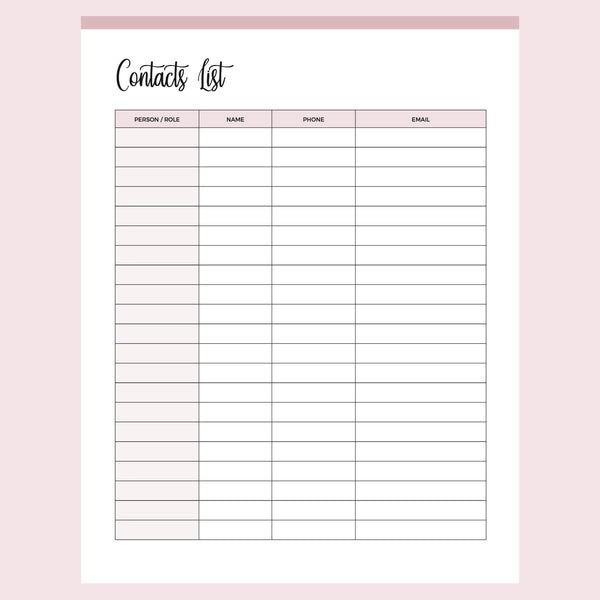
Useful Spreadsheet Columns
Do not add dozens of columns simply because the spreadsheet allows it. Excessive fields can make data entry slow and encourage inconsistent records. A focused business directory might use:
- Contact name
- Company or organization
- Position or role
- Primary phone
- Location
- Contact category
- Last interaction
- Notes

Address Book Templates Google Docs and Google Sheets
Address book templates google docs are suitable for people who prefer a browser-based document that can be accessed from different devices. Google Docs is useful when your contact book resembles a traditional document with sections, headings, and pages.
For structured lists, address book templates google sheets provide a spreadsheet environment. You can organize contacts by category, sort names alphabetically, filter records, and add columns as your needs change. This approach can be especially convenient for teams that need a shared contact directory.

When several people work with the same contact file, establish simple rules. Decide how names should be entered, whether phone numbers should include country codes, how companies should be spelled, and where notes belong. Consistency prevents a shared address book from becoming difficult to search.
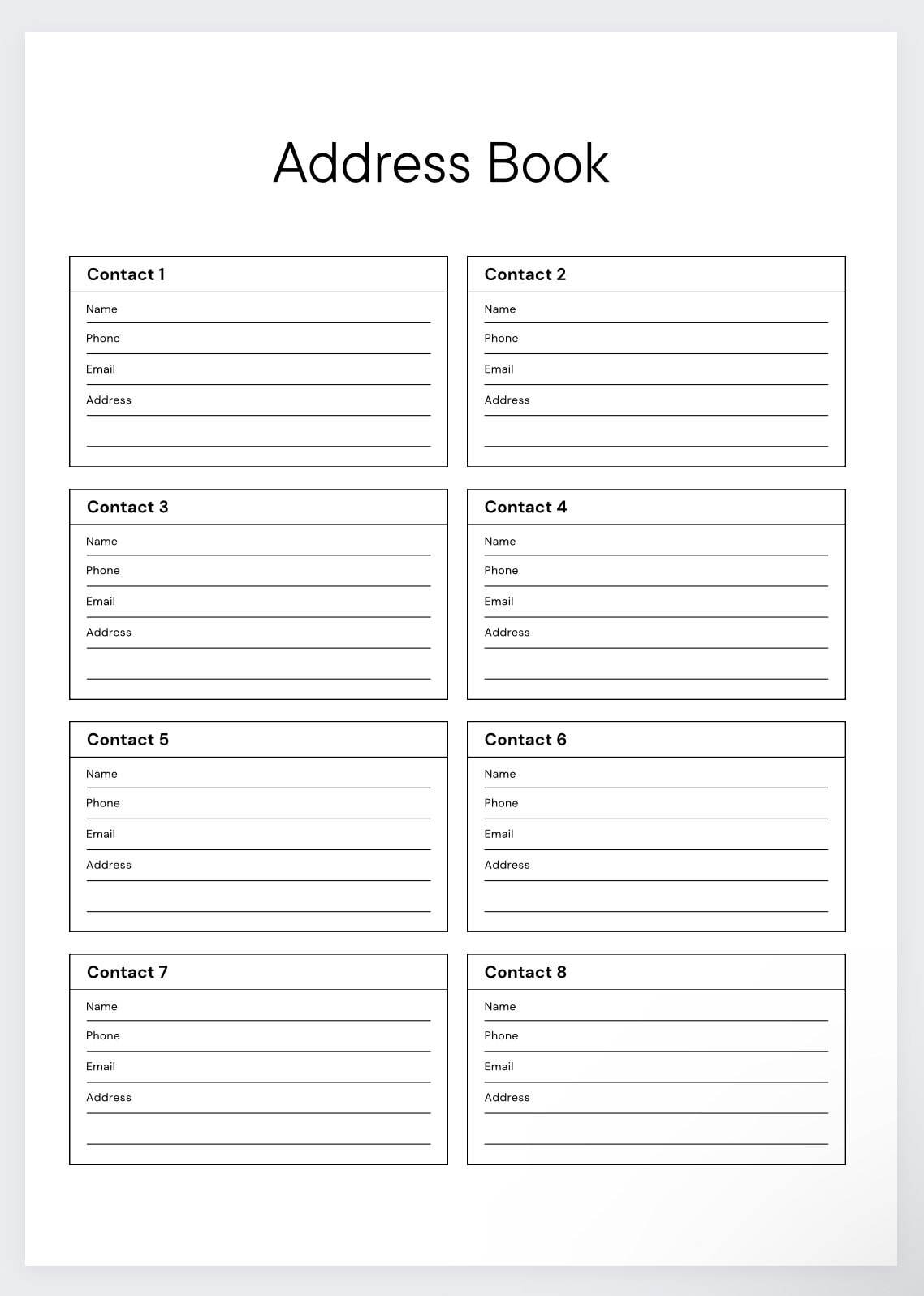
Address Book Templates Printable for Paper Organization
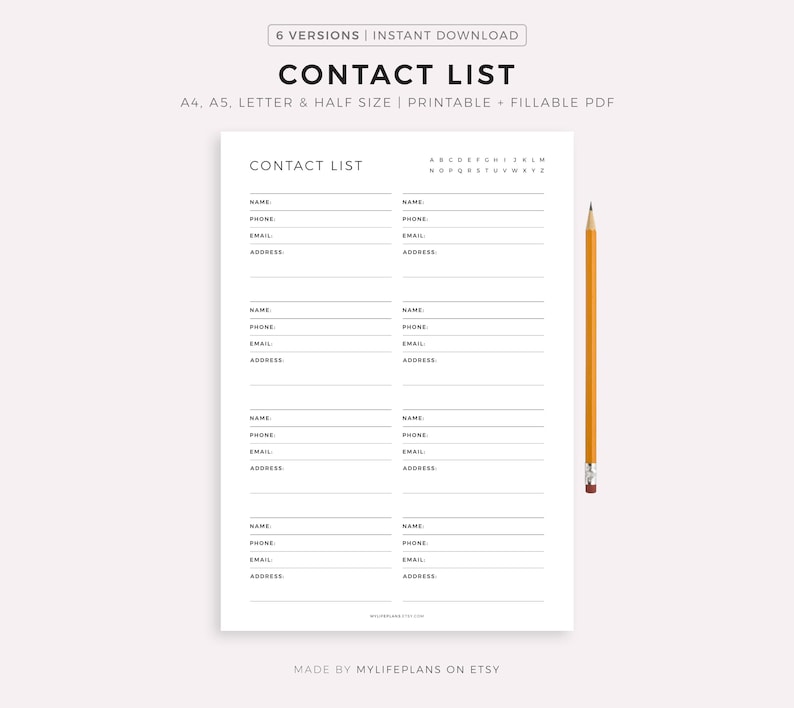
Address book templates printable formats remain useful even when most contact information is stored digitally. A paper directory can serve as a quick reference for important numbers, household contacts, suppliers, community organizations, or people you need to reach without opening a device.
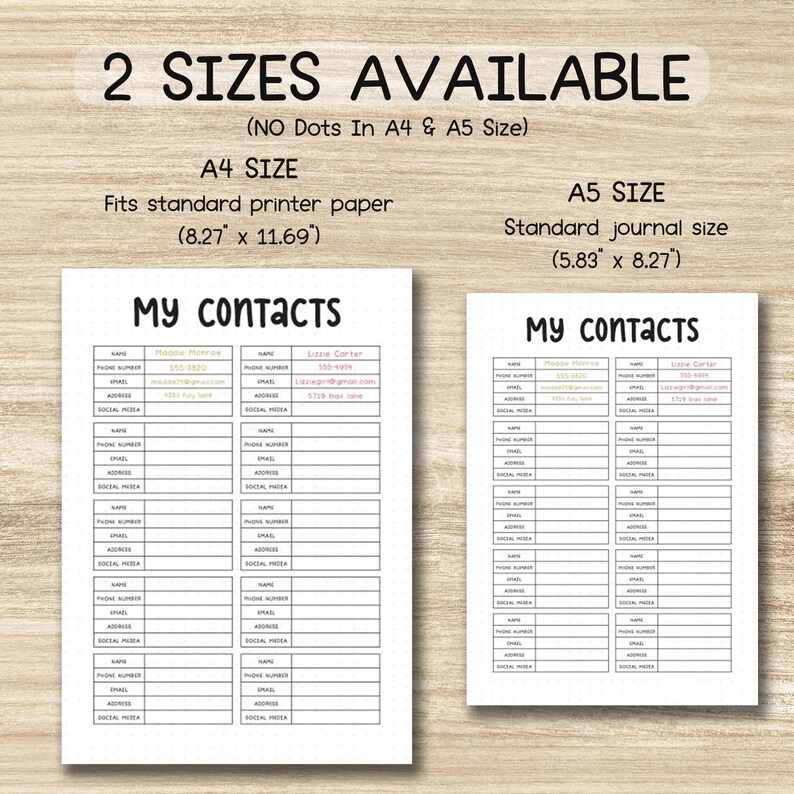
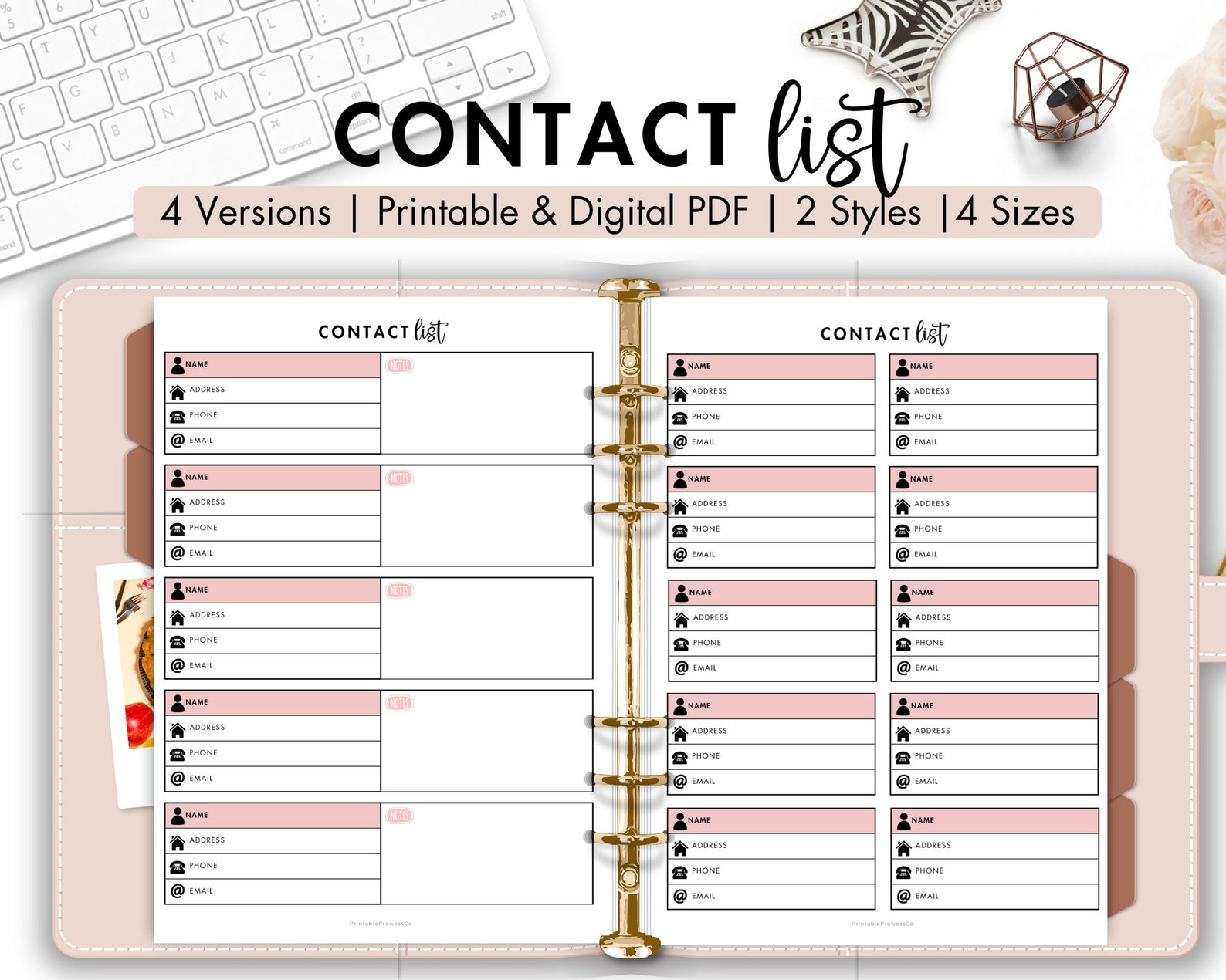
When selecting a printable design, check the paper size first. A4 and US Letter are common choices, while A5 and smaller planner formats are better for compact binders. Make sure the template provides enough writing space and does not place important fields too close to the page edges.

How to Make a Printable Address Book Easier to Use
Alphabetical organization is one of the simplest ways to improve navigation. You can create separate pages for A through Z or use a letter field at the top of each page. Another option is to divide contacts into categories such as Family, Friends, Work, Customers, Vendors, and Emergency Contacts.
If the book will be stored in a binder, leave adequate margin space for holes. If pages will be kept in a folder, consider printing only the sections you need and adding pages later. This flexible approach prevents unnecessary paper and makes updates easier.
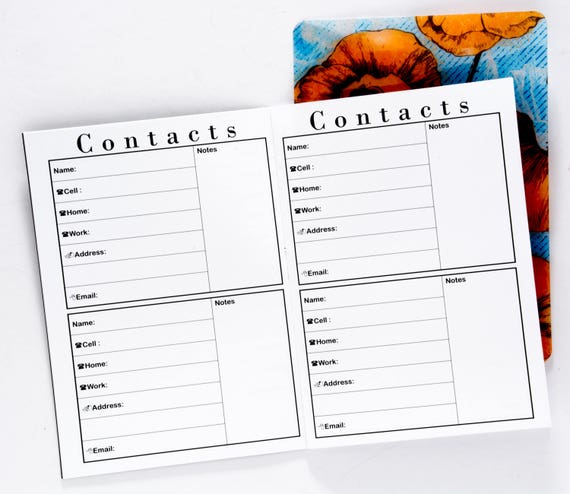
Address Book Templates PDF for Consistent Printing
Address book templates pdf files are convenient when you want a consistent page appearance across different computers and printers. PDF is particularly useful for final print layouts because the page structure is generally preserved when opened on another device.
Before printing, check the paper size, page orientation, margins, and scaling settings. If the template is intended for exact-size inserts, avoid automatic scaling that may shrink or enlarge the page. A quick test page can help confirm that the fields align with your binder or planner.
Microsoft Address Book Template Options
A microsoft address book template is a sensible option for users who already organize documents with Microsoft Office. Word is well suited to page-based contact books, while Excel is stronger for larger lists that require sorting and filtering.
The important consideration is not the software brand but the structure of the contact data. If your list contains fewer than a few dozen important people and you want a traditional page layout, Word may feel more natural. If you manage hundreds of records, Excel provides stronger tools for structured data management.
Word Versus Excel
- Choose Word when presentation, printing, and page layout are the priority.
- Choose Excel when sorting, filtering, categories, and large contact lists matter most.
- Choose Google Docs when you want a document that is convenient to access through a browser.
- Choose Google Sheets when you need spreadsheet-style organization and collaboration.
- Choose PDF when consistent visual formatting and printing are the main goals.
How to Build a Better Contact Organization System
A template is only useful when the information inside it stays accurate. Start by deciding which contacts genuinely belong in the address book. Adding every temporary number can make the directory cluttered, while including only essential relationships keeps it useful.
Next, establish a consistent naming system. For individuals, use first and last names. For companies, decide whether the organization name or individual contact should be the primary entry. If the list is large, add a category field so contacts can be filtered or grouped later.
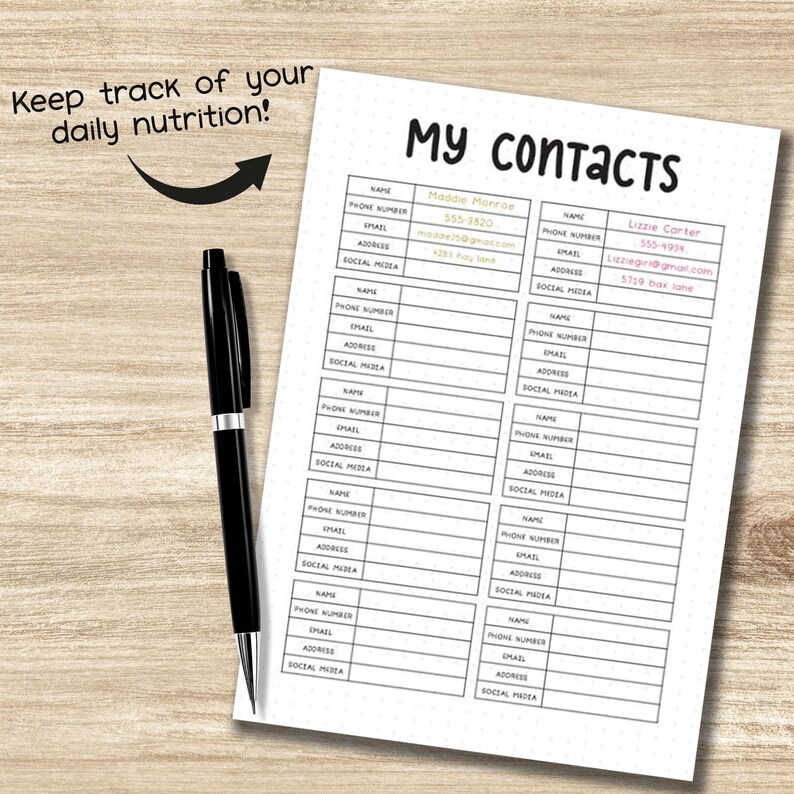
It is also useful to distinguish primary information from optional notes. Phone numbers, email addresses, and physical addresses should be easy to locate. Personal observations or communication preferences can go into a separate notes area rather than being mixed with core contact details.
Practical Uses for Address Book Templates
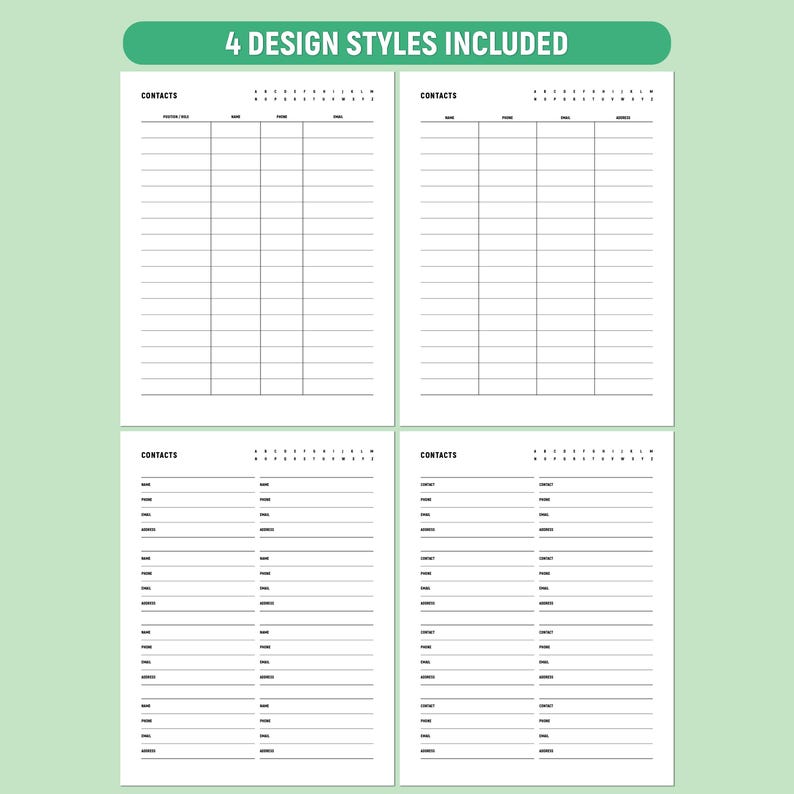
Address books are not limited to personal friends and relatives. A carefully designed template can support many everyday situations. Families can record relatives, schools, service providers, neighbors, and emergency contacts. Small businesses can maintain customer, supplier, contractor, and networking records.
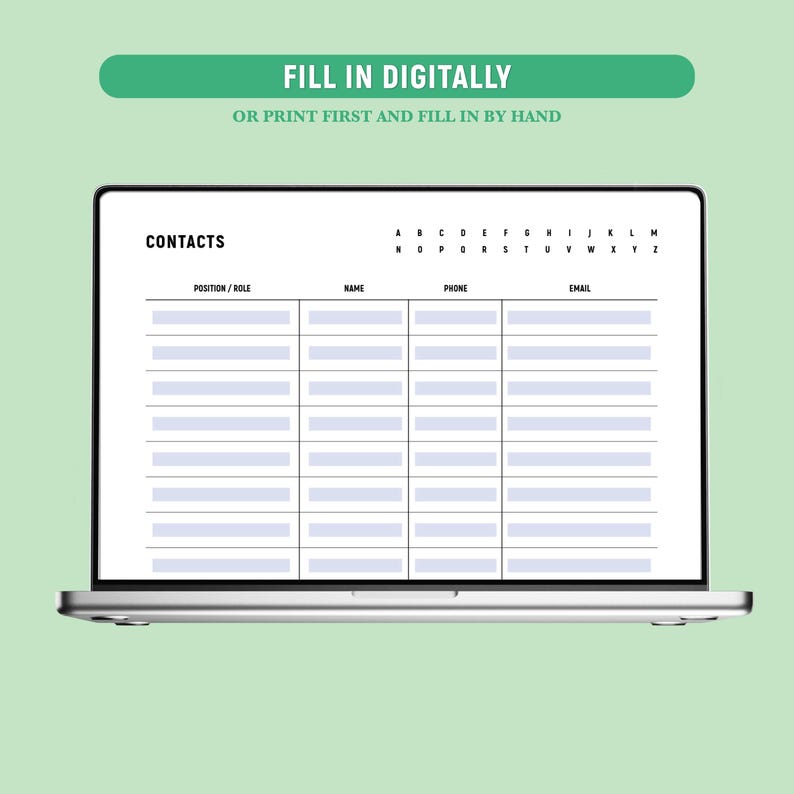
Teachers, clubs, community organizations, and event planners can also use contact directories to keep important communication details together. For a project, adding a role or responsibility field can make the document much more useful than a simple list of names and phone numbers.
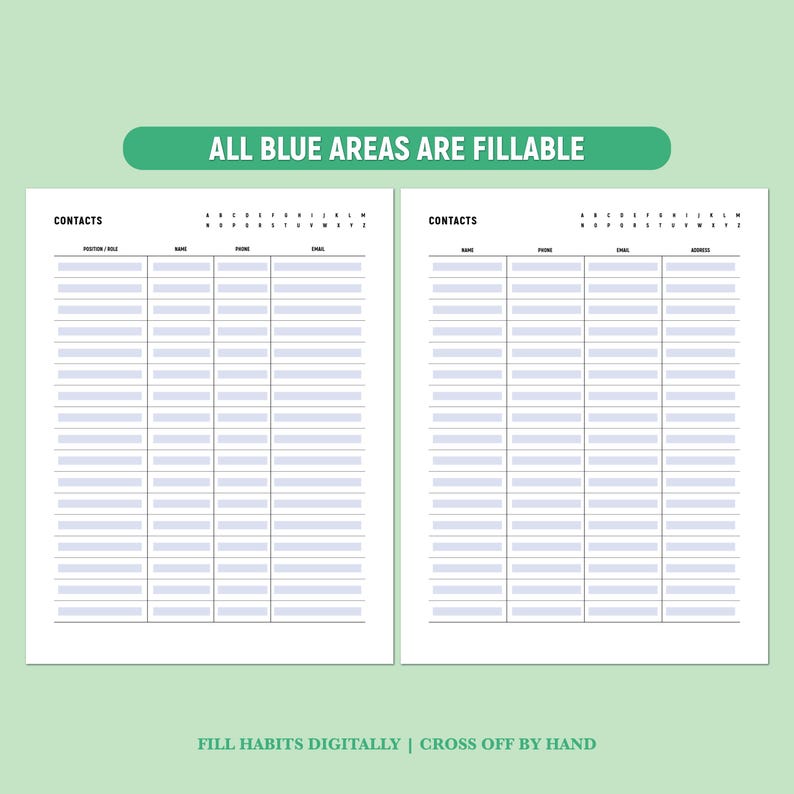
Examples of Contact Categories
- Family and relatives
- Friends and personal contacts
- Clients and customers
- Suppliers and vendors
- Colleagues and professional connections
- Schools and educational contacts
- Community organizations
- Emergency and essential services
- Home maintenance providers
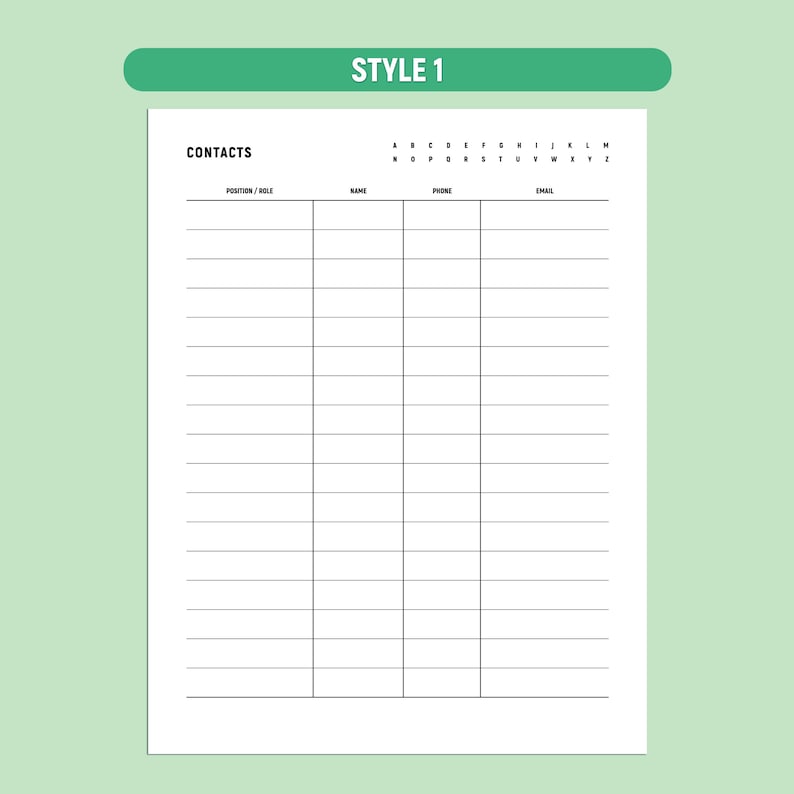
Common Mistakes to Avoid
One common mistake is choosing a visually attractive template that does not provide enough space for real information. A contact page should prioritize clarity over decoration. Another problem is including fields that are rarely used, which can make every entry unnecessarily long.
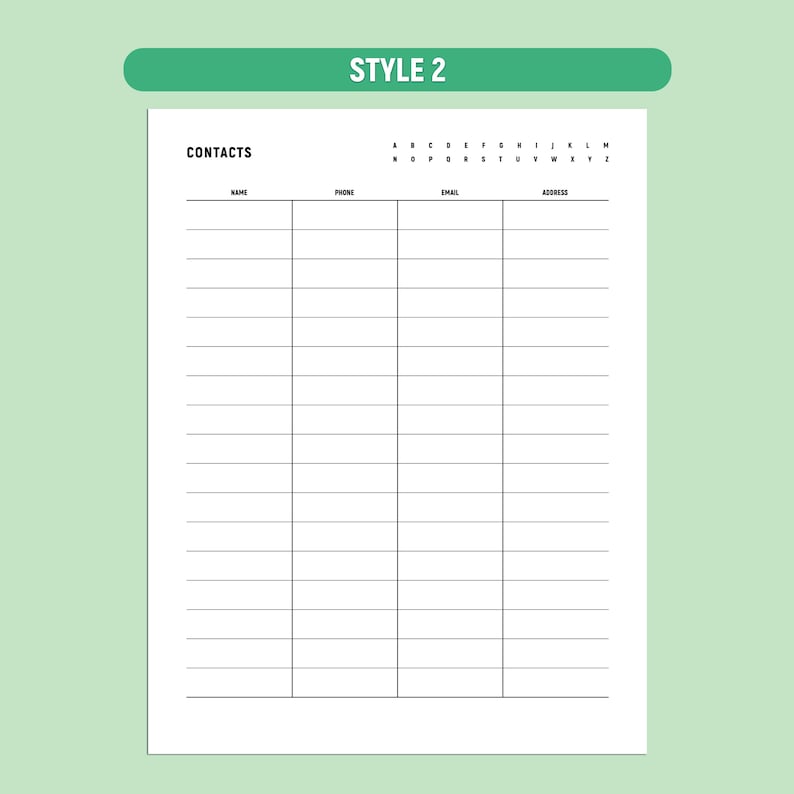
Another mistake is failing to update old records. An outdated address book can be more frustrating than having no organized list at all. Review important entries periodically and remove or revise information that is no longer accurate.
Finally, avoid mixing unrelated formats without a clear purpose. If one section uses a spreadsheet and another uses handwritten cards, create a consistent system for deciding where new information belongs. Good organization is less about the software and more about predictable structure.
Tips for Maintaining an Address Book
Once your contact book is established, maintenance should be simple. Update information when a contact changes phone numbers, moves to a new address, changes jobs, or provides a new email address. If you use a spreadsheet, take advantage of sorting and filtering rather than manually searching through hundreds of rows.
For paper versions, keep a small update routine. When you learn that a contact has changed, mark the entry for revision rather than relying on memory. If the address book is shared by a household or team, establish one person responsible for keeping the master version current.
Frequently Asked Questions About Address Book Templates
What should an address book include?
At minimum, include the contact’s name and one reliable communication method. Depending on your needs, you can also include address, email, multiple phone numbers, company, role, birthday, website, category, and notes.
Which format is best for a large contact directory?
Excel or Google Sheets is usually more practical for a large directory because spreadsheet tools make sorting, filtering, searching, and categorizing information easier. A Word or PDF layout is more appropriate when printed presentation is the main priority.
Can I customize address book templates?
Yes. Editable formats can usually be adjusted to match your preferred fields, page size, categories, typography, and organizational system. Keep the design simple enough that information remains easy to find.
Are address book templates suitable for business use?
Yes. Business versions can include company names, departments, job titles, phone numbers, email addresses, websites, locations, communication history, and notes. A category or status field can also help separate customers, vendors, prospects, and partners.
How should I organize contacts alphabetically?
For a paper book, create sections based on the first letter of the contact’s surname or organization name. For spreadsheets, use a dedicated name column and sorting tools. Whichever method you choose, apply the same naming rule throughout the entire directory.
Final Recommendations
The best address book templates are the ones that match how you actually manage contact information. Choose Word when you want a polished document, Excel when you need structured data management, Google Docs for browser-based document editing, Google Sheets for flexible contact databases, and PDF when consistent printing is important. A well-planned blank layout can also be an excellent choice when your needs are simple.
Before settling on a design, identify the information you truly need, choose a comfortable page or screen layout, and establish consistent rules for entering names and contact details. Whether you maintain a personal directory, family record, professional network, or business contact database, a clear structure will make information easier to find and much easier to maintain over time.