Achievement Certificate Templates can make recognition easier, faster, and more professional. A well-designed certificate gives an accomplishment a clear sense of importance. It can recognize academic progress, workplace performance, sports success, creative work, leadership, or personal growth.
Choosing the right layout is only the first step. The wording, typography, spacing, colors, and recipient information also matter. A good certificate should look attractive while keeping the achievement easy to understand. It should also be simple to personalize and prepare for printing.
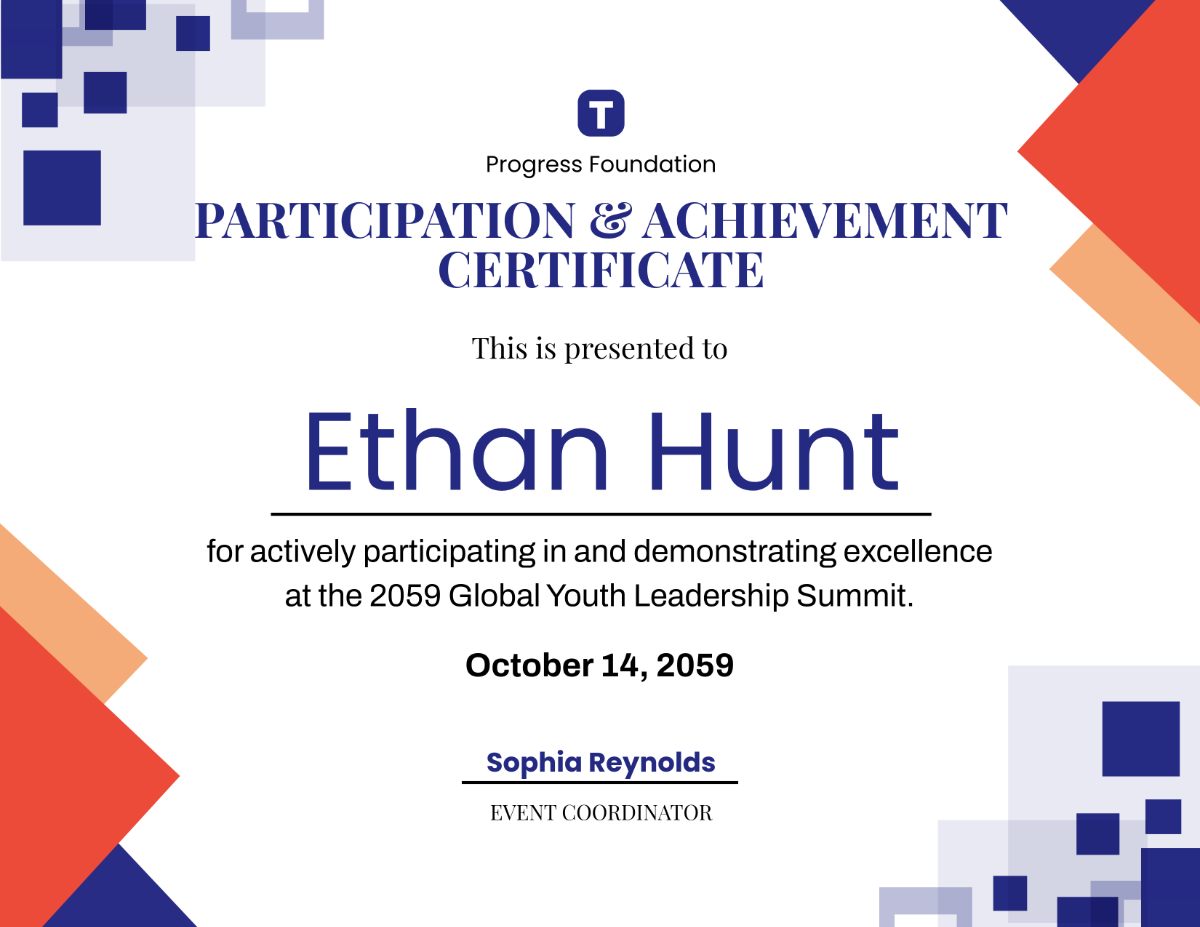
In this guide, you will learn how to choose and customize certificate designs for different audiences. You will also discover practical ideas for students, children, employees, athletes, and other recipients. Finally, you will learn how to prepare a certificate for a polished final result.
What are achievement certificate templates?
Achievement certificate templates are prepared document designs used to recognize accomplishments. They usually contain a certificate title, recipient name, achievement statement, date, organization name, and signature area.
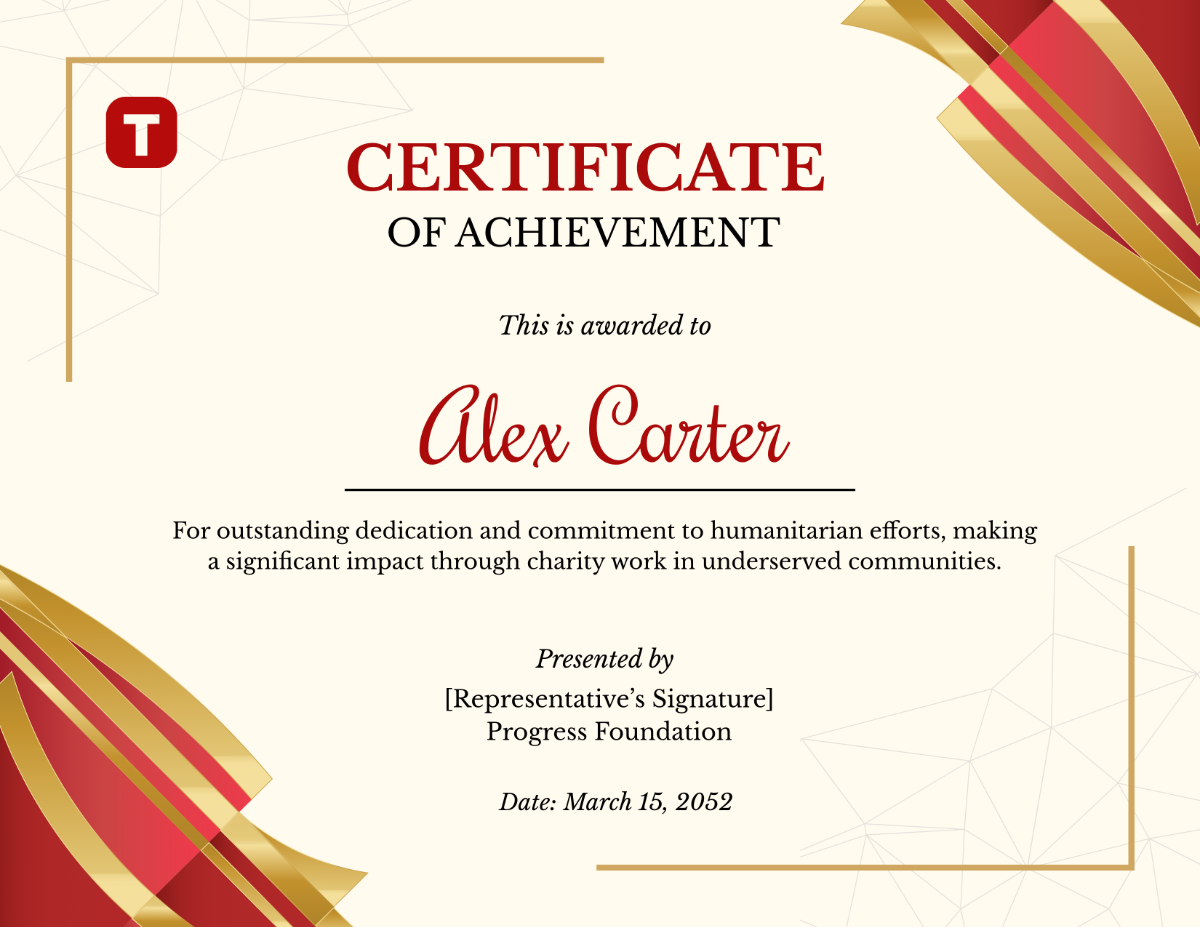
A template provides a visual starting point. Therefore, you do not need to design every element from an empty page. You can focus on the most important part: clearly describing the accomplishment.
Templates can also help maintain consistency. For example, a school can use one design for academic awards and another for extracurricular recognition. A company can create a consistent visual identity for employee milestones.
Why certificates still matter
Recognition creates a lasting reminder of effort. A certificate can be displayed on a wall, stored with academic records, or presented during a ceremony. More importantly, it communicates that someone’s effort was noticed and appreciated.
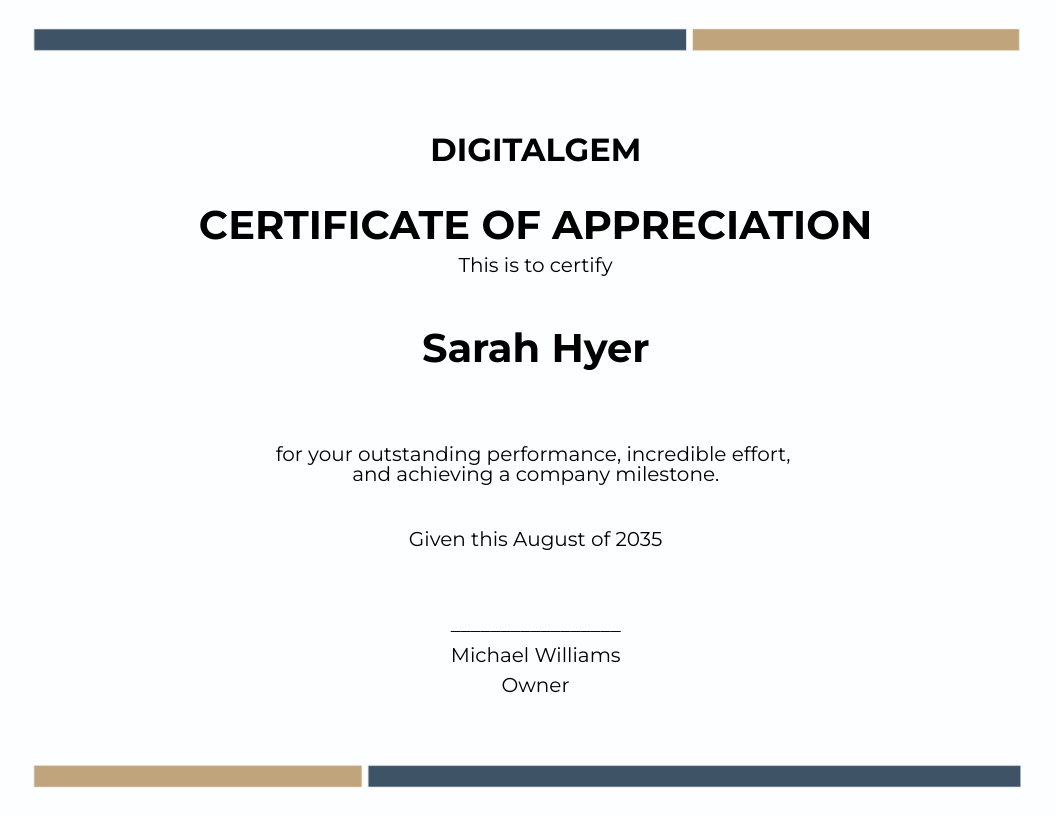
A thoughtful certificate does not need excessive decoration. Instead, it should create a clear hierarchy. The recipient’s name should be easy to notice. The achievement should be easy to understand. The issuing organization should also be clearly identified.
Key elements of a strong certificate
A professional certificate works best when every element has a purpose. Before editing a design, identify the information that the recipient needs to see.
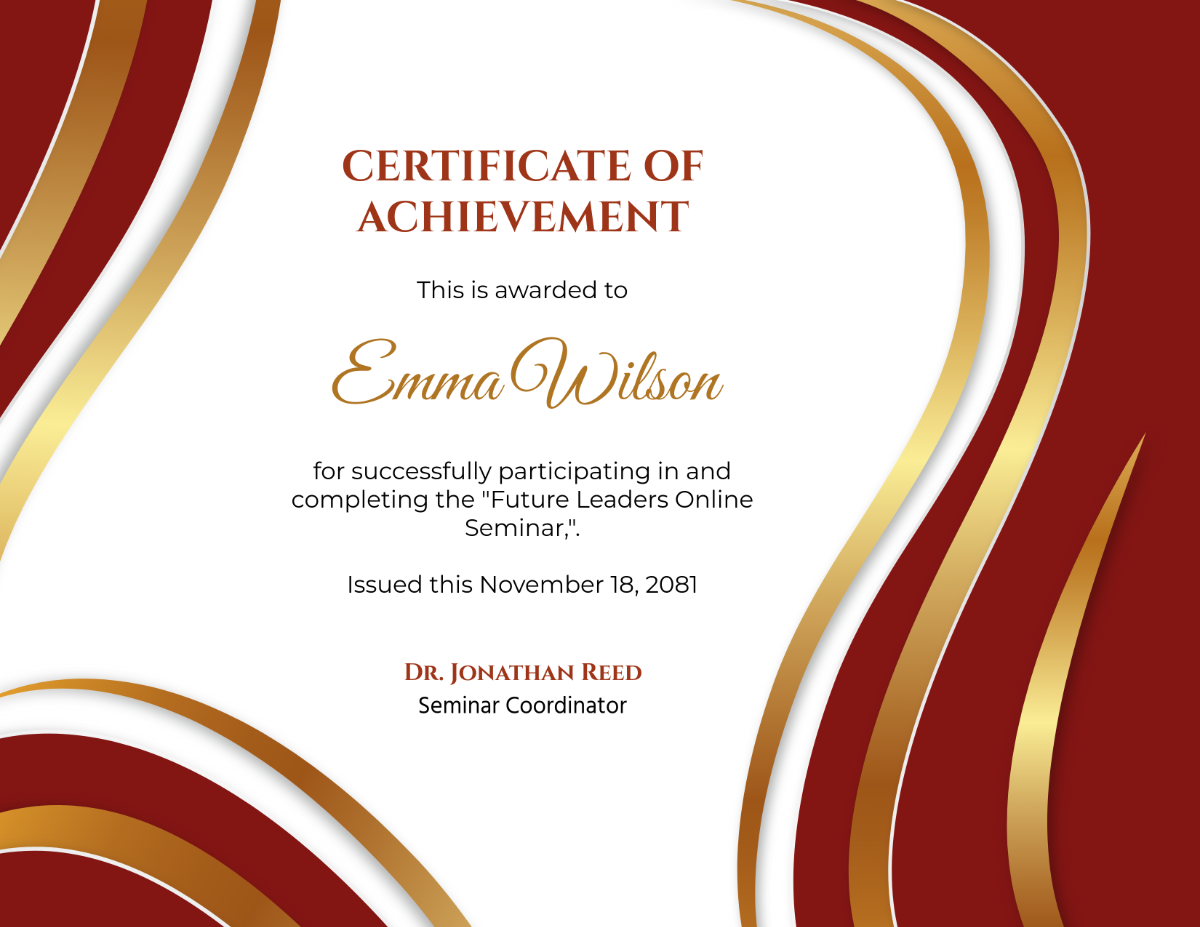
- Certificate title: Clearly state the purpose of the award.
- Recipient name: Make the person’s name visually prominent.
- Achievement statement: Explain the accomplishment in concise language.
- Date: Show when the recognition was awarded.
- Organization: Identify the school, business, club, or institution.
- Signature: Include space for an authorized person.
- Logo: Add organizational branding when appropriate.
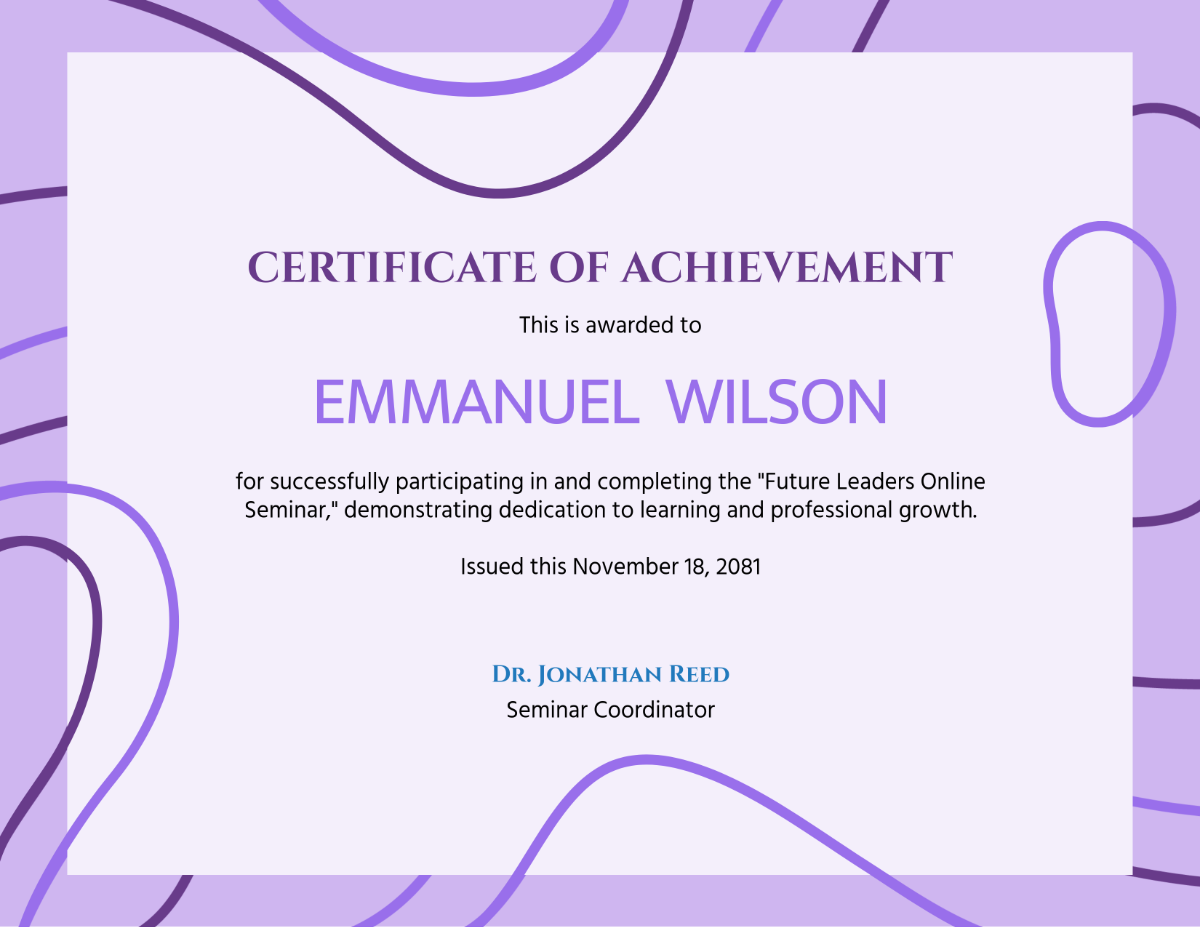
These elements should work together. Avoid adding information simply because there is empty space. A certificate is usually more effective when the page remains clean and focused.
Choosing achievement certificate templates for students
achievement certificate templates for students should match the student’s age and the type of achievement. A formal academic award may require a traditional layout. A classroom recognition award may benefit from a more energetic design.
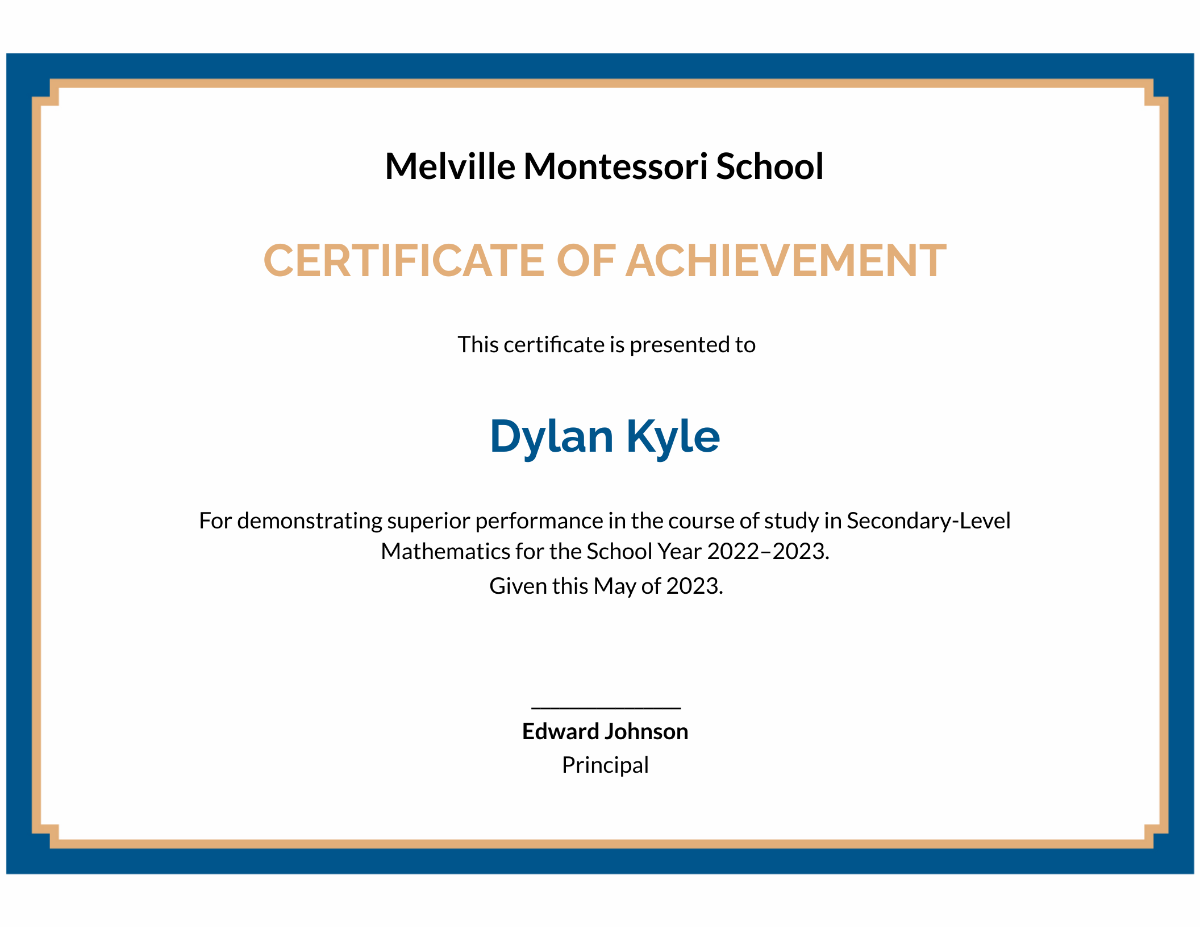
For older students, consider clean borders, academic symbols, restrained colors, and readable typography. These features create a serious appearance without making the certificate feel outdated.
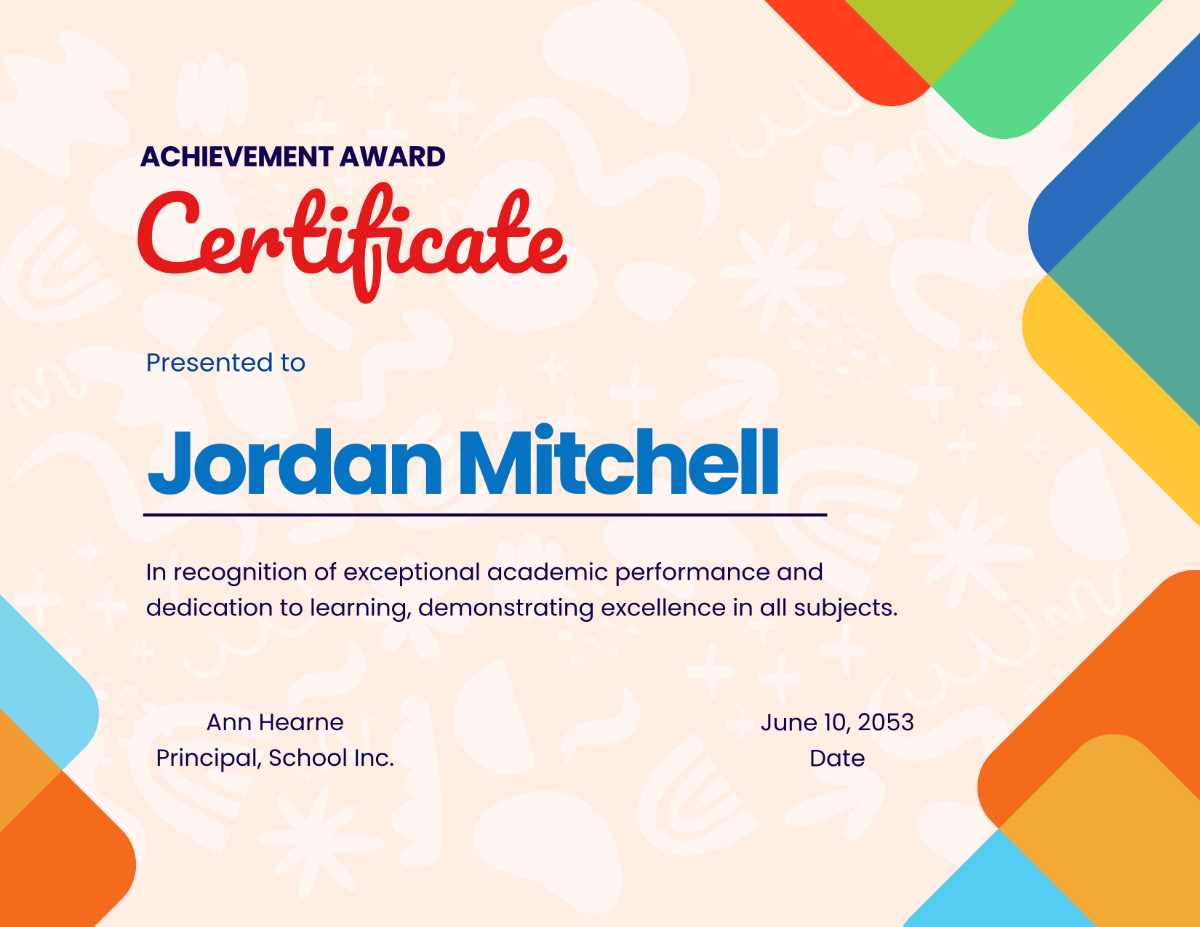
Younger students may respond better to cheerful illustrations and larger typography. Stars, books, pencils, medals, animals, and simple geometric shapes can make recognition more engaging.
Student award ideas
- Academic excellence
- Outstanding improvement
- Reading progress
- Creative writing
- Science achievement
- Leadership
- Sportsmanship
- Class participation
- Community involvement
- Positive classroom contribution
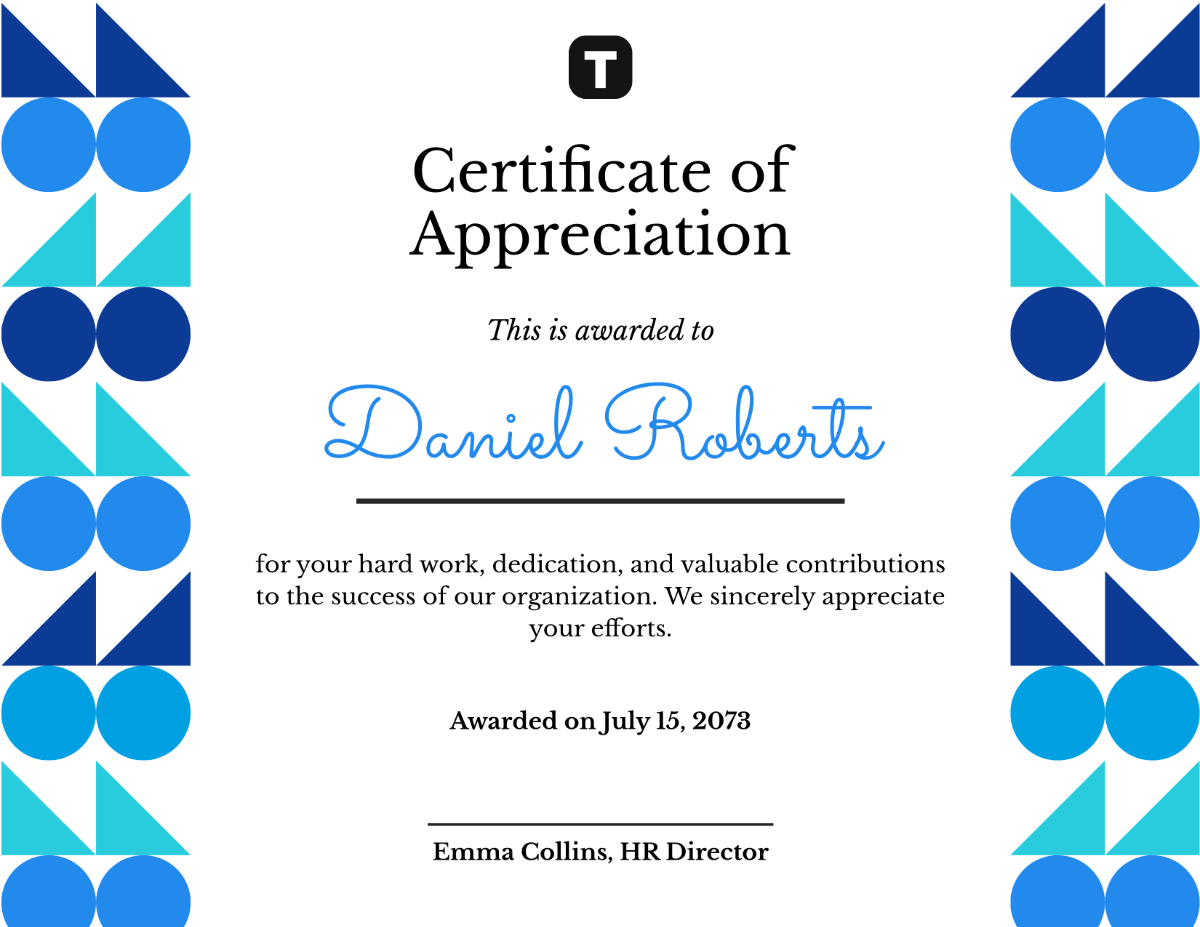
When creating several student awards, use one master design. Then personalize each copy with the correct name and achievement. This approach saves time and keeps the presentation consistent.
Achievement certificate templates for kids
achievement certificate templates for kids should feel encouraging and easy to understand. Young recipients often respond well to bright illustrations, friendly shapes, stars, ribbons, and school-related imagery.
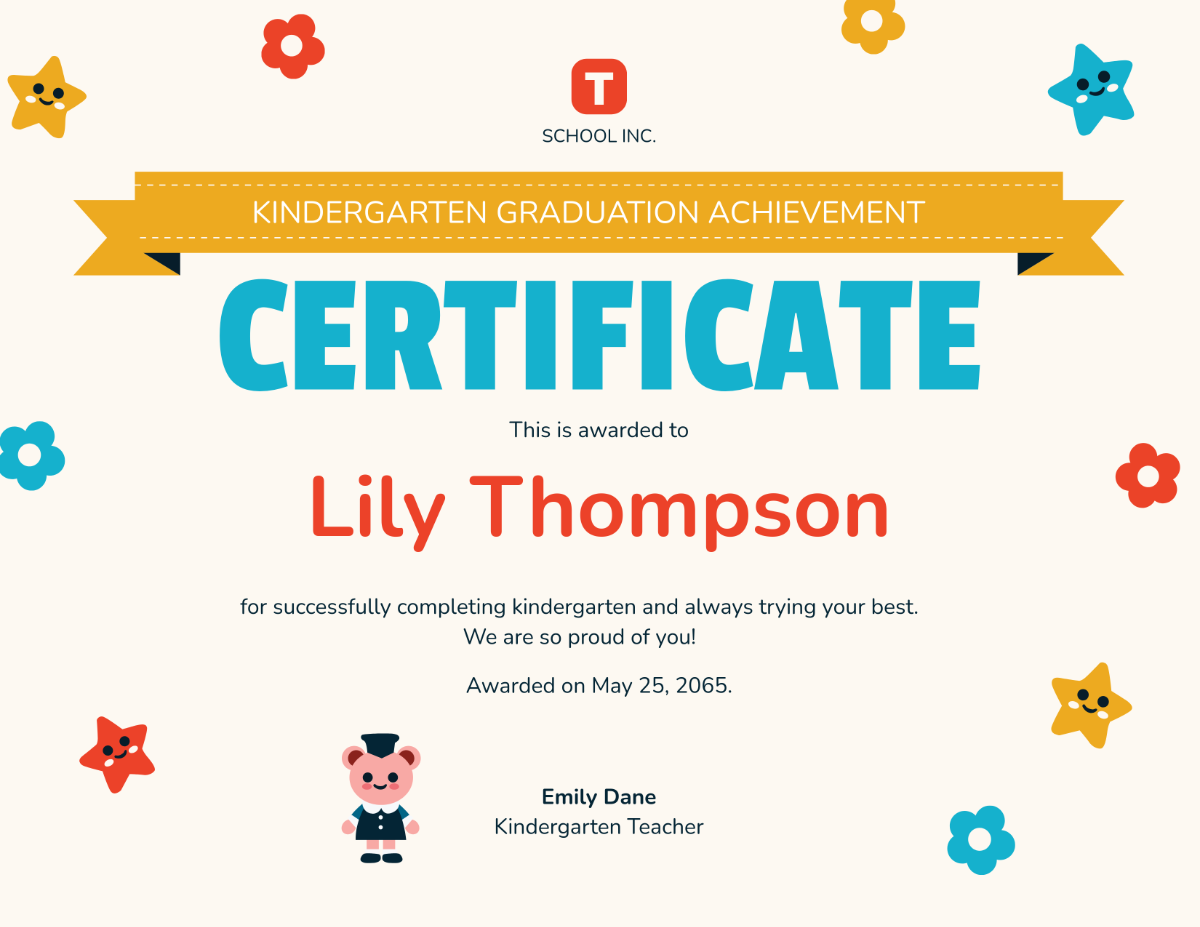
The wording should also be simple. Instead of using complicated formal language, describe the accomplishment directly. A certificate can recognize kindness, reading progress, perseverance, creativity, teamwork, or completion of a project.

For children, the recipient’s name should remain highly visible. Avoid filling the page with tiny text. Large, readable lettering creates a stronger visual impact.
Achievement certificate templates printable: preparing the layout
achievement certificate templates printable designs should be prepared with the final paper size in mind. A4 and US Letter are common choices. Landscape orientation is often useful because it provides generous horizontal space for the title and recipient name.
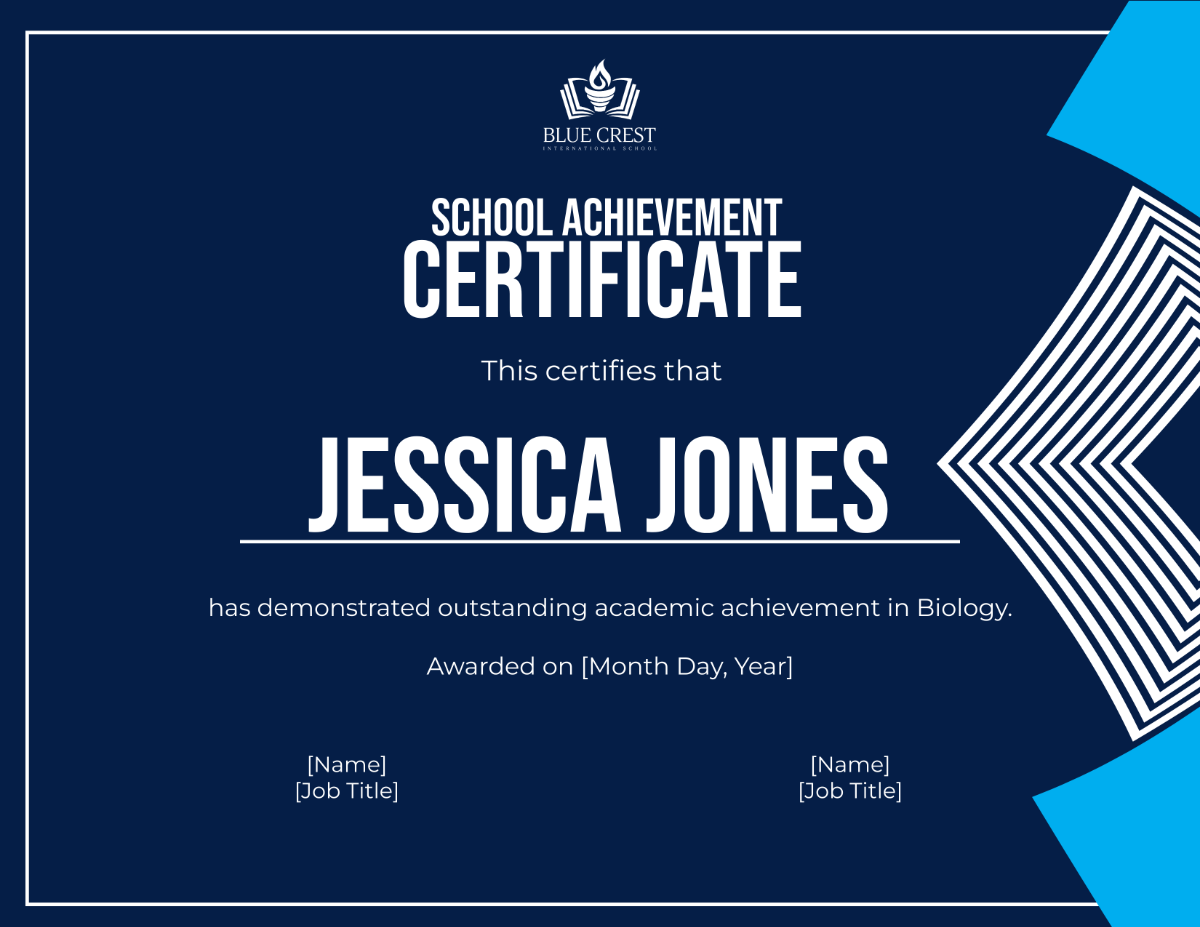
Check the page dimensions before editing. Also inspect the margins. Decorative borders that sit too close to the edge may be clipped by some printers.
Resolution matters as well. Logos, seals, and decorative graphics should remain sharp at their final size. A design that looks clear on a monitor may appear soft when enlarged on paper.
Choosing suitable paper
Paper contributes to the overall impression. Standard office paper can work for everyday classroom recognition. Heavier certificate stock can create a more substantial presentation.
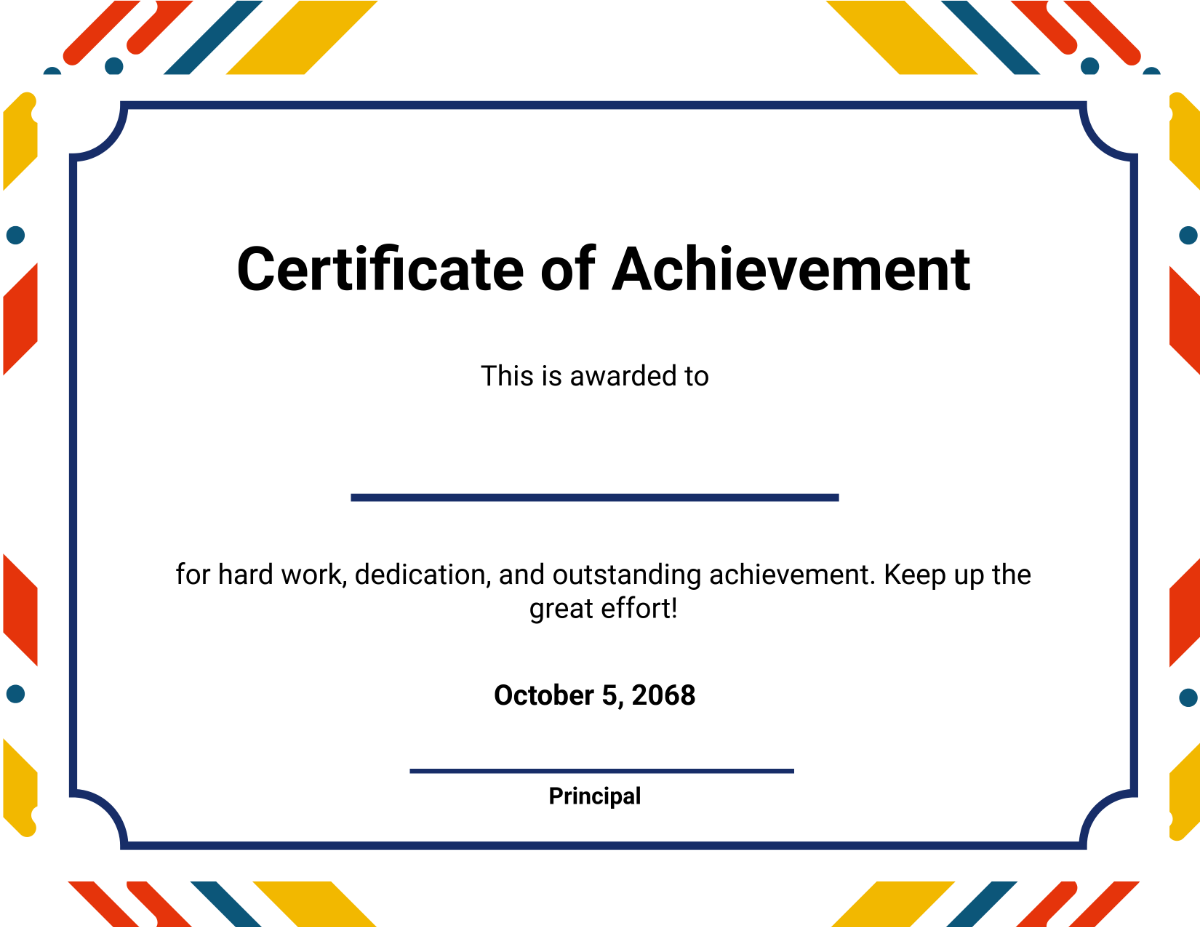
Matte paper provides a clean appearance. Lightly textured stock can create a traditional feel. Before producing many copies, print one sample. Check the alignment, colors, borders, and text size first.
Achievement certificate templates editable: customizing the design
achievement certificate templates editable designs are useful when several details need to be personalized. You can typically change the recipient’s name, date, achievement statement, organization information, fonts, and colors.
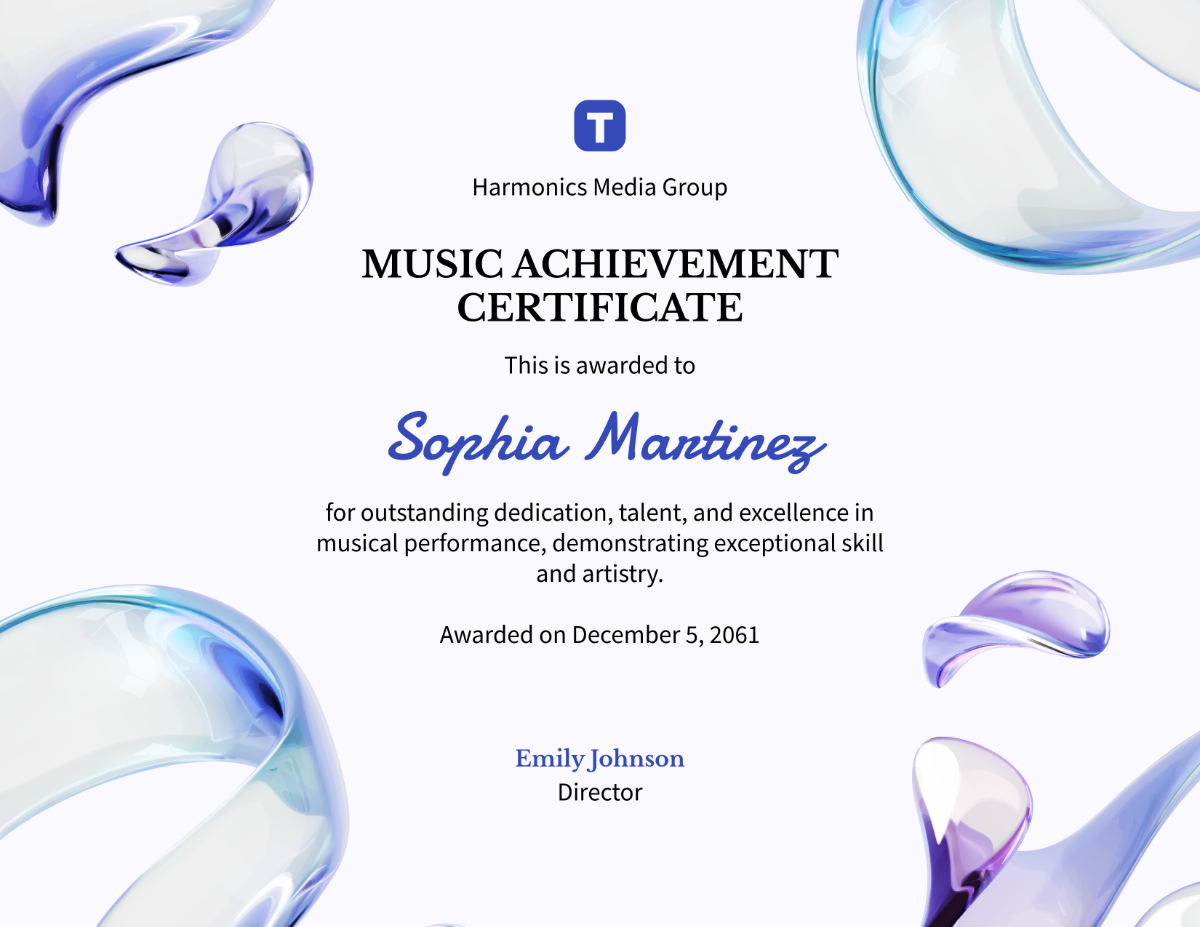
Start with the information rather than the decoration. Enter the recipient’s name and achievement statement first. Then adjust the design if necessary.
A common mistake is changing too many elements at once. Replacing every font, color, border, and graphic can weaken the original visual hierarchy. Instead, make targeted changes that improve relevance.
Writing a stronger achievement statement
The achievement statement should explain why the recipient deserves recognition. Avoid vague wording when a specific description is possible.
For example, instead of writing “For excellent performance,” consider a statement such as “For demonstrating outstanding dedication and consistent progress in mathematics throughout the academic term.” The second version gives the certificate a clearer purpose.
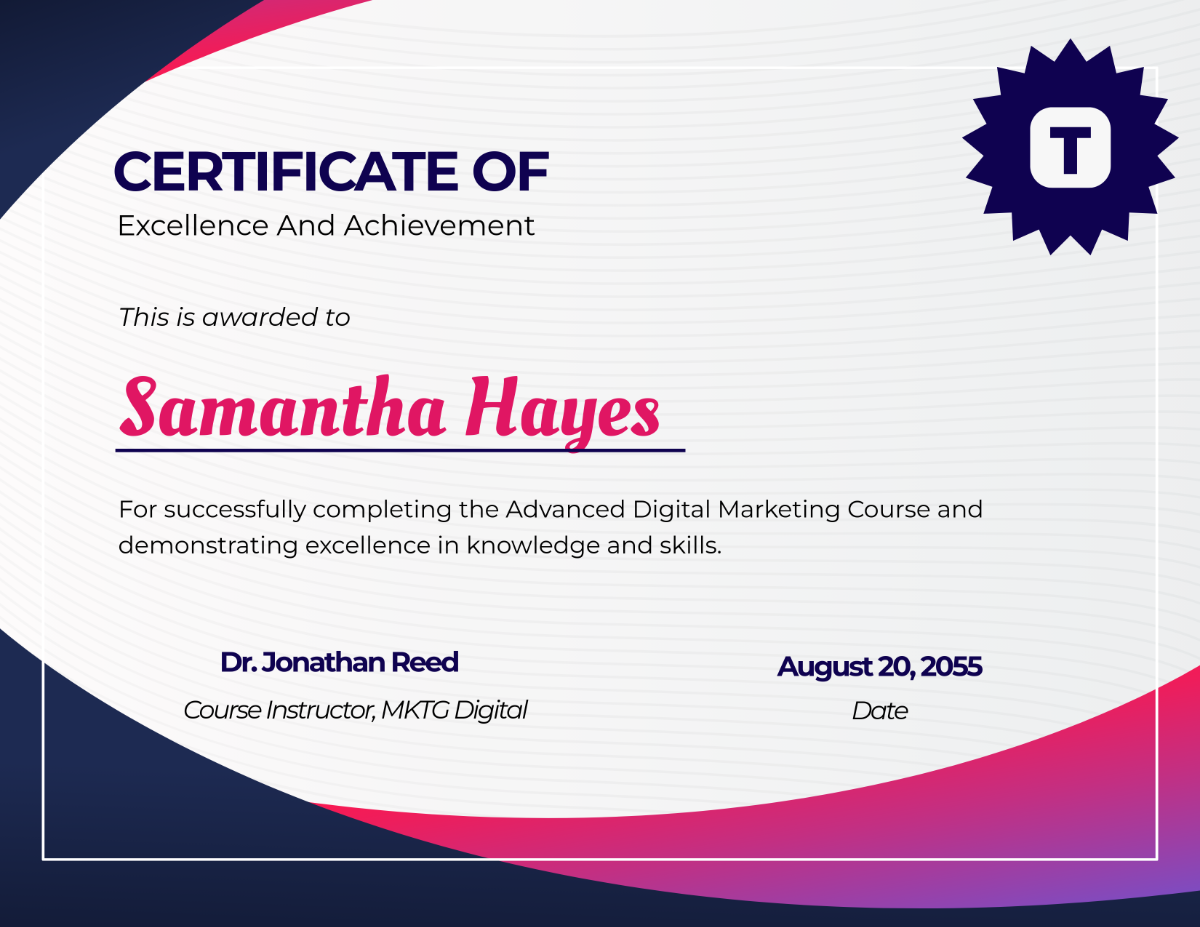
Keep the statement concise. A certificate is not a report. One or two well-written sentences are usually enough to communicate the accomplishment.
Achievement certificate templates Word: practical document editing
achievement certificate templates word can be convenient for users who regularly work with Microsoft Word. A document format is especially useful when names and award descriptions change frequently.
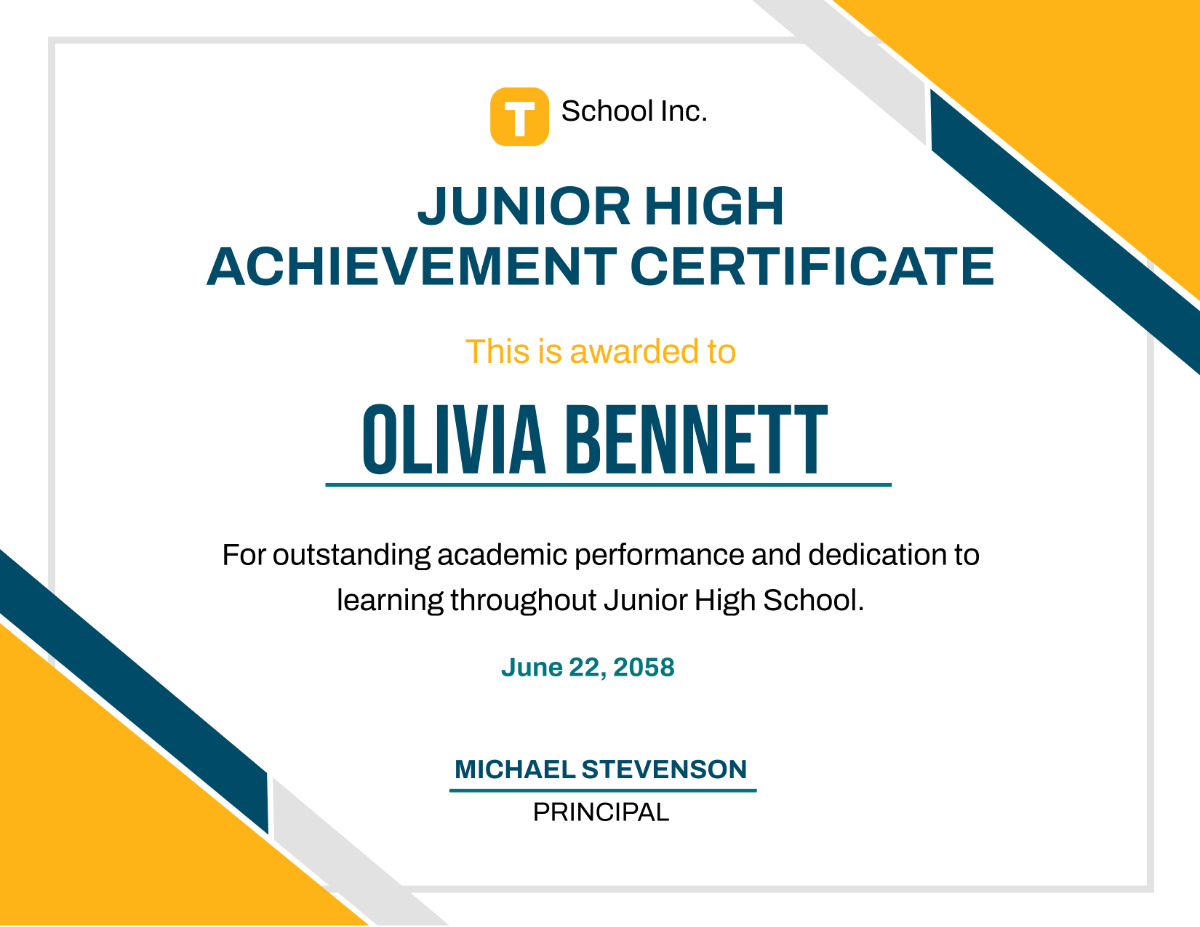
When editing a document, pay attention to text boxes and alignment. Decorative elements can shift when text is changed. Review the entire page after editing each recipient.
For repeated certificates, keep one master version. Make copies from that master rather than modifying the original repeatedly. This protects the basic design and reduces formatting problems.
Using a blank certificate of achievement template
A blank certificate of achievement template works well when you want greater control over the wording. It provides the basic visual framework while leaving enough room for customization.
Begin with the essential information. Add the organization name, certificate title, recipient, achievement, date, and signature details. After that, review the layout and adjust the spacing.
When should you choose a blank design?
A blank design can be helpful when the achievement does not fit a standard category. It is also useful when an organization has its own wording requirements or established branding.
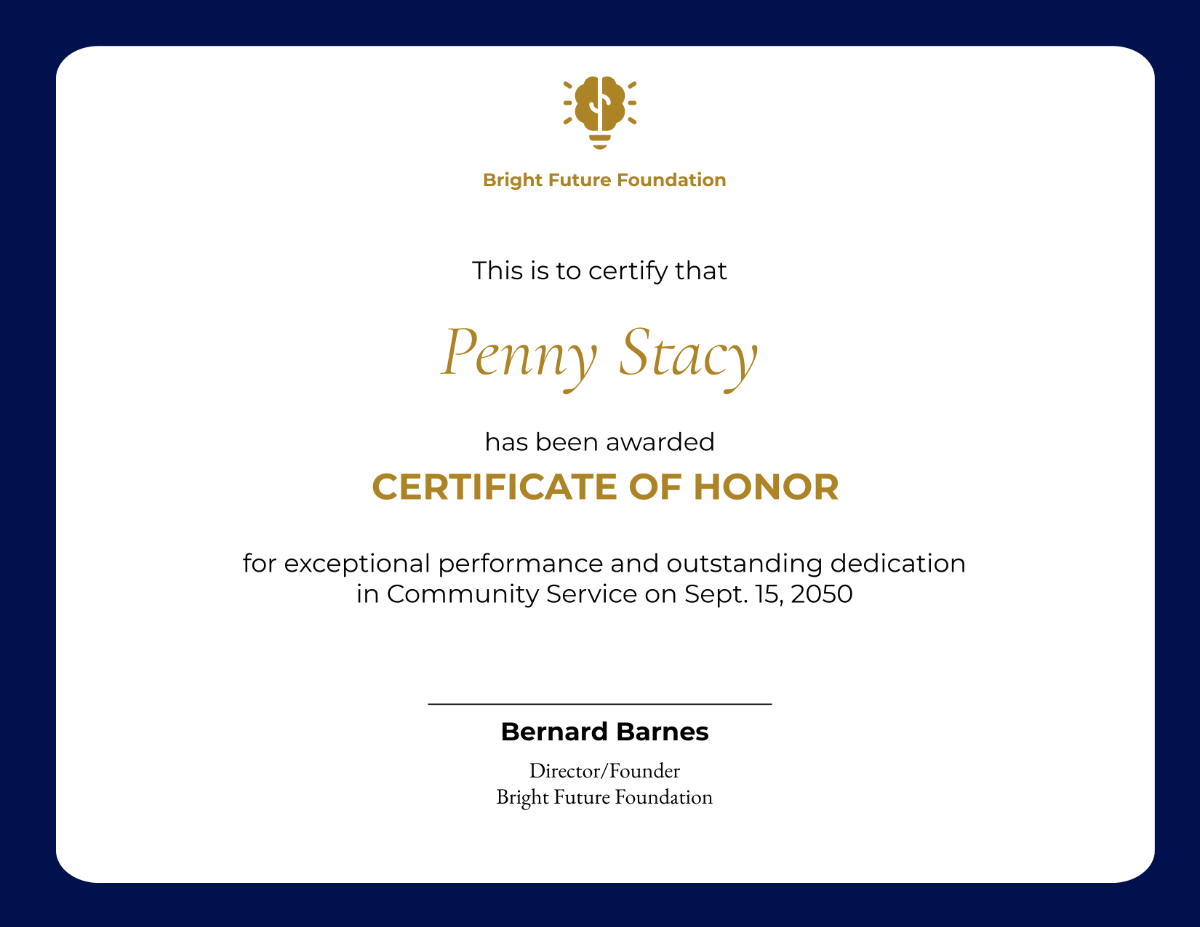
Another benefit is flexibility. One basic layout can support several programs. You can recognize academic achievements, volunteer contributions, project completion, leadership, or professional development without redesigning the entire document.
How to choose the right certificate style
The best design depends on the recipient, achievement, and presentation setting. A classroom award has different requirements from an employee recognition certificate.
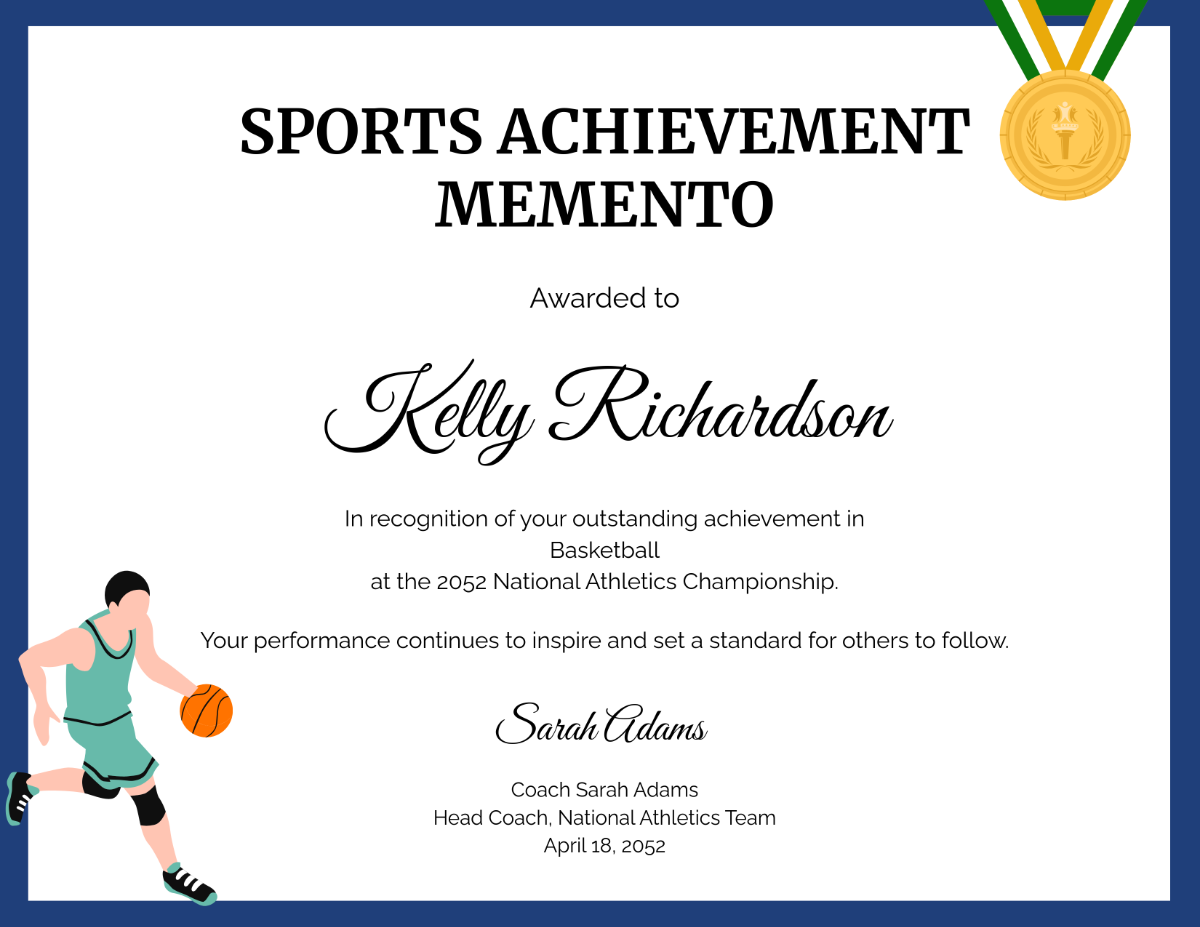
Ask yourself several questions before selecting a layout:
- Who will receive the certificate?
- What achievement is being recognized?
- Will the certificate be framed?
- Does the organization have established branding?
- Will it be printed or shared digitally?
- How many recipients will receive it?
- Does the design provide enough room for personalization?
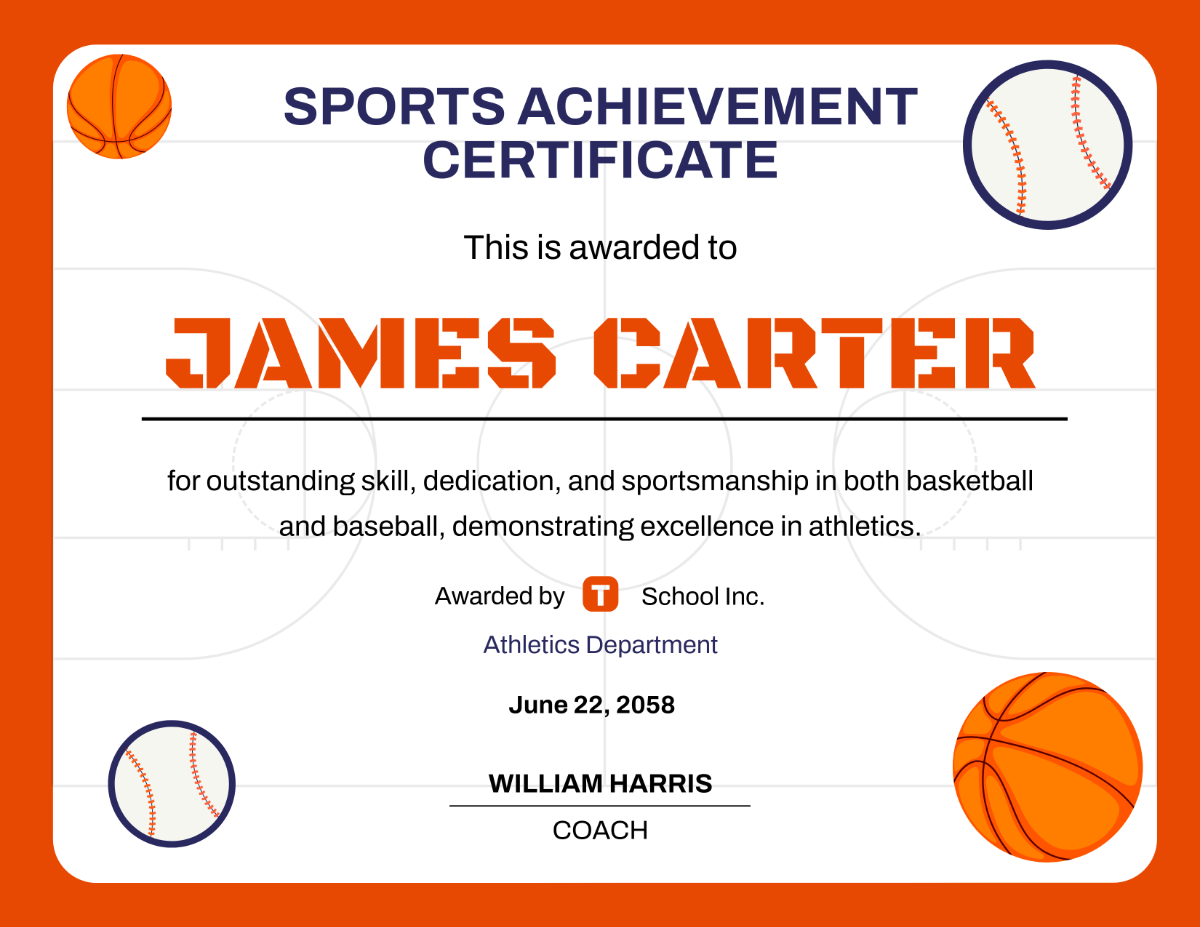
These questions make selection easier. They also help prevent a common problem: choosing a beautiful design that does not fit the actual purpose.
Common certificate design mistakes
Overcrowding is one of the most common problems. Too many graphics can distract from the recipient’s accomplishment.
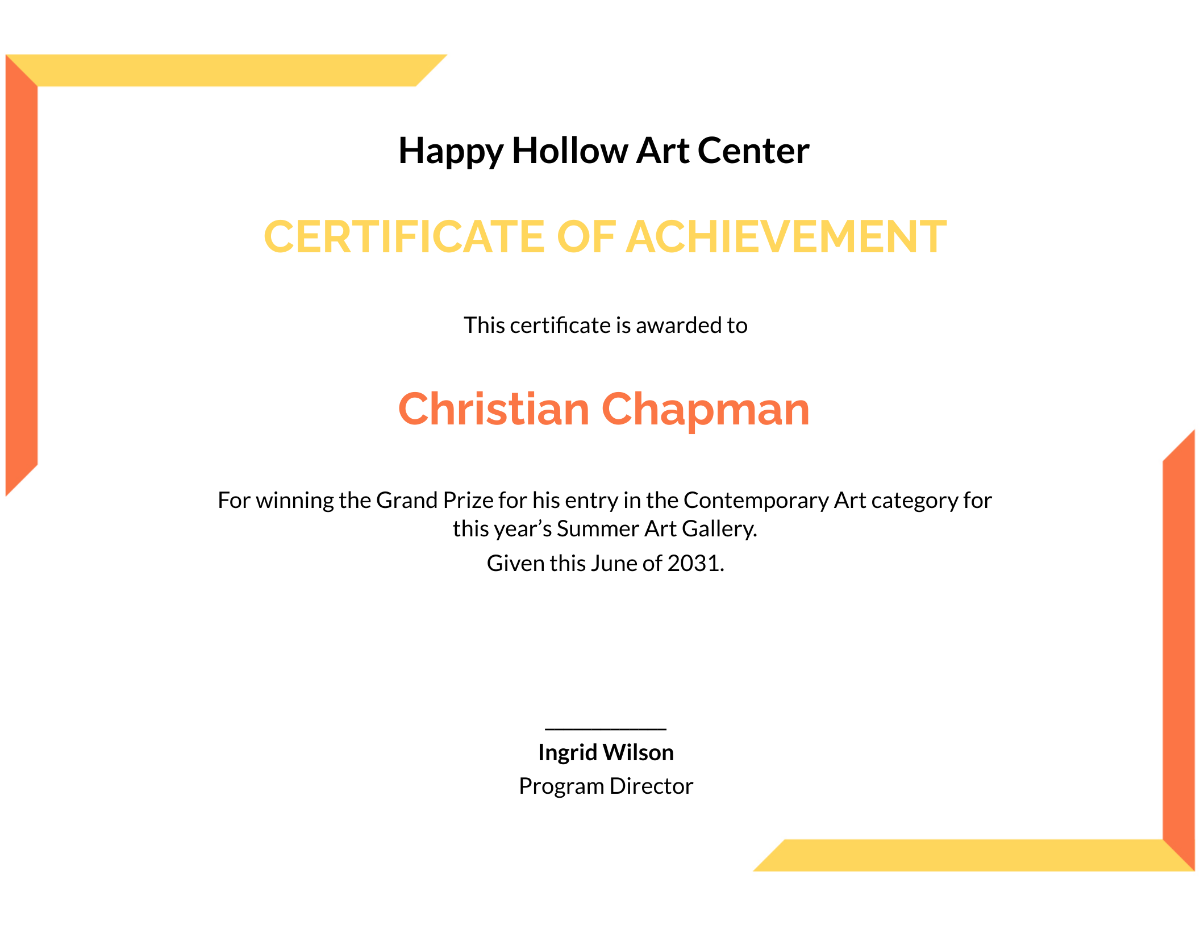
Typography can create another problem. Using several unrelated fonts often makes a certificate look inconsistent. Two complementary fonts are usually enough.
Small text is also difficult to read. Remember that certificates are often viewed from a short distance after printing. Important information should remain clear without requiring close inspection.
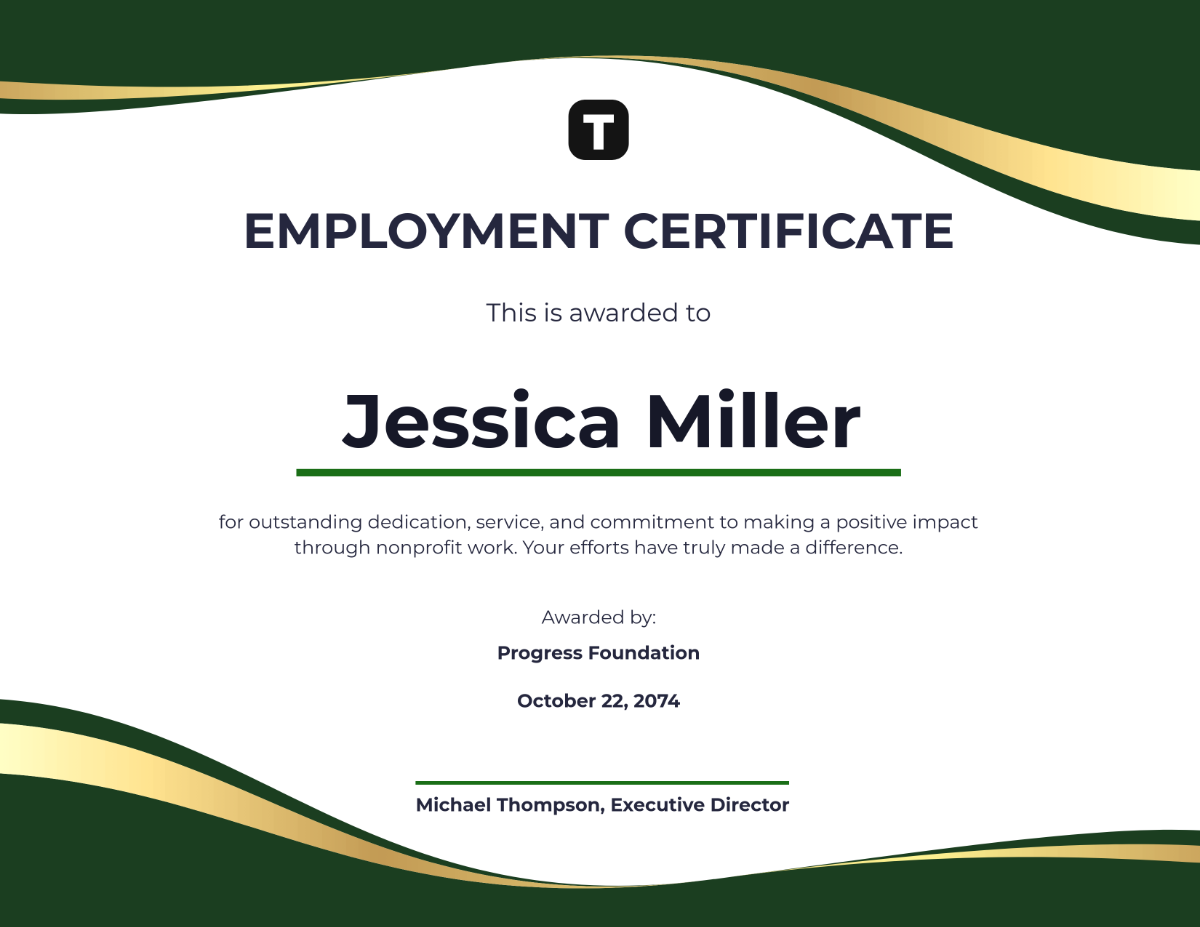
Finally, always check names carefully. A spelling mistake can undermine an otherwise excellent presentation. Review names, dates, titles, organization details, and signatures before producing the final copies.
How to create a professional certificate efficiently
Start by defining the purpose of the award. Decide exactly what behavior, milestone, accomplishment, or result is being recognized.
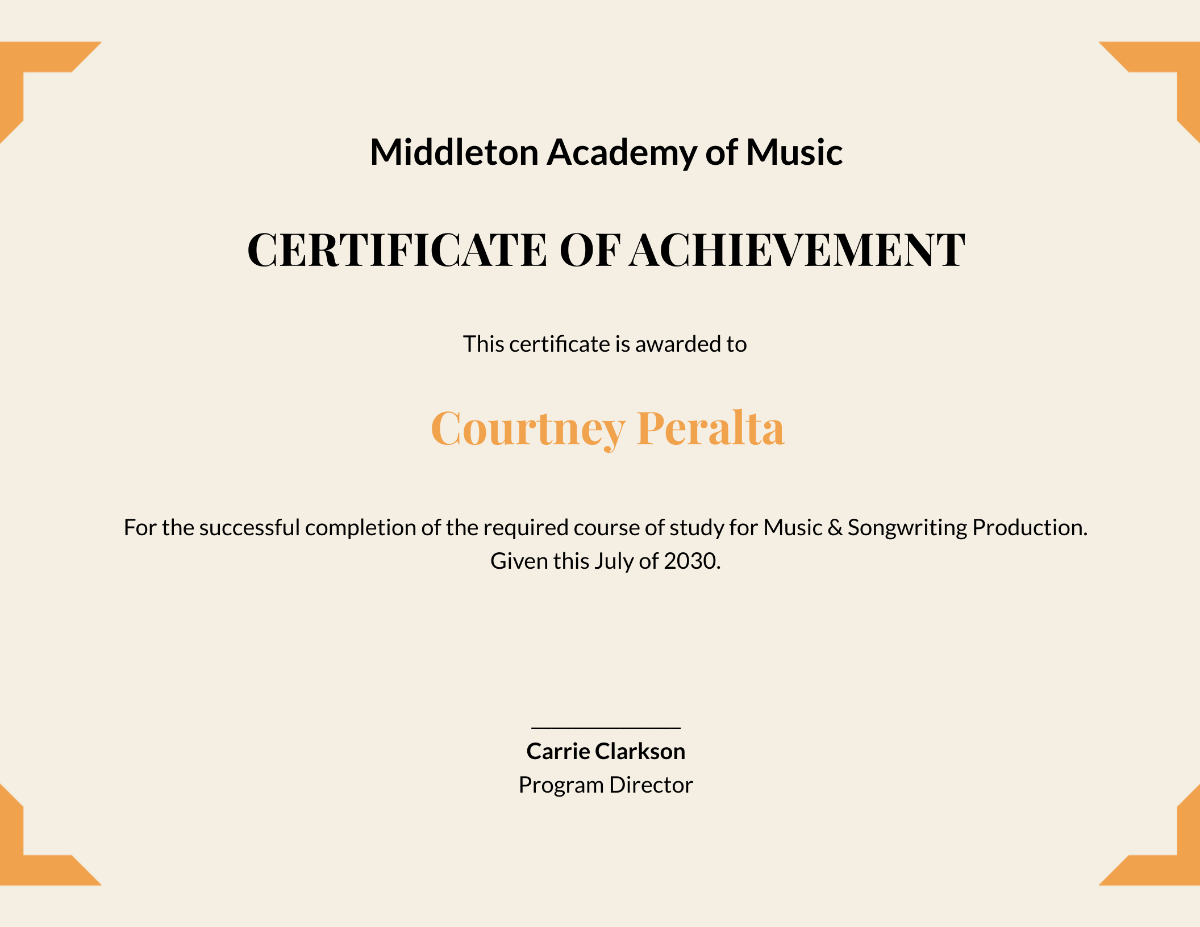
Next, select a design that matches the audience. Then enter the recipient’s information and write a concise achievement statement. After that, review the typography, spacing, logo placement, and decorative elements.
Finally, inspect the certificate at its intended print size. A zoomed-in screen view can hide problems that become obvious on paper.
Simple quality checklist
- Verify the recipient’s name.
- Check the achievement description.
- Confirm the date.
- Review the organization name.
- Check spelling and punctuation.
- Inspect margins and alignment.
- Review image quality.
- Check the signature area.
- Print one test copy.
- Review the final version before presentation.
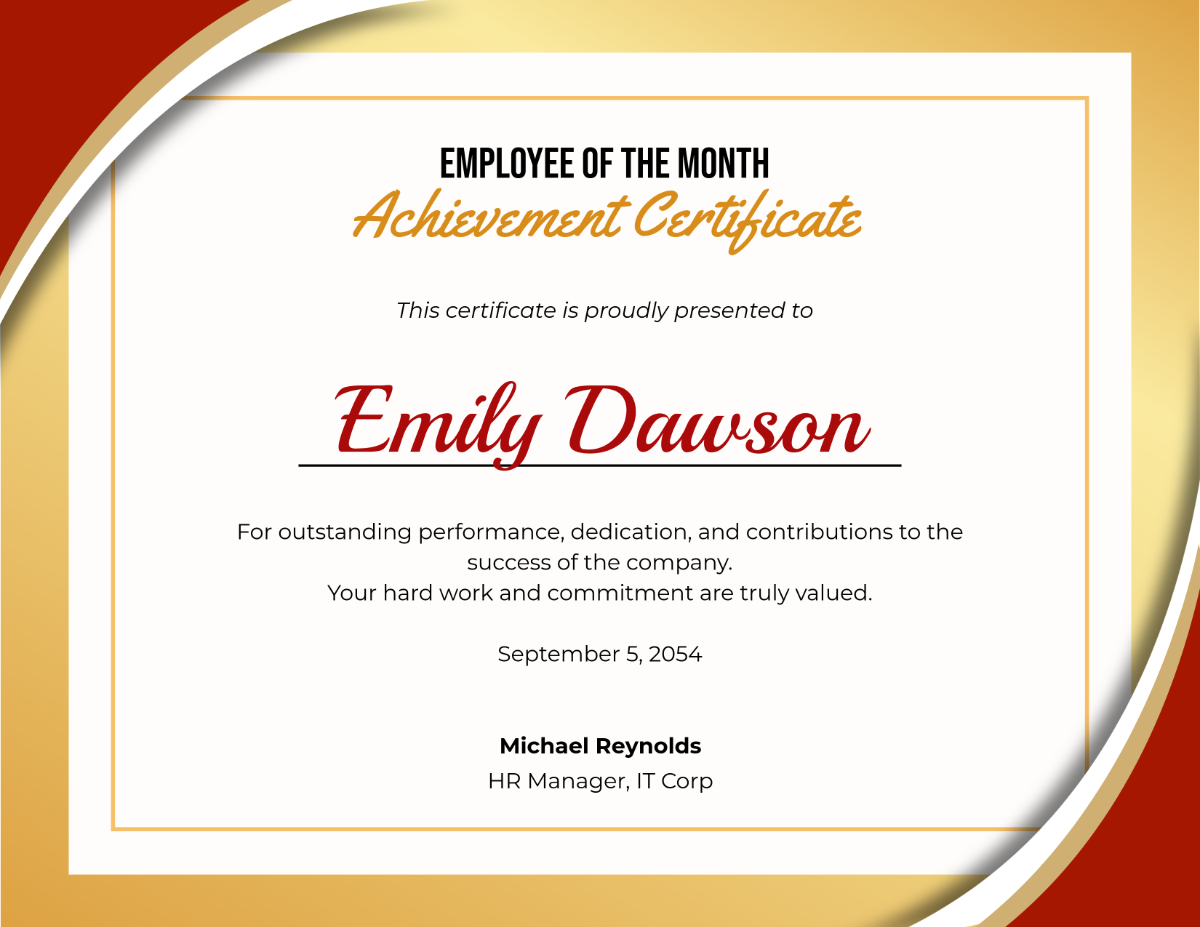
Using certificates for workplace recognition
Certificates can also support employee recognition programs. Companies can use them to acknowledge project milestones, exceptional performance, training completion, leadership, innovation, teamwork, or service milestones.

A workplace certificate should normally use clean typography and restrained decoration. Company branding can appear in the logo, colors, or border. However, the employee’s achievement should remain the main focus.
For recurring recognition programs, create a consistent design system. Use the same logo position, title style, typography, and signature arrangement. Then customize only the details that change between recipients.
Are there free award certificate templates?
Many online design resources provide certificate layouts at no initial cost. However, terms and conditions can vary between providers. Always review usage rights, editing limitations, branding requirements, and permitted applications before using a design.
Also consider the format you need. If you plan to create certificates regularly, an editable master design can be more useful than a single finished document.
Frequently asked questions
What information should an achievement certificate include?
Include the certificate title, recipient name, achievement statement, date, issuing organization, and authorized signature. A logo or award seal can be added when it supports the design.
Can certificates be customized for different age groups?
Yes. Formal typography and traditional borders can suit older students and professional recipients. Children may respond better to larger lettering, cheerful illustrations, and encouraging language.
What paper size works well for certificates?
A4 and US Letter are practical options. Landscape orientation often provides enough horizontal space for the recipient’s name and achievement statement.
How can I make a certificate look more professional?
Use a clear hierarchy, readable typography, balanced spacing, and restrained decoration. Make the recipient’s name prominent and ensure that the achievement statement remains easy to read.
What should I check before printing certificates?
Check every recipient name, award description, date, organization name, logo, signature area, margins, and page size. Print a sample before producing the complete batch.
Final thoughts on achievement certificate templates
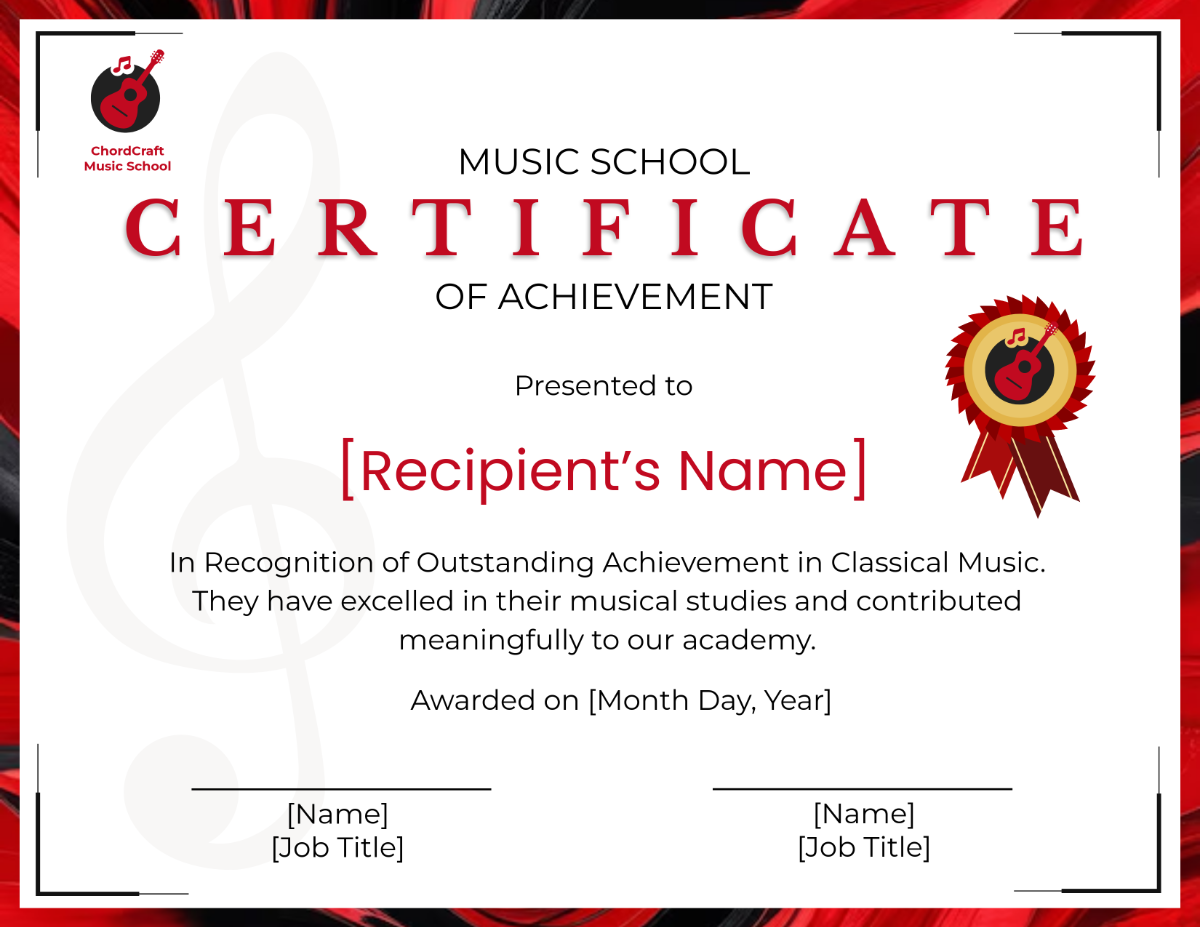
Achievement Certificate Templates are most effective when they combine attractive design with meaningful recognition. The right layout should suit the recipient, explain the accomplishment clearly, and leave enough space for personalization.
For students, focus on readability and age-appropriate visuals. For children, use friendly designs and encouraging language. For professional recognition, emphasize clean typography and organizational identity. Before printing, check every detail and produce a test copy. With thoughtful design and accurate information, a certificate can become a lasting reminder of effort, progress, and achievement.