A blank brochure template is a simple and practical starting point for creating a professional brochure without designing every element from scratch. Whether you are promoting a business, advertising an event, presenting a service, or sharing information about an organization, a well-structured brochure can help communicate your message clearly.
Instead of opening a completely empty design file, you can use a blank brochure layout that already provides the basic structure for your content. This makes it easier to organize headings, descriptions, images, contact information, pricing, and calls to action.
A good brochure should be visually appealing while remaining easy to read. With a clean blank brochure template, you can customize colors, fonts, images, logos, and other elements according to your brand or project requirements.
Blank brochure designs are also useful for people who want flexibility. You can create a corporate brochure, restaurant menu, travel guide, product catalog, educational handout, real estate flyer, or event brochure using the same basic concept.
In this guide, you will learn what a blank brochure template is, why it is useful, how to customize one, and what to consider before printing or sharing your finished brochure.
What Is a Blank Brochure Template?
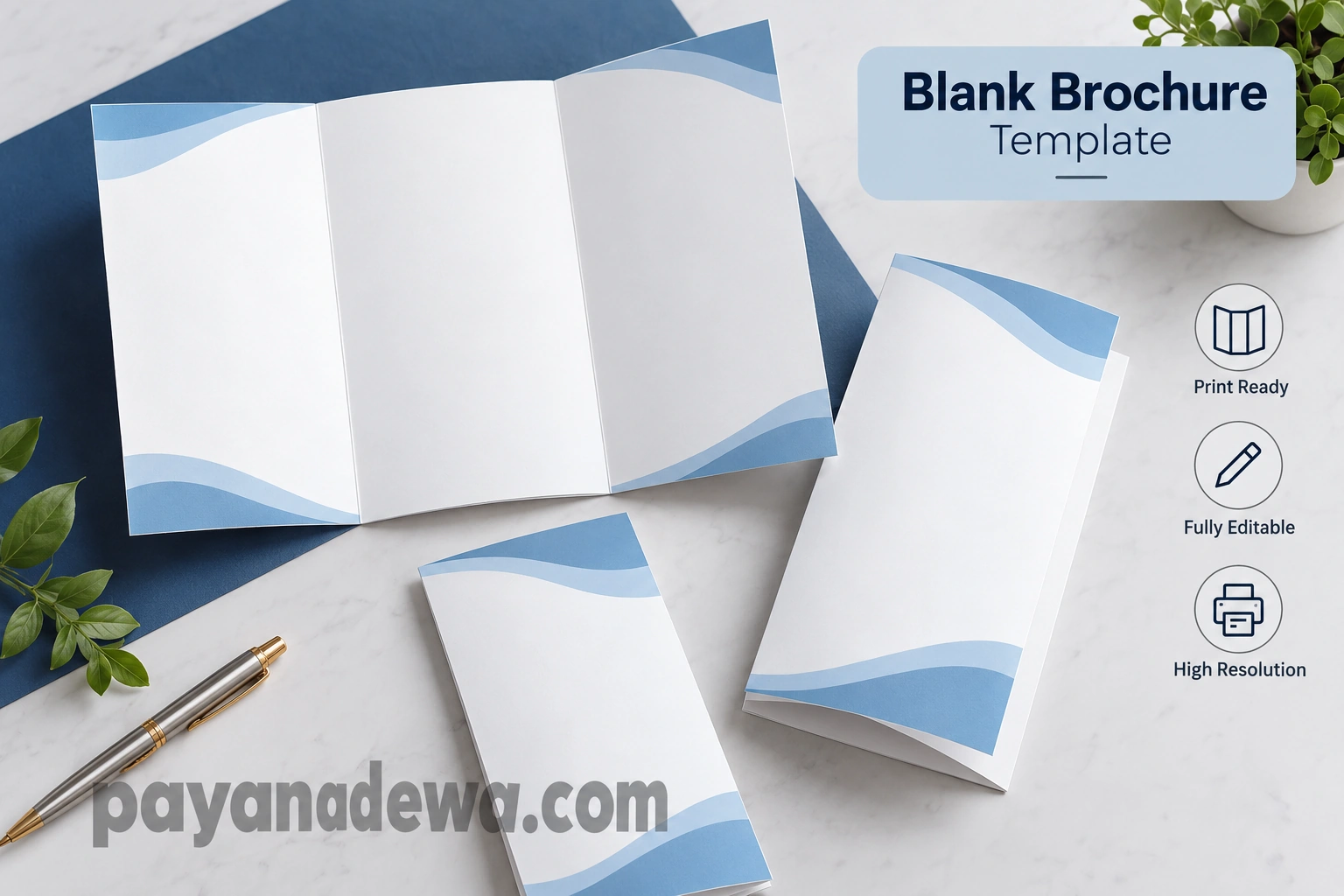
A blank brochure template is a pre-arranged brochure design that provides a flexible framework for adding your own content. It may contain empty panels, placeholders, margins, fold guides, or simple decorative elements while leaving enough space for customization.
The main advantage is that you do not have to begin with a completely empty canvas. The basic brochure structure gives you a starting point, allowing you to focus more on your message and visual presentation.
Common Brochure Formats
Brochures can be created in several formats depending on how much information you need to present. The most common options include bi-fold and tri-fold brochures. A tri-fold design divides the page into three sections, making it useful for compact promotional materials.
Bi-fold brochures provide larger panels and can be suitable for presentations that require more space for photographs, descriptions, or detailed information. Other layouts can also be created when a project requires a unique format.
- Bi-fold brochure for simple presentations.
- Tri-fold brochure for compact marketing materials.
- Gate-fold brochure for a more distinctive presentation.
- Multi-panel brochure for detailed information.
- Digital brochure for online sharing and downloads.
Why Use a Blank Brochure Template?
Creating a brochure from scratch can take considerable time, especially when you need to arrange multiple panels and make sure the content flows correctly. A blank brochure template reduces the amount of initial design work.
Templates can also help maintain consistency. When the layout is already organized, you can concentrate on choosing appropriate images, writing concise copy, and presenting your information in a logical order.
Save Time During the Design Process
One of the biggest benefits of using a blank brochure template is efficiency. Instead of spending hours deciding where every section should go, you can immediately begin adding your content.
This is especially useful for businesses, students, marketers, event organizers, and freelancers who regularly need promotional or informational materials.
Maintain a Clean Layout
A brochure should not feel overcrowded. A clean template helps create visual separation between different sections and provides enough space for readers to understand the information.
White space is particularly important because it gives the reader’s eyes a place to rest. It can also make important headlines, images, and calls to action easier to notice.
When choosing a template, look for a layout that balances text and visual elements. Avoid designs that force too much information into a small area.
How to Customize a Blank Brochure Template
Customizing a blank brochure template is usually straightforward. Start by identifying the purpose of the brochure and the audience you want to reach. This will help determine what information should receive the most attention.
After establishing the purpose, organize your content before changing the visual design. A clear content structure will make the final brochure easier to read and more persuasive.
Start with Your Main Message
Every brochure should have a clear primary message. The front panel should quickly communicate what the brochure is about and why the reader should continue reading.
Use a short headline that explains the main benefit or purpose. Supporting text can then provide additional context without overwhelming the reader.
Add Your Brand Identity
Businesses should customize the brochure with their brand identity. Add your logo, brand colors, preferred fonts, website address, phone number, email address, and social media information when appropriate.
Consistency is important. Using the same visual style across brochures, websites, business cards, and other marketing materials can make your brand easier to recognize.
Use High-Quality Images
Images can make a brochure more engaging, but they should support the message rather than simply fill empty spaces. Choose sharp, relevant images that match the subject of the brochure.
For printed brochures, use sufficiently high-resolution images to avoid blurry results. Make sure you also have the appropriate rights or permission to use any photographs, illustrations, or graphics.
Blank Brochure Template Design Tips
A professional brochure does not need to be complicated. In many cases, a simple design with strong typography, balanced spacing, and carefully selected images can be more effective than an overly decorative layout.
Keep the Typography Readable
Choose fonts that remain easy to read when printed. Use larger text for headings and smaller text for supporting information, while maintaining enough contrast between the text and background.
Try to avoid using too many different fonts. Two complementary typefaces are often enough to establish hierarchy without making the design look inconsistent.
Use Colors Strategically
Color can help direct attention toward important information. Use your primary brand color for prominent elements and supporting colors for secondary sections.
Make sure there is sufficient contrast between text and background. A beautiful color combination is not useful if readers struggle to read the content.
Organize Information into Sections
Divide your brochure into logical sections. For example, a business brochure might include an introduction, services, benefits, company information, testimonials, contact details, and a call to action.
Using headings and short paragraphs makes the content easier to scan. Readers should be able to understand the main points without reading every word.
For brochures containing prices, features, schedules, or lists, bullet points can make important information easier to find.
- Keep headlines short and descriptive.
- Use concise paragraphs.
- Highlight important benefits.
- Include relevant images.
- Provide clear contact information.
- End with a strong call to action.
Blank Brochure Template for Different Purposes
A flexible brochure template can be adapted for many different projects. The same basic layout can become a marketing brochure, informational guide, promotional handout, or company presentation depending on the content you add.
Business and Marketing Brochures
Businesses can use brochures to introduce services, explain products, highlight benefits, or provide information about their company. A well-designed business brochure can also serve as a useful handout during meetings, trade shows, and networking events.
Event and Promotional Brochures
Event organizers can use brochure templates to present dates, locations, schedules, speakers, activities, registration details, and contact information. Promotional brochures can also be customized for conferences, exhibitions, workshops, and community events.
Educational and Informational Brochures
Schools, nonprofit organizations, and community groups can use brochures to explain programs, provide educational information, or introduce important services. A structured layout makes complex information easier to understand.
Travel and Hospitality Brochures
Hotels, tour operators, travel agencies, and tourism organizations can create brochures featuring destinations, attractions, accommodation options, itineraries, and booking information.
Preparing Your Brochure for Printing
Before sending a brochure to a professional printer, review both the content and the technical design. A small mistake in a printed brochure can be expensive to correct after production.
Check spelling, contact information, prices, dates, website addresses, and other important details carefully. Ask another person to review the brochure because a fresh pair of eyes can often identify mistakes that the original designer overlooks.
Check Margins and Fold Areas
Folded brochures require careful positioning. Important text, logos, and images should not sit too close to fold lines or page edges. Follow the specifications provided by your chosen printing service.
Choose the Right File Format
When preparing a design for professional printing, use the file format and technical specifications requested by the printer. Depending on the workflow, this may include a print-ready PDF with appropriate bleed and image resolution.
If you plan to distribute the brochure digitally, optimize the final file so that it remains sharp while maintaining a reasonable file size for downloading and sharing.
Tips for Creating a More Effective Brochure
A good brochure should guide the reader toward a specific action. Before finalizing the design, ask yourself what you want readers to do after viewing it.
Add a Clear Call to Action
Your call to action could encourage readers to visit a website, contact your business, register for an event, request a quote, make a purchase, or learn more about a service.
Make the action easy to understand. Instead of leaving readers wondering what to do next, provide a clear instruction supported by relevant contact details.
Review the Brochure from the Reader’s Perspective
After completing the design, step away from the project and review it as if you were seeing it for the first time. Can you understand the purpose within a few seconds? Are the most important details easy to find?
If the brochure feels crowded, remove unnecessary words or decorative elements. If it feels too empty, consider adding useful information, supporting visuals, or stronger section headings rather than filling space randomly.
How to Choose the Best Blank Brochure Template
The best blank brochure template depends on your project, audience, content volume, and intended distribution method. A simple layout may be ideal for a small business, while a more spacious design may work better for a detailed informational guide.
Look for a template that provides enough room for your content without forcing you to make the text unnecessarily small. The design should support your message rather than compete with it.
Consider Your Audience
Think about who will read the brochure. A corporate audience may respond well to a polished and minimalist design, while a family event or creative project may benefit from a more colorful visual style.
The template should match the expectations of the audience while remaining consistent with the purpose of the brochure.
Consider Digital and Print Use
If the brochure will be printed, pay close attention to page dimensions, bleed, margins, color settings, and image resolution. If it will be distributed online, consider readability on desktop and mobile screens.
A versatile template can be adapted for both purposes, but the final version may need different adjustments depending on where readers will see it.
Conclusion
A blank brochure template provides an efficient foundation for creating professional and attractive promotional materials. Instead of starting from an empty page, you can use an organized layout and focus your time on developing useful content and a strong visual presentation.
Whether you are creating a business brochure, event handout, travel guide, educational document, or marketing material, the right template can simplify the design process. Customize the typography, colors, images, branding, and content to make the brochure fit your specific goals.
Remember to keep the layout readable, organize information clearly, use high-quality visuals, and include a strong call to action. Before printing or publishing the finished brochure, review every detail carefully.
With a flexible blank brochure template and thoughtful customization, you can create a polished brochure that looks professional, communicates your message effectively, and gives readers a clear reason to take the next step.