Unlike traditional flat illustrations, 3D vector graphics create a sense of volume, perspective, and realism. They can make simple objects look more engaging while maintaining a clean and professional appearance. Designers, content creators, marketers, and business owners can use this style for many creative projects.
In this guide, you will learn what a 3D vector is, how it works, where to use it, and how to create high-quality 3D vector illustrations. You will also discover practical tips for choosing the right design tools and exporting graphics for different projects.
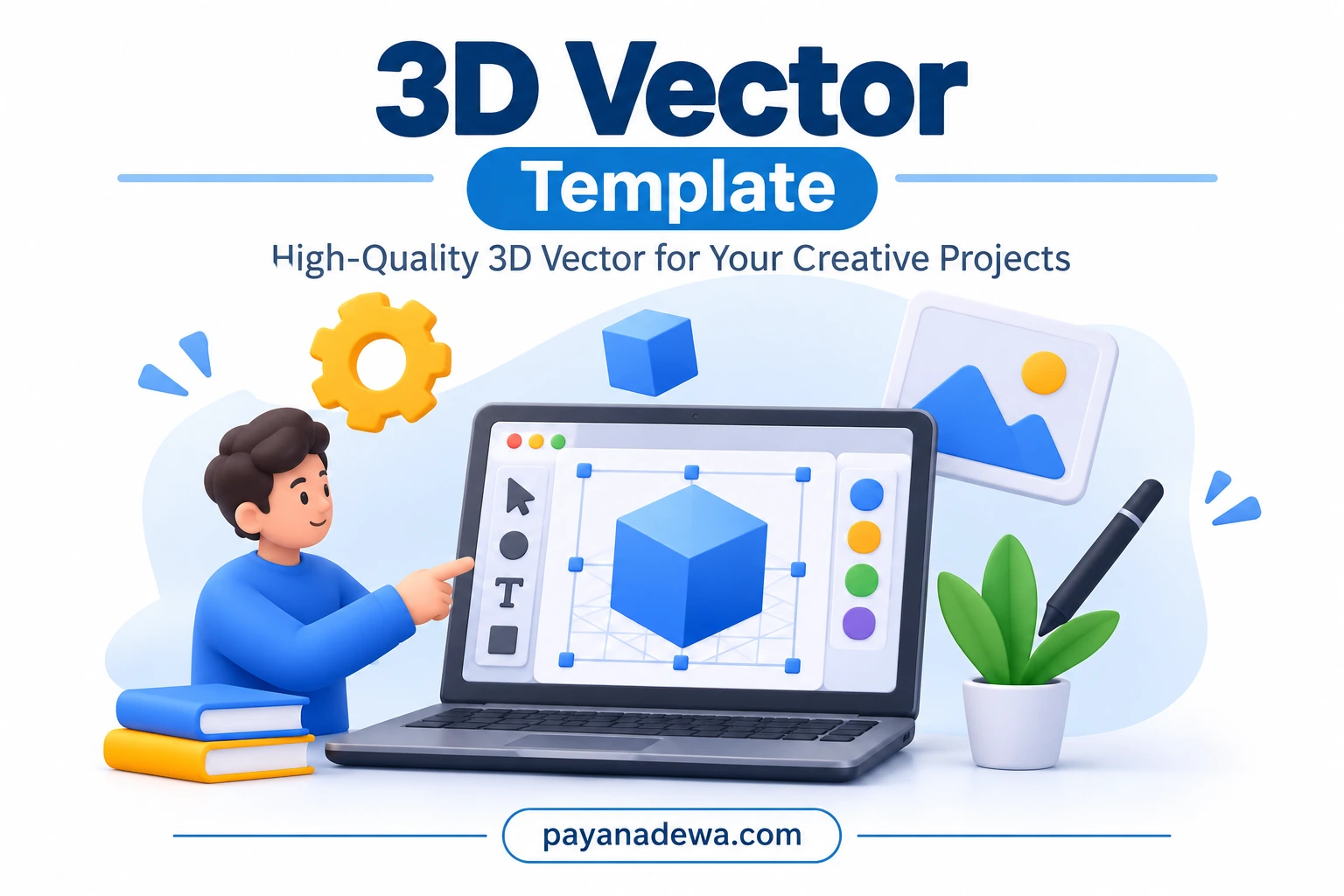
What Is a 3D Vector?
A 3D vector is a digital illustration that uses vector-based shapes and visual techniques to create a three-dimensional appearance. It combines geometric forms, perspective, lighting, shadows, and color gradients to make objects appear more realistic.
Traditional vector graphics use mathematical paths to create shapes. These paths can be resized without losing image quality. A 3D vector builds on this foundation by adding visual depth and dimension.
For example, a simple square can become a cube when designers add perspective and shading. Similarly, circles, rectangles, and polygons can represent objects such as furniture, electronic devices, buildings, and characters.
Key Characteristics of 3D Vector Graphics
- Scalability: Vector-based elements can be resized while maintaining sharp edges.
- Depth and perspective: Shading and geometric positioning create a three-dimensional appearance.
- Clean shapes: Simple forms make illustrations easy to understand.
- Flexible colors: Designers can adjust gradients, shadows, and color combinations.
- Versatility: Graphics can support websites, presentations, advertisements, and printed materials.
Why Are 3D Vector Graphics Popular?
Modern audiences respond well to visual content that is both attractive and easy to understand. This is one reason 3D vector illustrations have become popular across different industries.
First, they make complex information easier to communicate. A well-designed illustration can explain a product or process more quickly than a long paragraph.
Second, three-dimensional elements create visual interest. Soft shadows, rounded shapes, and balanced colors help designs feel modern without becoming overly complicated.
Finally, vector graphics offer flexibility. Designers can adapt the same artwork for different screen sizes, layouts, and marketing materials.
Common Uses of 3D Vector Illustrations
3D vector artwork is suitable for many types of creative and professional projects. Its combination of visual depth and clean design makes it especially useful for digital communication.
1. Website and Blog Illustrations
Website owners can use 3D vector illustrations to improve the appearance of landing pages, blog posts, and service descriptions. For example, a floating cube can represent technology, while a three-dimensional computer can communicate digital creativity.
These illustrations also help break up long sections of text. As a result, readers can navigate content more comfortably.
2. Social Media Content
Social media platforms are highly visual. Attractive 3D vector designs can help posts stand out in busy feeds.
They work well for promotional banners, educational posts, announcements, and branded content. Consistent colors and illustration styles can also strengthen brand recognition.
3. Business Presentations
Professional presentations often need visuals that explain ideas quickly. Three-dimensional icons and objects can make slides more engaging.
For example, businesses can use 3D vector illustrations to represent growth, teamwork, technology, communication, and financial planning.
4. Advertising and Marketing Materials
Marketing teams can use 3D vector graphics in digital advertisements, brochures, product promotions, and campaign banners. These illustrations provide a distinctive visual style while keeping the message clear.
5. Educational Resources
Teachers, students, and educational content creators can use three-dimensional illustrations to explain abstract concepts. Simple visual examples can make learning materials more accessible and interesting.
How to Create a High-Quality 3D Vector
Creating a professional 3D vector does not always require advanced modeling skills. You can start with simple geometric shapes and gradually introduce depth, lighting, and perspective.
Step 1: Choose a Clear Concept
Begin by identifying the purpose of your illustration. Decide what object, idea, or message you want to communicate.
Keep the concept simple. A focused illustration is usually more effective than a design containing too many unrelated elements.
Step 2: Build the Basic Shapes
Use geometric shapes such as cubes, circles, rectangles, and polygons to construct the main objects. Arrange these elements according to your chosen composition.
At this stage, focus on proportions and balance. Make sure the main subject is easy to recognize.
Step 3: Add Perspective and Depth
Introduce different angles and overlapping shapes to create a three-dimensional effect. Consistent perspective is important because it makes the artwork look more natural.
You can also use extrusion techniques to give flat shapes additional depth.
Step 4: Apply Colors and Lighting
Choose a color palette that supports the purpose of your design. Use lighter tones for illuminated surfaces and darker tones for shaded areas.
Gradients can help create smooth transitions between colors. However, avoid excessive effects that make the illustration difficult to read.
Step 5: Add Shadows and Details
Soft shadows can make objects appear as though they exist in a physical environment. Small highlights and subtle details can improve the overall finish.
Keep these elements consistent with the direction of your light source.
Step 6: Export the Final Artwork
Choose an appropriate file format based on how you plan to use the illustration. SVG is useful for scalable vector artwork, while PNG and WebP are practical choices for web publishing.
Before exporting, review the composition, remove unnecessary elements, and check that the artwork remains clear at different sizes.
Best Tools for Creating 3D Vector Designs
Several design applications can help you create vector illustrations with a three-dimensional appearance. The best option depends on your experience, workflow, and project requirements.
- Adobe Illustrator: A popular application for creating vector illustrations, geometric artwork, gradients, and dimensional effects.
- Affinity Designer: A flexible design application for professional vector illustration and graphic composition.
- Inkscape: A free, open-source option for creating and editing scalable vector graphics.
- Blender: A powerful 3D application that can produce rendered artwork and support workflows involving vector-style illustrations.
- Figma: A collaborative design platform that is useful for interface graphics and simple dimensional visual elements.
Remember that not every application creates true 3D geometry. Some focus on producing a three-dimensional appearance through vector shapes and visual effects. Choose a tool that matches your intended result.
3D Vector vs. Traditional Vector Graphics
Both graphic styles are useful, but they serve slightly different visual purposes.
Traditional vector graphics usually emphasize flat shapes, clean outlines, and simple colors. They are ideal for logos, icons, diagrams, and minimalist illustrations.
In contrast, 3D vector graphics use perspective, shadows, and dimensional effects to create more visual depth. They are useful when a project needs a more expressive or realistic appearance.
The right choice depends on your design goals. A flat vector icon may work better for a small navigation button, while a 3D vector illustration may be more effective for a website hero section.
Practical Tips for Better 3D Vector Artwork
Good design depends on more than visual effects. A successful illustration should communicate its message clearly and remain consistent across different platforms.
- Use a limited color palette: Two to five main colors can create a balanced and recognizable style.
- Maintain consistent lighting: Keep shadows and highlights aligned with one light source.
- Avoid unnecessary details: Focus on the main subject instead of adding decorative elements everywhere.
- Check visual hierarchy: Make the most important object stand out through size, contrast, or placement.
- Consider the background: Use sufficient contrast so that important objects remain visible.
- Optimize file size: Compress web images without introducing noticeable quality loss.
- Test different dimensions: Review your artwork on desktop and mobile screens.
Choosing the Right File Format for 3D Vector Graphics
File format selection affects image quality, compatibility, and website performance. Therefore, consider the final destination before exporting your artwork.
SVG
SVG is a scalable vector format. It is suitable for icons, logos, and illustrations that need to remain sharp at different sizes. However, complex effects may require careful compatibility testing.
PNG
PNG is a raster image format that supports transparency. It is useful for illustrations that contain complex visual effects or need a transparent background.
WebP
WebP is a modern image format designed for efficient web delivery. It supports lossy and lossless compression, making it a useful option for website images and blog illustrations.
EPS and AI
EPS and AI files are useful in professional design workflows. They can preserve editable vector elements and make future revisions easier, depending on the software used.
How to Use 3D Vector Templates in Your Creative Projects
A ready-made 3D vector template can save time and provide a useful starting point for your design work. Instead of creating every element from scratch, you can customize an existing composition to match your needs.
For example, you can adjust the colors, replace objects, modify text, and add branding elements. You can also adapt the layout for blog graphics, promotional materials, and educational resources.
Before publishing a template-based design, check its license and usage permissions. Make sure that the asset allows your intended personal or commercial use.
Conclusion
3D Vector graphics combine the flexibility of vector design with the visual appeal of three-dimensional artwork. They offer an effective way to communicate ideas, improve digital content, and create engaging marketing materials.
Whether you are designing website illustrations, social media graphics, presentations, or educational resources, the right techniques can help you produce professional results. Start with simple shapes, maintain consistent lighting, choose balanced colors, and select the appropriate file format.
With practice and the right design tools, you can create attractive 3D vector illustrations that are both visually appealing and useful for your creative projects.